Deep Case Study: Writing a 3000-Word Research Paper Using AI (Real Workflow Breakdown)
To understand which AI tool is actually best for academic work, we tested a full research paper workflow using all three tools: ChatGPT, Claude, and Perplexity.
Step 1: Research Phase (Perplexity)
We started with Perplexity using the prompt:
Find 15 credible sources on the impact of AI in higher education with citations.
- Time taken: ~8–10 minutes
- Output quality: High accuracy with real citations
- Limitation: Summaries were short and lacked deep analysis
Insight: Perplexity is the best AI tool for research papers when it comes to finding reliable sources quickly.
—
Step 2: Structuring and Drafting (ChatGPT)
Next, we used ChatGPT to convert research into a structured outline and draft.
Create a detailed essay outline based on these sources with introduction, arguments, and conclusion.
- Time taken: ~5 minutes
- Strength: Clear structure and logical flow
- Weakness: Content felt slightly generic without refinement
Insight: ChatGPT is the best AI for students who need fast structure and content generation.
—
Step 3: Refinement and Academic Tone (Claude)
Finally, we used Claude to refine the draft.
Improve clarity, remove repetition, and make this sound like a high-quality academic paper.
- Time taken: ~10–15 minutes
- Strength: Significantly improved readability and tone
- Result: Output felt closer to human academic writing
Final Result:
- Time saved: ~60–70%
- Quality: Higher than using any single AI tool
Conclusion: The best academic results come from combining tools—not choosing just one.
When ChatGPT, Claude, and Perplexity Fail (Honest Analysis)
When ChatGPT Fails
- May generate incorrect or fabricated citations
- Produces generic content with vague prompts
- Requires strong prompting skills for best output
Example: When asked for sources without web grounding, ChatGPT may create realistic-looking but inaccurate references.
—
When Claude Fails
- Can be overly verbose and indirect
- Less effective for quick multi-task workflows
- Slower in technical or data-heavy tasks
Example: Claude may produce high-quality writing but take longer to reach the final answer.
—
When Perplexity Fails
- Weak for long-form writing
- Summaries can lack depth
- Over-reliance on available sources
Example: It may provide correct sources but not strong analysis or interpretation.
ChatGPT vs Claude vs Perplexity for Different Student Types
Choosing the best AI tool depends on your needs. Here’s a practical breakdown:
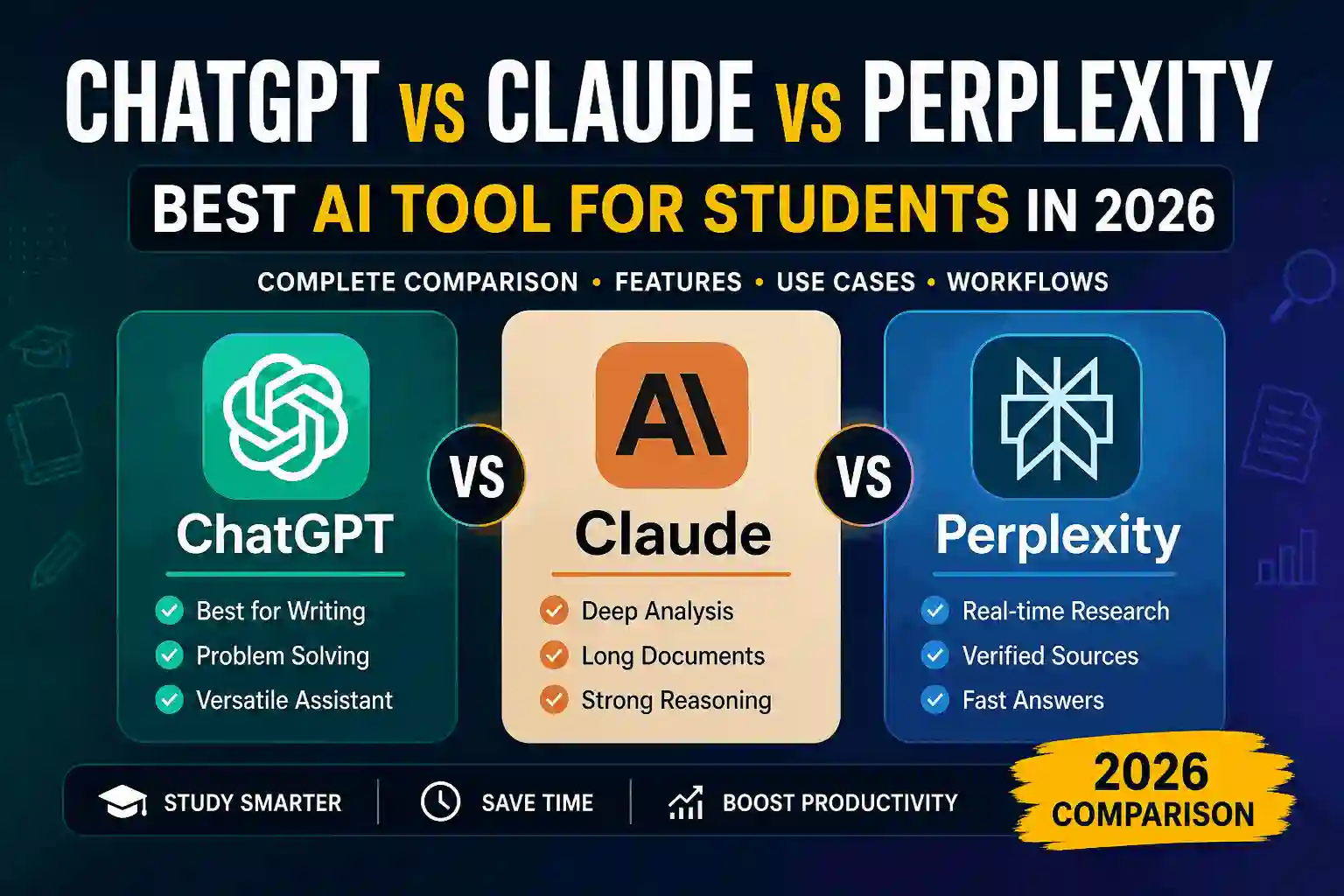
- Beginner students: ChatGPT (easy, versatile)
- Research-focused students: Perplexity (accurate, source-based)
- Writing-heavy students: Claude (best academic tone)
- Advanced users: Combine all three tools
If you’re searching for best AI tools for students 2026, ChatGPT is the safest single choice, but not the most powerful workflow.
Advanced Workflow Strategy (What Top Students Actually Do)
High-performing students don’t rely on one tool. They use a layered workflow:
- Perplexity → Research and source discovery
- ChatGPT → Structure ideas and generate drafts
- Claude → Refine and polish writing
This approach minimizes weaknesses and maximizes strengths across all tools.
Key Insight: The highest-quality academic work comes from combining AI tools strategically.
Final SEO Insight: Which AI is Best for Research Papers?
If your goal is writing research papers:
- Perplexity → Best for finding sources
- ChatGPT → Best for structuring content
- Claude → Best for writing quality
There is no single winner—only the best workflow.