At the start of a new year, everyone has the best of intentions: To clean out the garage, to get fit, to eat better, to be more organized. And while those are all great goals and I’m not here to dissuade you from them, I actually want to add one more to your list: Be more secure online.
While you’re motivated to make healthy changes and positive improvements, you shouldn’t ignore your digital security. With AI assisting hackers in making increasingly convincing phishing attacks, data breaches happening in the millions and data brokers selling your personal data to anyone willing to pay, it may seem like a Herculean task to protect yourself from all the threats that are out there.
Switch to a passkey
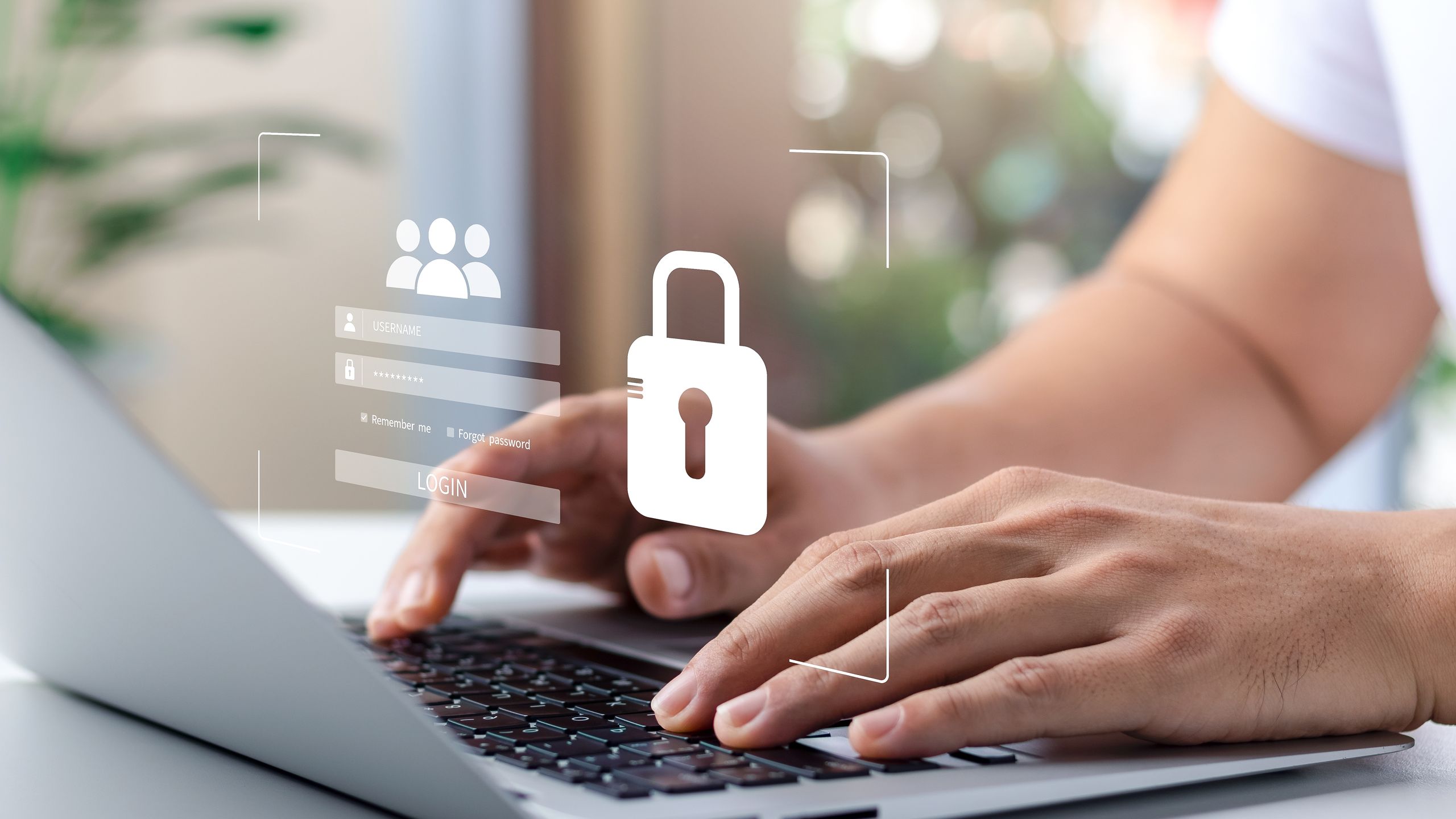
Many companies are ditching passwords entirely including Microsoft and Dropbox, and there’s a good reason for that – passwords are a huge security issue. They’re easy to crack or hack, people tend to reuse them even when they’ve been used in a breach, and creating a strong, unique password is something most people don’t even bother to do in the first place. Remember the Louvre password debacle? Exactly.
Passkeys, on the other hand, rely on biometrics like a face ID which make them much, much harder to crack, hack or break into which is why they’re being adopted as a current standard. The more that you can move your accounts over to passkeys, the more secure they’ll be. It usually doesn’t take too long to set up, I did multiple accounts in less than ten minutes, and it makes signing into accounts very easy afterwards.
If you can’t use a passkey, then absolutely use one of the best passwords managers instead. Not only will a password manager keep your passwords secure, but they can help keep your passwords organized across multiple devices.
Delete old accounts
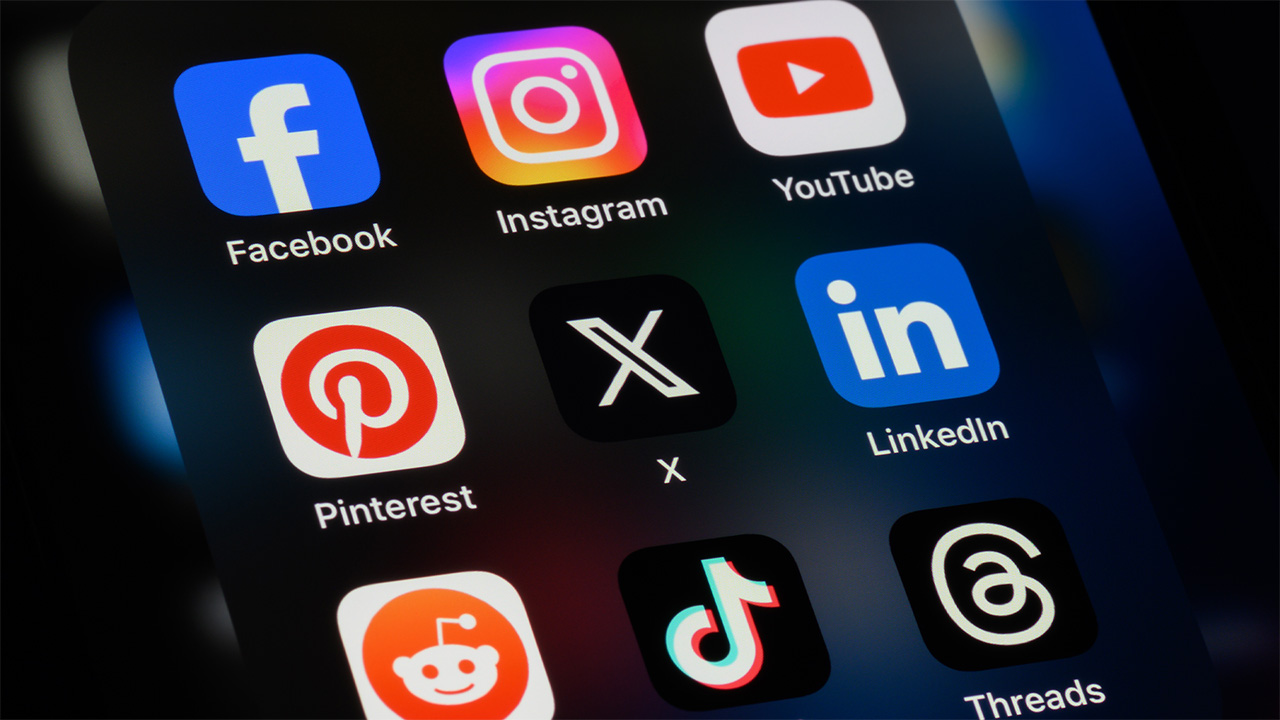

Remember your MySpace account? Did you …ever delete it? What about Livejournal or that Nextdoor account from your last address? Every languishing account that you’ve left forgotten is a treasure trove of data just waiting to be exposed.
The average person has roughly 170 online accounts, that means some of them are probably ready to get deleted. If you’re not using it, Marie Kondo it off the internet already.
That may be easier said than done, since you might have to find a password or login information then track down how to delete the entire account. There may be instructions for this online that you can search for but you can also utilize services like DeleteMe as well.
Depending on what your antivirus software program is, you may have an account cleanup feature you can use to assist you with this project. While you’re at it, make sure you sweep through your mobile devices and delete some unused apps, which also pose a risk.
Protect your personal information

Data brokers know too much about you, and it’s all for sale. Details like your full name, home address, phone numbers, email address, date of birth, family members, legal issues, school or employment history and health conditions are all out there for sale on any number of people finder sites.
To start, do yourself a favor and be hyper aware of what you’re sharing online and where: Do you post comments publicly? Are you leaving your AI queries open? Are you disclosing more information than you need to when signing up for loyalty programs? And do you fill out online questionnaires for bonus prizes or discounts?
Well, first, stop that. And second, look into one of the best identity theft protection services which often also provide data broker removal services, saving you the time of having to do it manually yourself. If you want to try to start tackling this on your own, here are some additional tips.
Update your router firmware
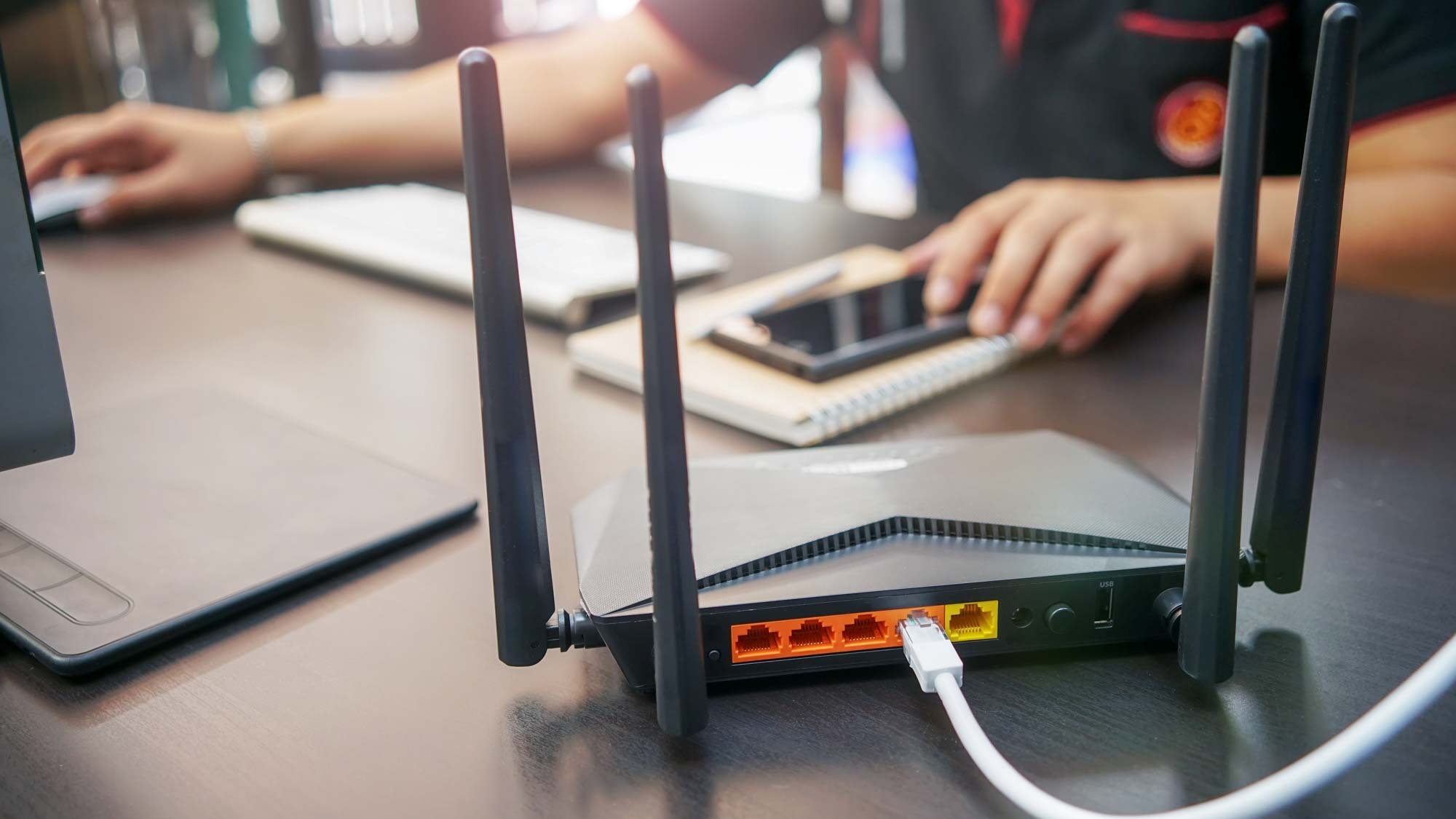

Smart home and IoT devices are often overlooked when it comes to security and no device is more frequently ignored than a router, which is why they’re so often used by hackers to break into home networks.
There are several steps you can take here to make sure you have the most secure router possible, from easy to advanced, but at a bare minimum you should update your router password and make sure that the firmware is up to date. That makes it harder for hackers to access your home network.
From there, you should consider changing the network name so that it doesn’t identify you, setting up a guest Wi-Fi network, and disabling remote administrative access as well.
Clear browser cookies
Browser cookies track your behavior across websites, and this lets sites collect your information. That’s just giving out your details for free, so make it a habit to regularly clear out your browser cookies.
Additionally, you can use a browser like Brave which blocks that behavior by default or set the “Enhanced Tracking Protection” setting on Firefox to Strict. Chrome and Edge have extensions that can help with this, like uBlock Origin or Ghostery.
Check your email and passwords for breaches
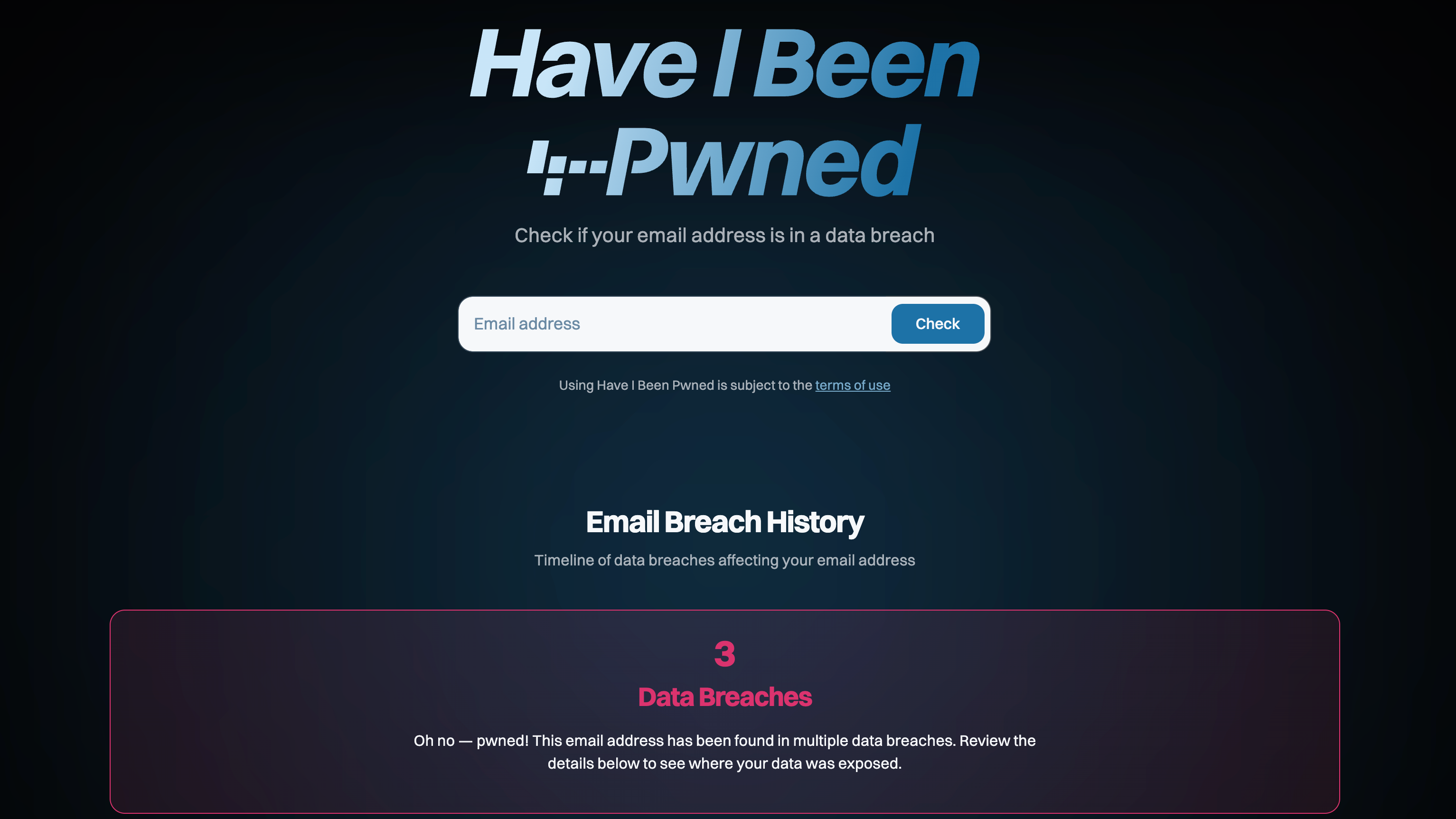

There are places online where you can see if your email, and passwords, have been involved in data breaches. You should absolutely check this, because you need to know.
Check have I been pwned to see if your email has been involved in any breaches. The website will report back on how many data breaches your email was involved in, which ones, when and what data was compromised. However, it will also provide you with recommended actions so you can move ahead with correcting any issues.
Cybernews also hosts a password leak checker. You can enter in a password that you use and the site will let you know if it has been involved in a leak. You can then update that password on that account and keep a close eye out for any suspicious behavior, alert the institution to place a fraud alert or perform any other corrective action possible.
Get a burner email or secondary email
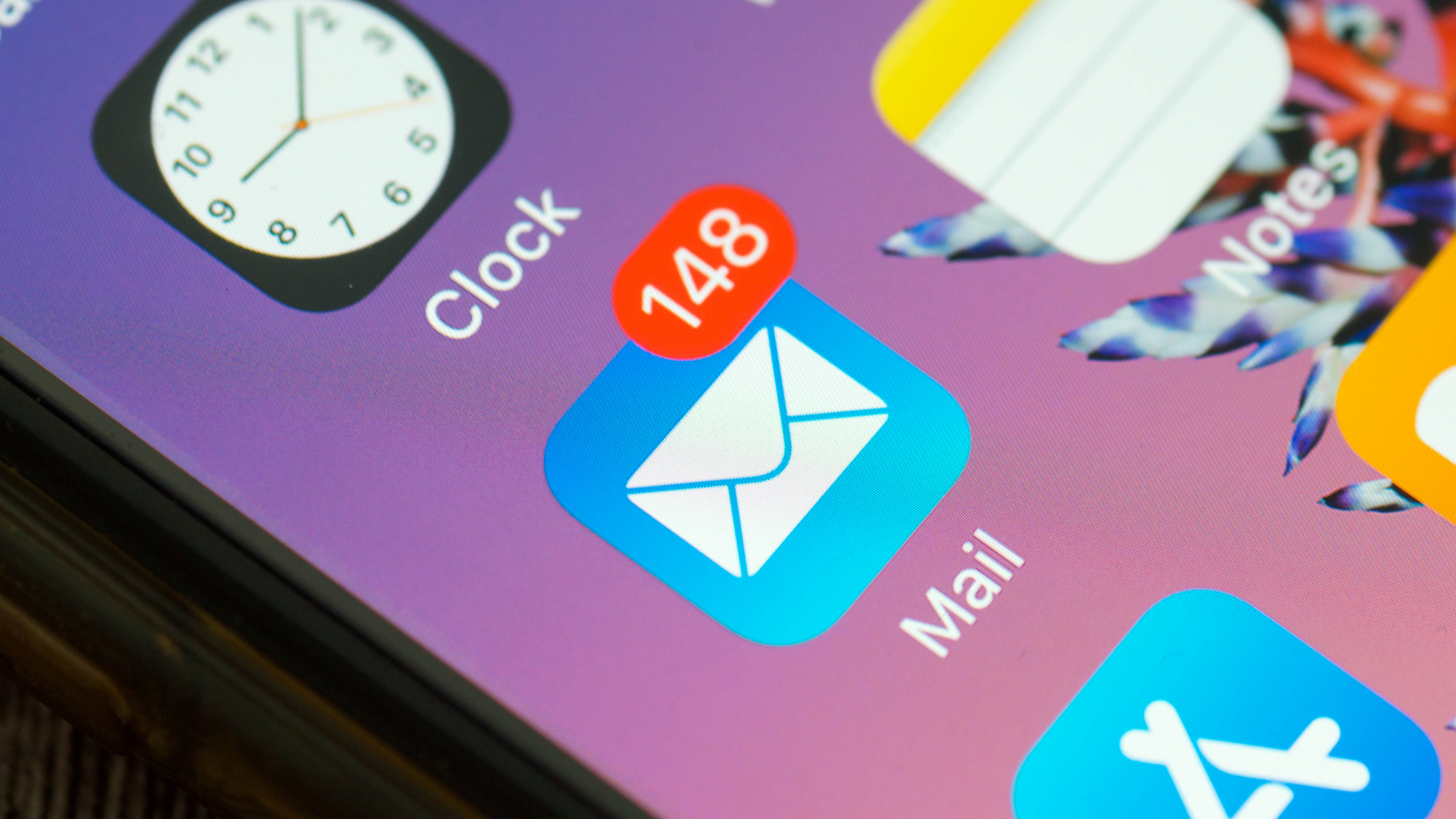
Having a dummy email is a great idea for so many reasons. A secondary email is a great resource when you want to sign up for newsletters, shopping offers, or other sign ups and you don’t want to clutter up your primary email address. Some people have multiple email addresses that they use for specific purposes: business, personal correspondence, hobbies, shopping, etc.
Keep in mind that there are services like Apple’s Hide My Email or DuckDuckGo that will offer some privacy and protection for your email address. But having a second, third or fourth email that isn’t tied to your primary account and doesn’t have all your personal data is a great way to stay private when signing up for a grocery card, a neighborhood newsletter or your kid’s soccer group.


Follow Digitpatrox on Google News and add us as a preferred source to get our up-to-date news, analysis, and reviews in your feeds.
More from Digitpatrox


Source link