
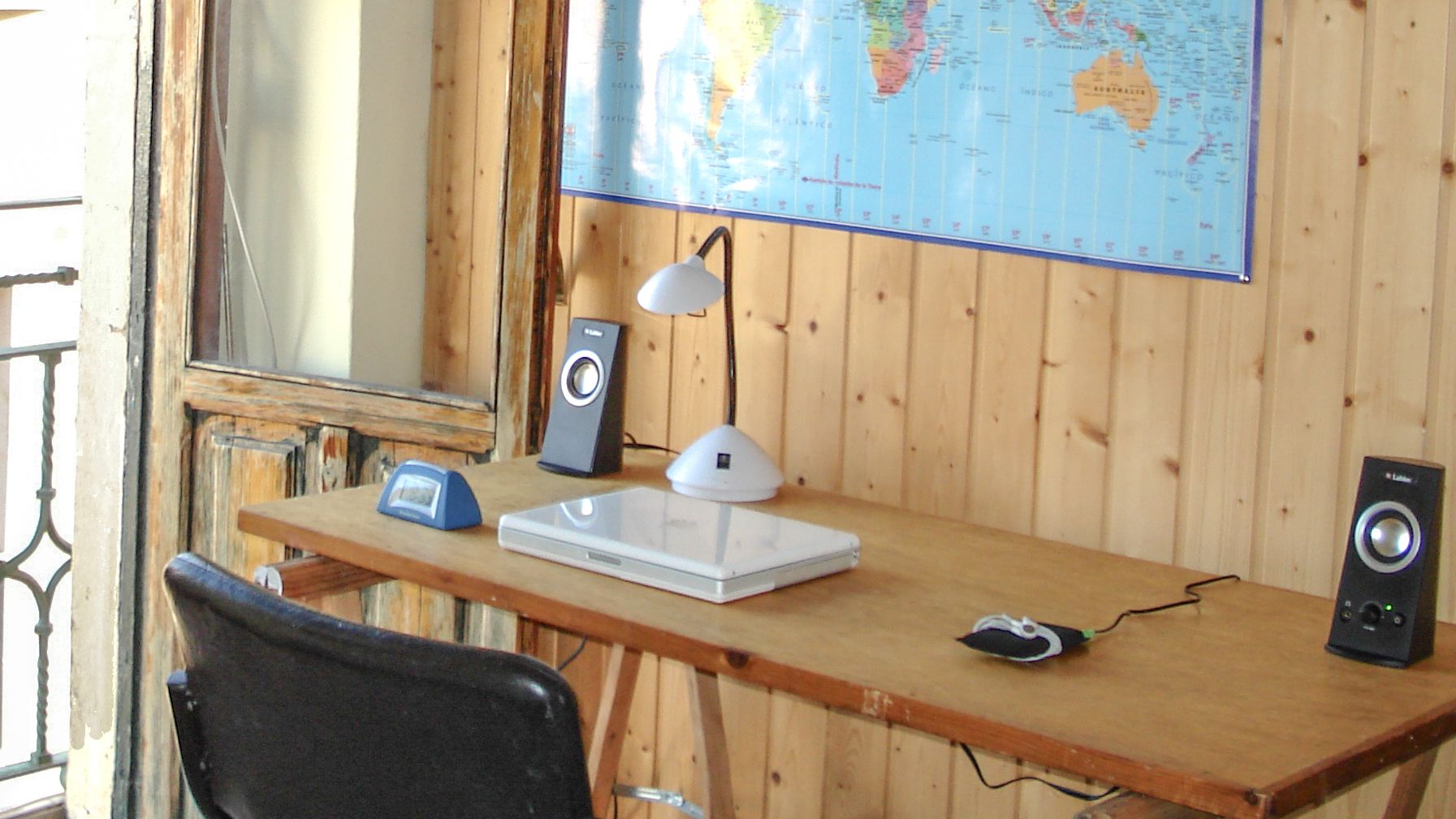
Opening your bag and taking out a fully-specced MacBook Pro is the ultimate status symbol today, but that wasn’t always the case. Instead, when I first ditched Windows for Mac back in high school, I was teased for it.
It’s been 25 years since I got my first Mac but even to this day, my annoying classmate asking me “why would you even get a Mac?” at the lunch table still stings. You see, I didn’t get a Mac because it was cool, I did so because I had to. That summer before starting high school, I stayed up into the wee hours of the night almost every day unsuccessfully trying to get my Windows PC to “just work.”
While I’ve always been into computers, my first love was skateboarding and though I spent my nights troubleshooting Windows, I spent my days skating around town. However, it wasn’t enough to jump down bigger and more difficult stair sets — my friends and I had to document our triumphs and our fails. We quickly went from shooting some video with an old camcorder to filming, editing and producing full-on skateboard videos.
Article continues below
Sure, I could upload clips and then edit them on my Windows PC. However, I couldn’t export them which meant watching my tricks on the VCR and later on a DVD player just wasn’t possible. And that’s half the fun of filming a trick that might take you a whole day to land in the first place.
I tried upgrading my graphics card, reinstalling drivers and just about everything I could think of. But when all that didn’t work, I knew it was time to leave Windows behind and like the pros, start editing on a Mac instead.
Not your typical Apple unboxing
No parent likes to see their child struggle, and over the course of that summer, my dad saw me try again and again to turn our basement PC into a functioning video editing rig. After spending all the money I earned at my first job on a new graphics card that didn’t fix Windows’ underlying problems, my dad finally said enough was enough. Well, he didn’t say it; instead, like dads are prone to do, he took action.
During my first week of high school, he uninstalled that graphics card, boxed it up, and returned it. But he wasn’t done there. With the cash he got back and some of his own, he headed to an authorized Apple reseller — there weren’t Apple Stores back then — and bought me a brand-new Power Mac G4. I came home from school that day to find it waiting for me in my bedroom with a note of encouragement and plenty of expletives aimed in Microsoft’s direction. I couldn’t have been happier.
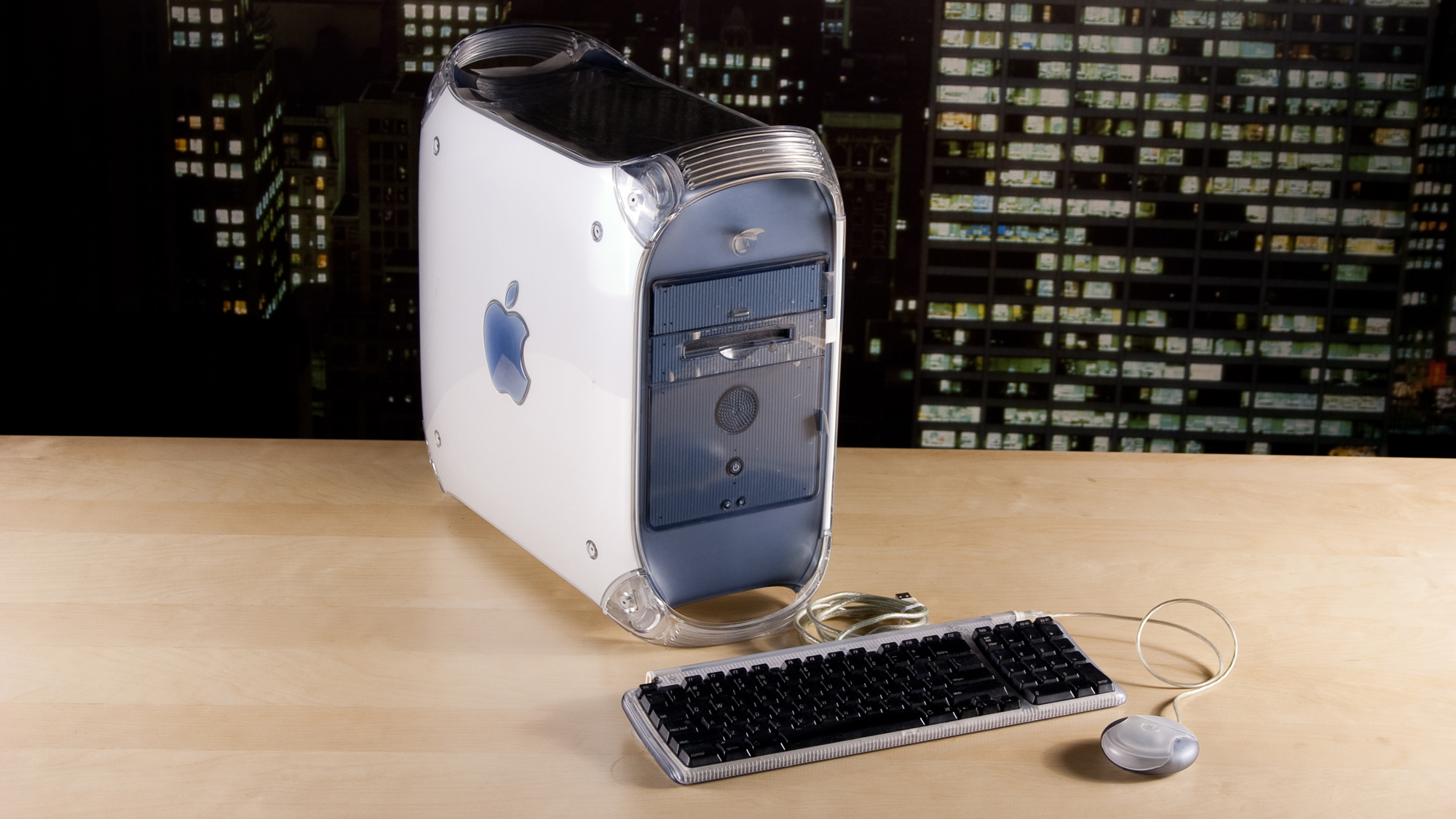

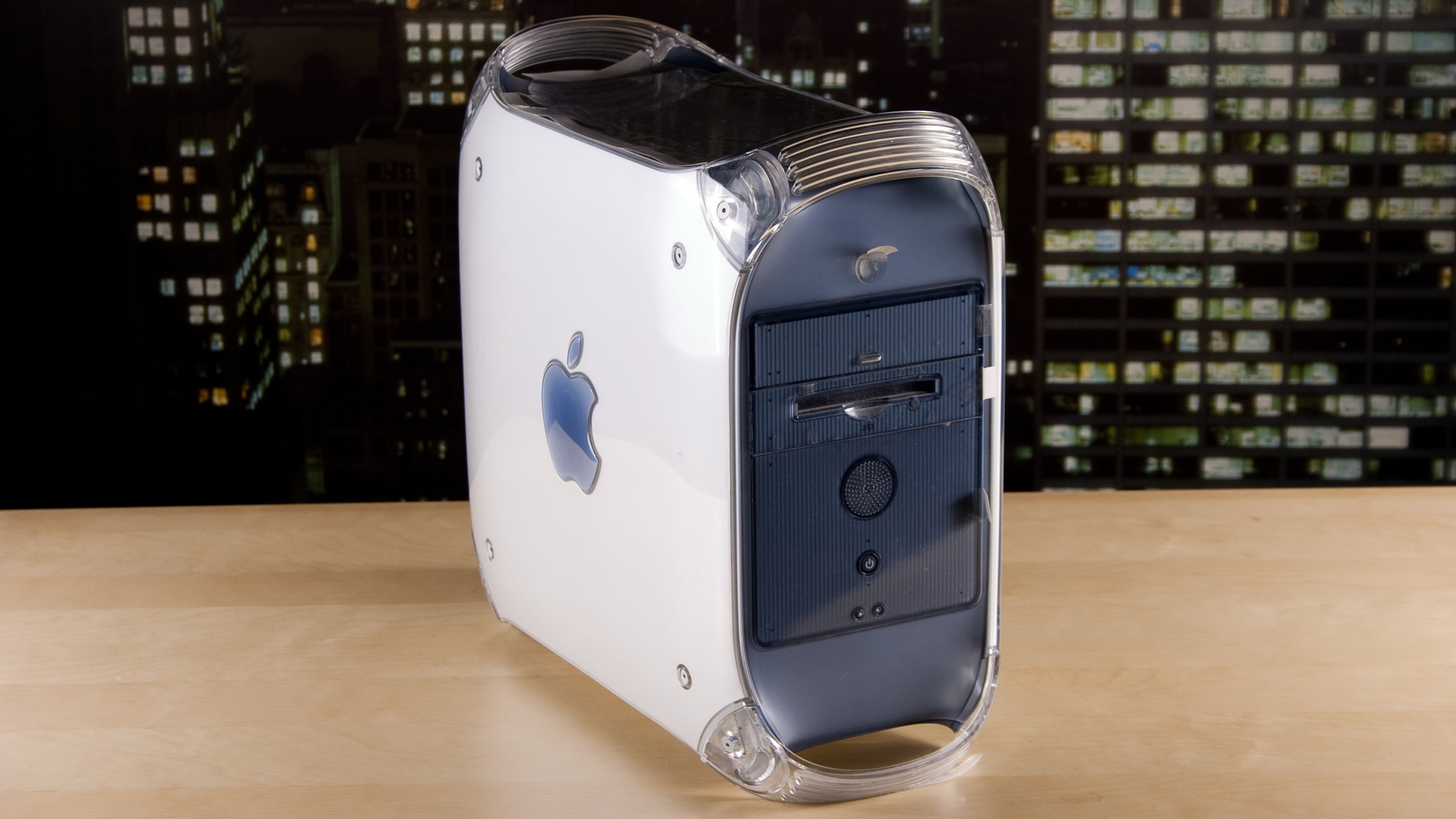
Now, the Mac desktop you see here isn’t the exact model my dad got me. Instead of the Graphite Power Mac G4, he actually got me the newer Power Mac G4 Quicksilver, which traded iMac-like colors for a more refined, silver and clear appearance. Another nifty thing about that model was that it had a large speaker integrated into the front of the case.
Just like with the original Power Mac G4, it came with a keyboard and mouse included. Unlike my old Windows peripherals, though, Apple’s included keyboard had USB ports on either side so that you could plug everything in using a single cable — which was revolutionary for cable management at the time. Likewise, while I did get a Mac OS X installation CD with it, out of the box, my new Power Mac G4 actually ran Mac OS 9.
I wanted to get a feel for Apple’s older operating system before moving on to the latest and greatest, so I spent the first few days learning the ins and outs of Mac OS 9. Curiosity got the better of me, though, and by the end of the week, I had upgraded to Mac OS X. With my initial crash course in all things Mac out of the way, it was time to move on to why I got it in the first place: video editing.
A Mac you could upgrade
With my new Power Mac G4 plugged into an old CRT monitor, I was off to the races. Even with just iMovie which Apple included for free with FireWire-equipped Macs, I was uploading clips and throwing them into the timeline in no time at all.
Then when I had a skateboard edit done and set to music, exporting was no longer something I’d dread. My computer didn’t crash and whether I was exporting to a file or right back onto my VHS-C camcorder, everything just worked.
I was over the moon as my biggest hurdle to turning days worth of skateboarding into something actually watchable was gone. Of course though, I wanted more. So after using iMovie for a few months, I stepped up to Final Cut Pro. There was a lot more to learn but I was young and had plenty of time as well as a brand new computer to make upgrading to a full-featured video editing software suite easier.
Unlike with the best MacBooks today or my current favorite Mac, the Mac mini M4, running out of storage wasn’t a problem. Instead of upgrading your iCloud storage, all you had to do was buy a new 3.5-inch internal hard drive. The design of the Power Mac G4 also made upgrading incredibly easy.
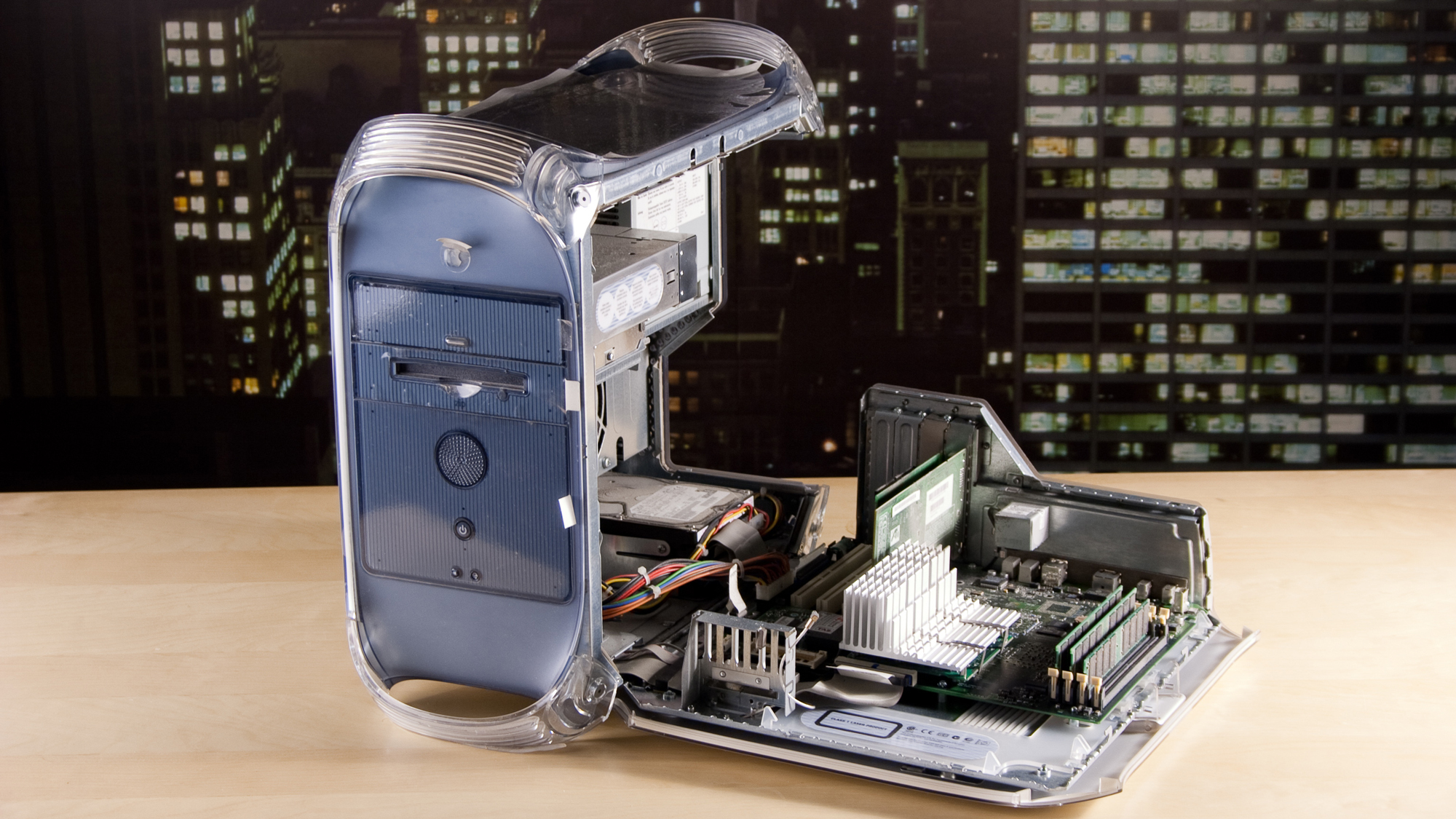
On the side of the case, there was a circular latch. After opening it, the entire ride side of the case swung down, exposing all of the computer’s internals. There weren’t any complicated Torx screws to worry about and instead, the Power Mac G4’s tool-free design made adding more storage and even more RAM a cinch. Then too, since I had a FireWire port at the back, it was easy to get high-speed, external drives for backing up my original clips.
Even though Apple just discontinued the Mac Pro in favor of the Mac Studio, I’d love to see Cupertino take a more DIY-friendly approach with its desktop Macs again one day. Although this is highly unlikely, being able to easily upgrade your Mac shows just how much things have changed over the years.
What was once an operating system and hardware for enthusiasts and pros is now more geared at everyone — something that’s made even more evident with the recent launch of the MacBook Neo.
Dual wielding Mac and Windows
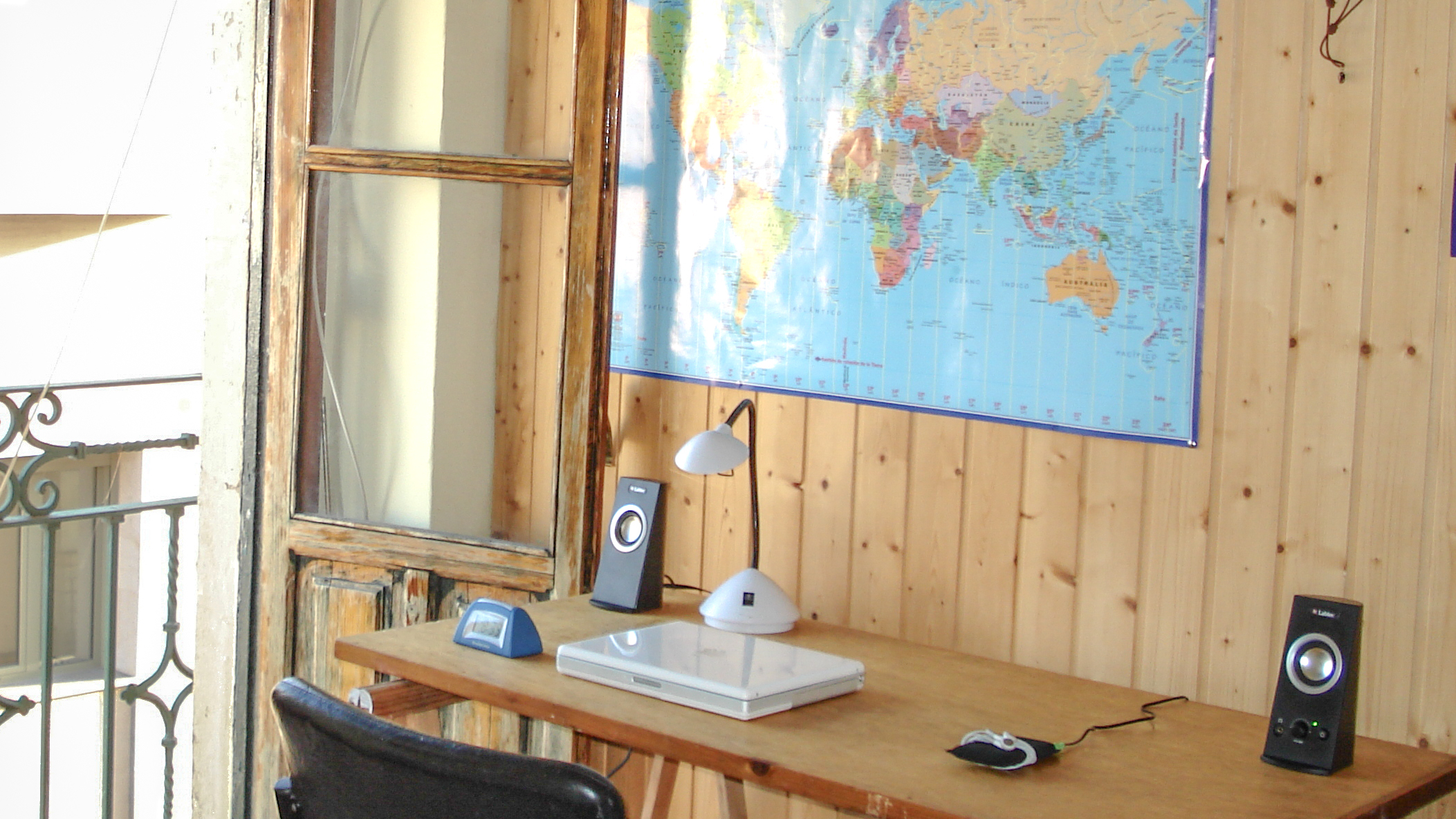

My PowerMac G4 got me through high school and even accompanied me to college. If you think my multi-monitor desk setups now are impressive, you should have seen my dual CRT monitor setup in my freshman dorm, it was a sight to behold. However, at the end of my freshman year, I got into PC gaming and of course, I went back to college for my sophomore year with a newly built small form factor PC in tow. I wasn’t done with Mac though.
Although to this day I still prefer a desktop, being tethered to my dorm room for all my coursework was less than ideal. So my dad gave me his old iBook — the precursor to the modern MacBook — and I used that when working at the library. In my final years of college, that iBook went with me to Spain and then to Argentina but didn’t go all the way to China and then Korea with me.
While I tried making due with one of the best gaming laptops for a bit there, the old PC building bug bit me again and I built two gaming PCs while living in Korea. In fact, I downsized the second one from a Micro-ATX case to a mini ITX one and brought it in my suitcase when I finally came home to the U.S.
When I switched back to PC though, Macs got cool and I’d bet the kid who teased me in high school uses one today. Once again though, curiosity got the better of me and I went back to Mac again, first with the Mac mini M2 and now with the Mac mini M4.
It’s amazing to look back on how failed Windows troubleshooting first made me a Mac user before a love for the best mini PCs brought me right back into the fold. Now though, I don’t limit myself to one operating system or another. Instead, I have multiple computers at home and spend my time evenly using both macOS and Windows. Still, I’ll always have a place in my heart for my old Power Mac G4 because without it, I doubt I’d be writing this story now.


Follow Digitpatrox on Google News and add us as a preferred source to get our up-to-date news, analysis, and reviews in your feeds.
More from Digitpatrox
Source link
-

-

-

-
-


