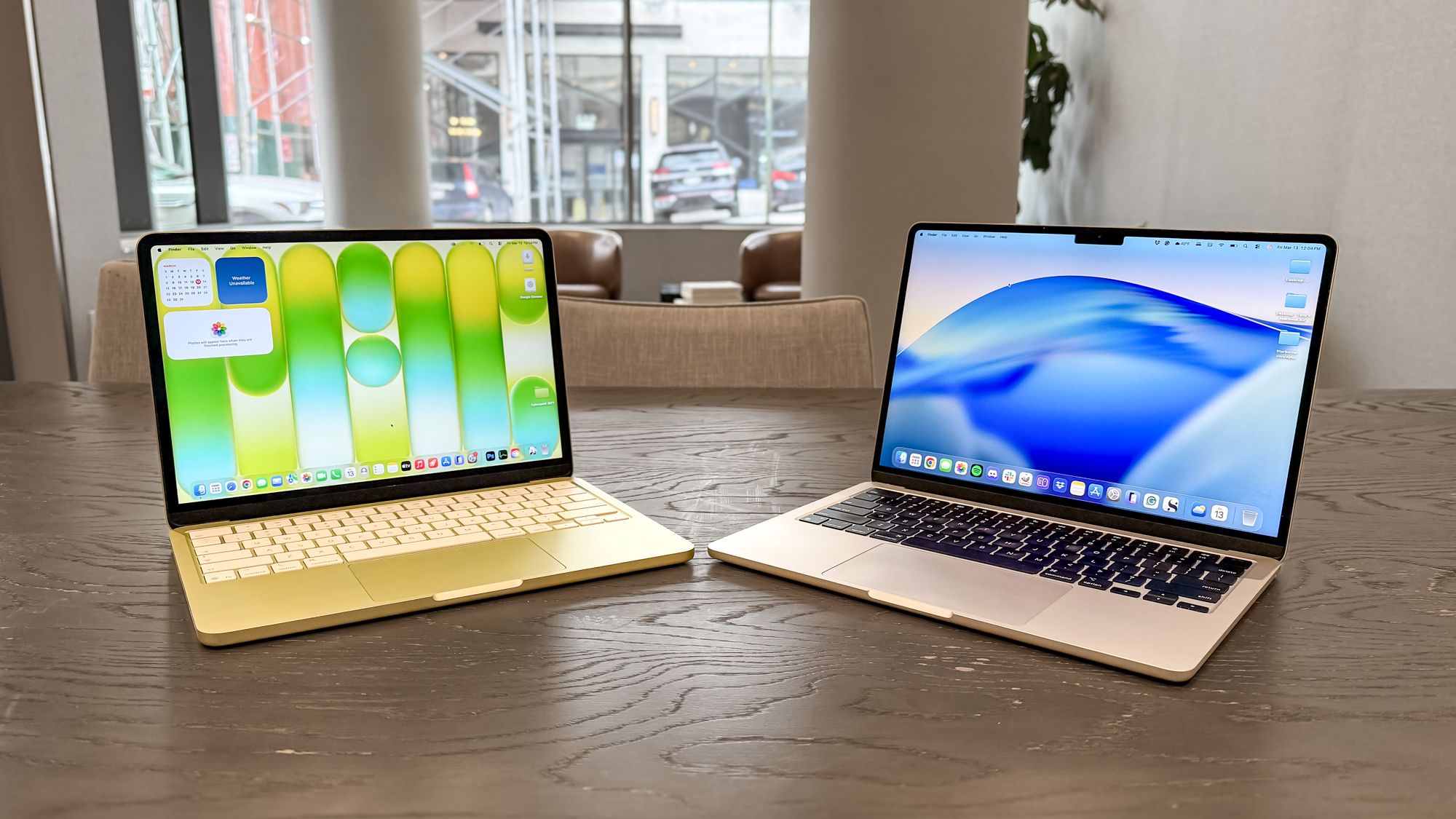
For a long time, the MacBook Air and the MacBook Pro were the two main Apple laptops to choose from. Thanks to the MacBook Neo, there’s now a third and more affordable option. Choosing one of the best MacBooks isn’t as straightforward as it used to be, but that’s why I’m here to serve as your guide.
There are several factors to consider when choosing a MacBook. While some may be drawn to the Neo for its low price, it’s not the best choice if you need a laptop for heavy workflows or better connectivity options. A MacBook’s size and weight are other factors, especially if you mostly plan to use it on the go.
Should you choose the humble MacBook Neo, the upgraded MacBook Air M5, or the powerful MacBook Pro M5? Below, I’ll detail all of their main features to help you decide.
Article continues below
MacBook Neo vs. MacBook Air M5 vs. MacBook Pro M5: Specs
| Row 0 – Cell 0 |
MacBook Neo |
MacBook Air M5 |
MacBook Pro M5 |
MacBook Pro M5 Pro |
MacBook Pro M5 Max |
|
Price |
$599 |
$1,099 starting |
$1,699 |
$2,699 |
$3,599 |
|
Display |
13-inch Liquid Retina (2408 x 1506) |
13.6 inches Liquid Retina (2560 x 1664) |
14.2 inches Liquid Retina XDR (3024 x 1964 pixels), 120Hz |
Liquid Retina XDR (3024-by-1964) | 120Hz |
Liquid Retina XDR (3,456 x 2,234) | 120Hz |
|
Chipset |
A18 Pro (6-core CPU, 5-core GPU) |
Apple M5 (10-core CPU, 8-core GPU) |
Apple M5 (10-core CPU, 10-core GPU) |
Apple M5 Pro (15-core CPU, 16-core GPU) |
Apple M5 Max (18-core CPU, 32-core GPU) |
|
RAM |
8GB |
16GB |
16GB |
24GB |
36GB |
|
Storage |
256GB |
512GB |
512GB |
1TB |
2TB |
|
Ports |
2x USB-C, 1x headphone |
2x Thunderbolt / USB-4, 1x MagSafe, 1x headphone jack |
3x Thunderbolt 5, 1x HDMI, 1x SD card slot, 1x headphone jack, 1x MagSafe charging port |
3x Thunderbolt 5, 1x HDMI, 1x SD card slot, 1x headphone jack, 1x MagSafe charging port |
3x Thunderbolt 5, 1x HDMI, 1x SD card slot, 1x headphone jack, 1x MagSafe charging port |
|
Connectivity |
Wi-Fi 6E, Bluetooth 6 |
Wi-Fi 7, Bluetooth 6 |
Wi-Fi 7, Bluetooth 6 |
Wi-Fi 7, Bluetooth 6 |
Wi-Fi 7, Bluetooth 6 |
|
Camera |
1080p FaceTime HD |
12MP Center Stage camera |
12MP Center Stage camera |
12MP Center Stage camera |
12MP Center Stage camera |
|
Colors |
Blush, Indigo, Citrus, Silver |
Sky Blue, Silver, Starlight, Midnight |
Space Black, Silver |
Space Black, Silver |
Space Black, Silver |
|
Dimensions |
11.71 x 8.12 x 0.50 inches |
12 x 8.5 x 0.4 inches |
12.31 x 8.71 x 0.61 inches |
12.31 x 8.71 x0.61 inches |
14.0 x 9.7 x 0.6 inches |
|
Weight |
2.7 pounds |
2.7 pounds |
3.4 pounds |
3.5 pounds |
4.7 pounds |
MacBook Neo vs. MacBook Air M5. vs. MacBook Pro M5: Price
At $599 ($499 for students), the MacBook Neo is the most affordable MacBook in the lineup. You’re not getting the highest specs or all the premium features of the Air M5 and Pro M5. However, if you’re just browsing the web or watching videos, you’ll be fine with the 256GB of storage and 8GB of RAM.
Then we have the 13-inch MacBook Air M5 starting at $1,099. That’s $100 more than the previous model, but it packs 512GB of storage and starts with 16GB of RAM. The Air also adds a backlit keyboard (which the Neo lacks).
On the opposite end of the MacBook Neo is the MacBook Pro M5, which starts at $1,699 for the 14-inch model with the standard Apple M5 chip. If you need more power, you can upgrade to a version with an M5 Pro chip ($2699) or an M5 Max chip ($3599), and upgrade to more powerful versions of those chips with more CPU and GPU cores for $200 and $300 (respectively). Upgrades like nano-texture glass, more RAM, and additional storage also bring up the price.
If budget is your primary concern and you only need the basics, then get the Neo. But as you’ll see, that low cost means living with several trade-offs.
MacBook Neo vs. MacBook Air M5. vs. MacBook Pro M5: Design
All MacBooks have a premium look and feel thanks to their sturdy aluminum designs. While they might appear similar, there are differences.
The MacBook Neo has more playful colors, with options such as Citrus, Blush, Indigo, and Silver. There’s a color-matched keyboard as well. The notch in the top center of the display isn’t there, but that could be good news for some. Of the available MacBooks, the Neo is the most welcoming, visually.
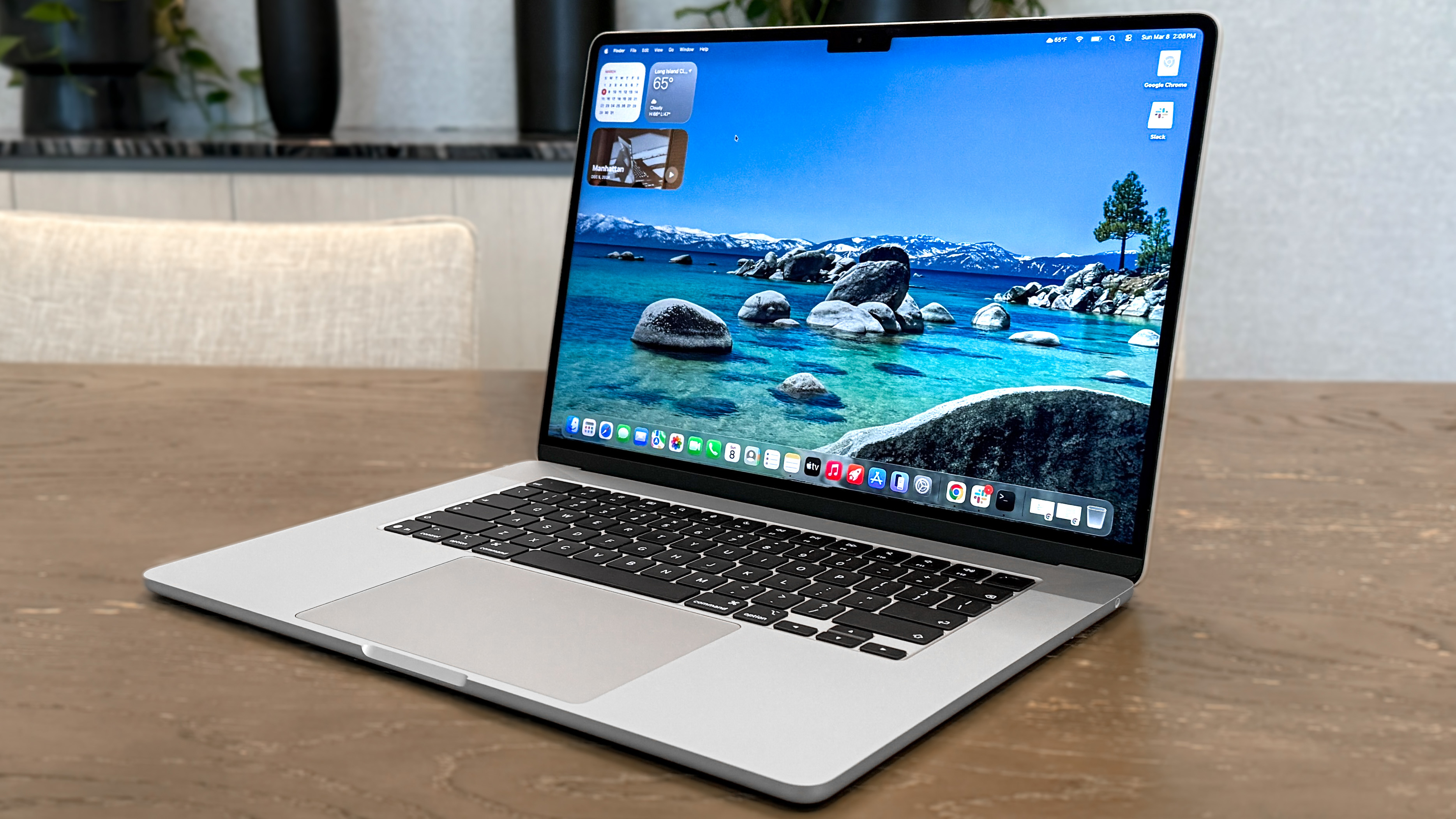

Both the MacBook Air and MacBook Pro retain the same utilitarian design that MacBooks have featured for the past five years. You get a sleek slab of aluminum that’s suitable for any work or personal environment. The MacBook Air comes in Midnight, Starlight, Silver, and Sky Blue, while the MacBook Pro M5 only has Space Black and Silver options.
Port selection isn’t the same across the board. For instance, the MacBook Neo has two USB-C ports like the MacBook Air. However, they’re both at slower USB 3 and USB 2 speeds (respectively), while the Air M5 supports faster USB 4 speeds.
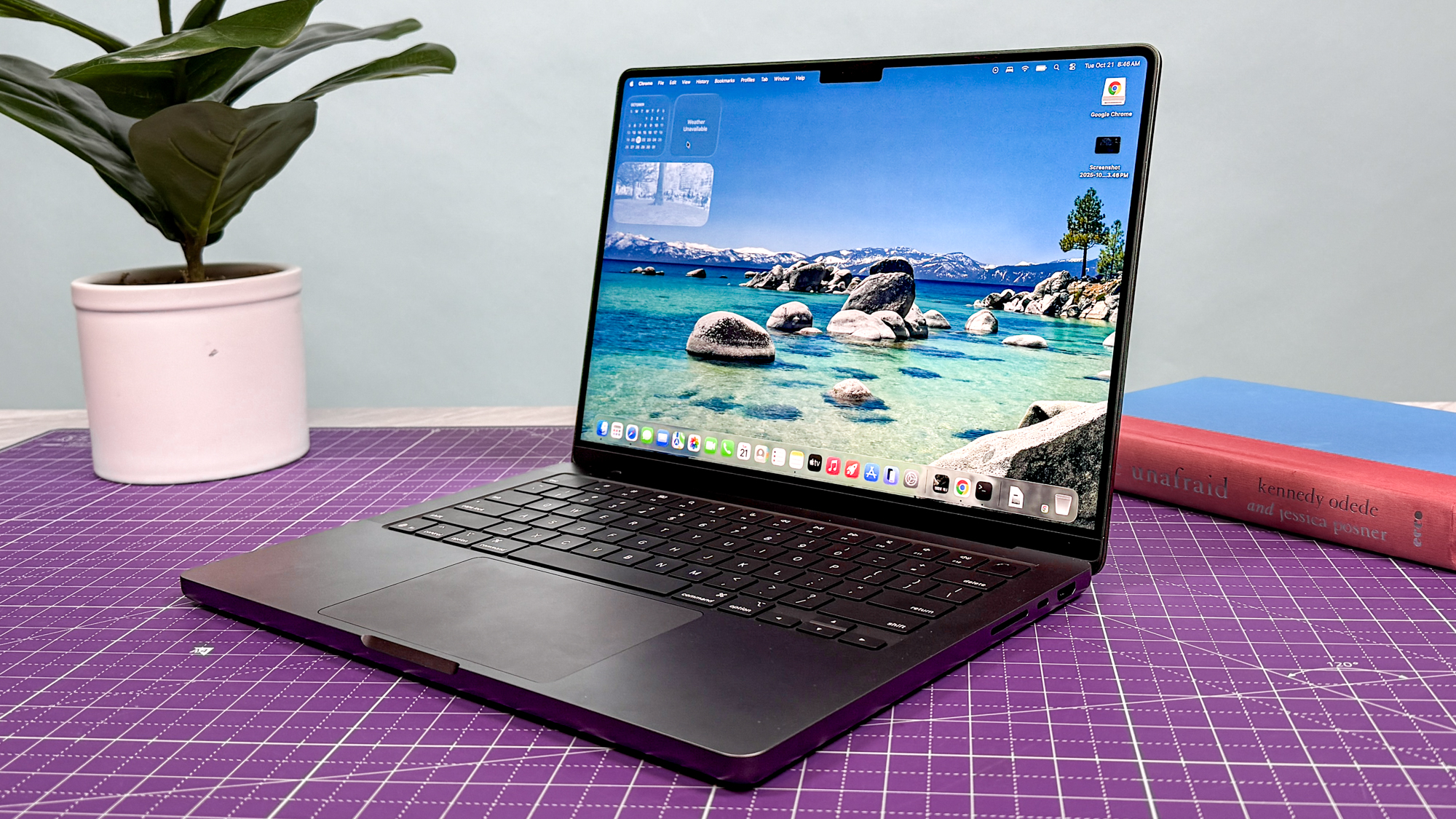
Both the base Pro M5 and Air M5 support Thunderbolt 4/USB-C and have MagSafe charging ports, but the Pro also features an additional USB-C port, an HDMI port, and an SD card slot. M5 Pro and M5 Max models have Thunderbolt 5 ports.
The MacBook Air and MacBook Pro both have Touch ID, which lets you quickly unlock password-protected sites. The base Neo lacks Touch ID, but you can get this feature along with 512GB of storage for $100 extra. Also, there’s no backlighting on the Neo’s keyboard, which will make it difficult to type in the dark if you’re not a touch typist.
MacBook Neo vs. MacBook Air M5. vs. MacBook Pro M5: Display
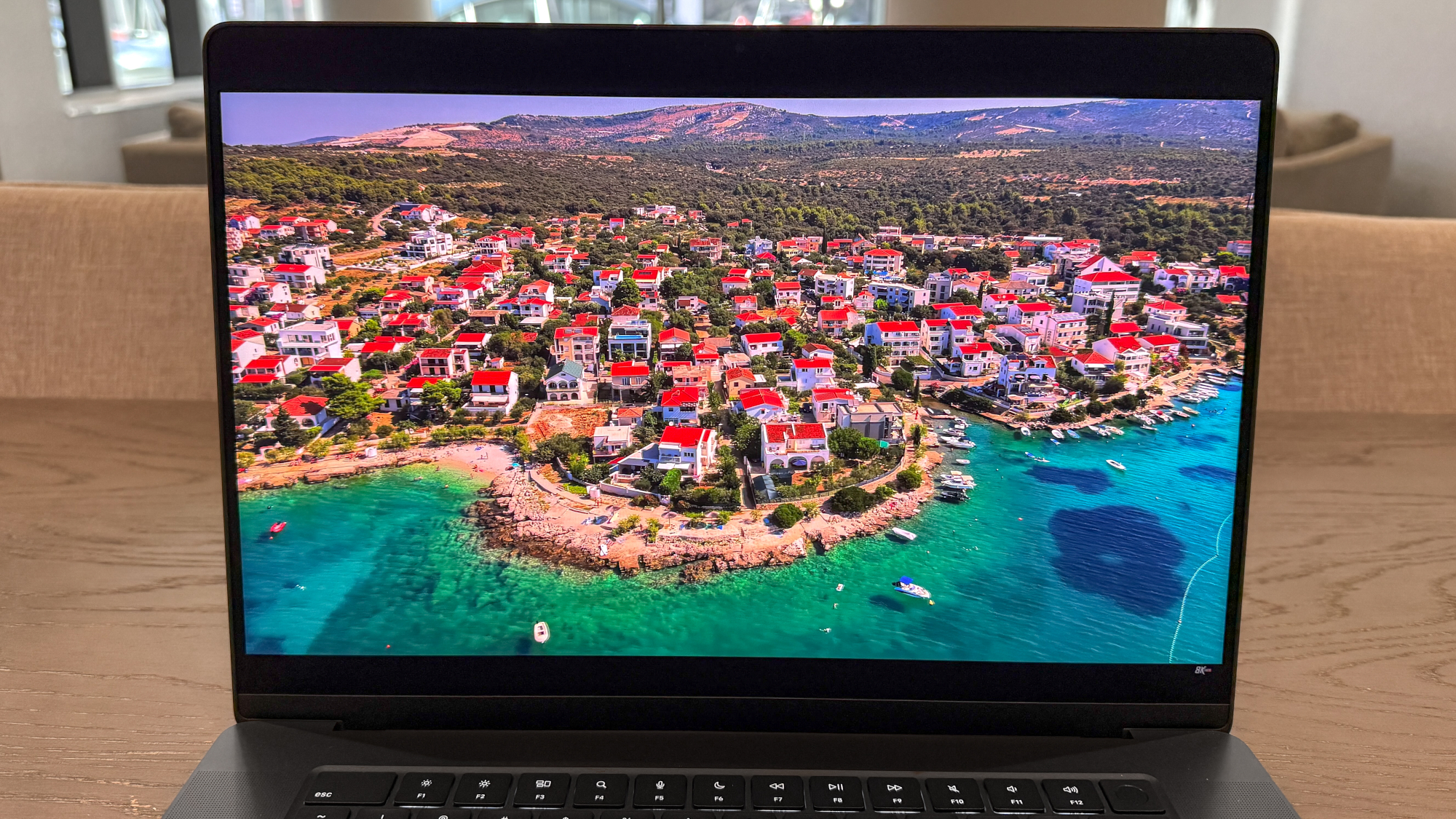
All MacBooks deliver a comfortable viewing experience thanks to their respective Liquid Retina displays. The biggest difference is that the Neo’s screen lacks True Tone, which adjusts the panel to look more natural and reduces eye strain. Other than that, these MacBooks have excellent screens.
| Row 0 – Cell 0 |
MacBook Neo |
MacBook Air M5 |
MacBook Pro M5 |
MacBook Pro M5 Pro |
MacBook Pro M5 Max |
|
Nits (brightness) |
452 (SDR) | 480 (HDR) |
458 (SDR) | 468 (HDR) |
558 (SDR) | 1109 (HDR) |
540 (SDR) | 1026 (HDR) |
529 (SDR) | 1042 (HDR) |
|
sRGB |
110.9% |
117.3% |
115.4% |
122.1% |
122.9% |
|
DCI-P3 |
78.6% |
83.1% |
81.7% |
86.5% |
87% |
|
Delta-E |
0.22 |
0.21 |
0.20 |
0.19 |
0.25 |
As you can see from our display benchmark results, color reproduction (sRGB and DCI-P3) and color accuracy (Delta-E) aren’t too different from one laptop to another. The Neo and Air have comparable SDR and HDR brightness, but the MacBook Pro’s Liquid Retina XDR display can get much brighter.
The Neo’s display is bright and colorful, but the lack of True Tone puts it behind the other MacBook screens. The MacBook Pro M5 has the edge not only in terms of higher brightness, and you can also get a 16-inch model if the 15-inch MacBook Air’s screen isn’t big enough for you.
MacBook Neo vs. MacBook Air M5. vs. MacBook Pro M5: Performance

While the MacBook Neo can handle everyday tasks for the average user, power users will want to gravitate towards the Air and Pro.
The MacBook Neo has a version of the A18 Pro chip from the iPhone 16 Pro. This processor is capable of handling web browsing, 4K streaming, and basic multitasking without a problem. This laptop also tops out at 8GB of RAM. For casual use, the Neo is more than enough.
| Row 0 – Cell 0 |
Geekbench 6 (single/multi-core) |
Handbrake (mins:secs) |
Blackmagic Speed test (write/read) |
|
MacBook Neo |
3535 / 8920 |
9:57 |
1440 / 1585 |
|
MacBook Air M5 |
4168 / 17067 |
5:08 |
6494 / 6782 |
|
MacBook Pro M5 |
4288 / 17926 |
3:31 |
6517 / 6619 |
|
MacBook Pro M5 Pro |
4306 / 28596 |
1:45 |
8989 / 12711 |
|
MacBook Pro M5 Max |
4338 / 29430 |
1:55 |
12857 / 12870 |
Conversely, the M5 chip is the latest M-series processor and is built to handle heavier loads like 4K video rendering, 3D modeling, and playing demanding games. This is especially true for Pro models with an M5 Pro or M5 Max chip, which are the most powerful versions of the M5. The base Pro M5 starts with 16GB of RAM, while the M5 Pro and M5 Max models start with 24GB and 36GB, respectively.
It’s not surprising that the M5-powered MacBooks outperform the MacBook Neo, often by a staggering amount. Whether those benchmarks involved CPU performance (Geekbench), video transcoding (Handbrake), or SSD speeds (Blackmagic), the MacBook Neo lagged far behind. If you want snappier web browsing with tons of tabs open, faster video exporting, 4K rendering, or anything truly demanding, you’ll need an M5 machine.
MacBook Neo vs. MacBook Air M5. vs. MacBook Pro M5: Battery life
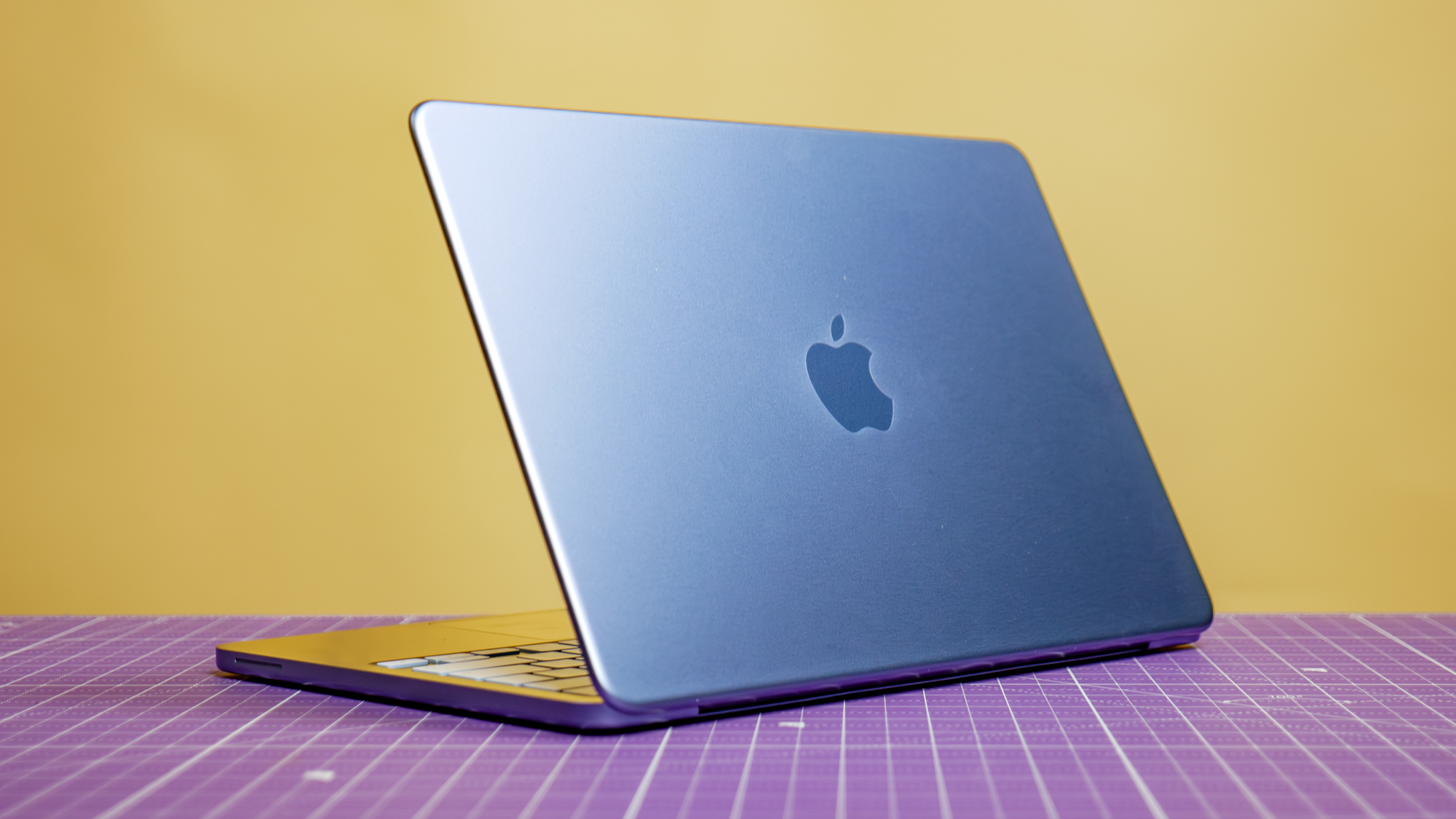
Every MacBook offers incredible battery life, which is a testament to the energy efficiency of Apple’s silicon. You won’t have to panic if you left your charger at home, as a MacBook can last for well over a day (and then some). That said, you’ll get longer battery life from the more powerful M5 MacBooks.
| Row 0 – Cell 0 |
Time (hours:mins) |
|
MacBook Neo |
13:28 |
|
MacBook Air M5 |
15:28 |
|
MacBook Pro M5 |
18:00 |
|
MacBook Pro M5 Pro |
21:25 |
|
MacBook Pro M5 Max |
17:58 |
In the Tom’s Guide battery test, which involves continuous web surfing over Wi-Fi with the display set to 150 nits of brightness, the MacBook Neo lasted 13 hours and 28 minutes, which is great for a laptop in this price range.
Right now, the MacBook Pro M5 Pro is one of the longest-lasting laptops we’ve ever tested at over 21 hours, making it a true endurance champ. The MacBook Air M5 lasted 15:28, which is in between.
MacBook Neo vs. MacBook Air M5. vs. MacBook Pro M5: Bottom line
Deciding on a new MacBook to get might seem tricky at first glance, but when you get down to it, there’s a clear choice, depending on your needs.
If you’re on a budget and only need a laptop for the basics, then get the MacBook Neo. Conversely, the MacBook Pro is best for video editing and playing graphically demanding games. For a great middle ground between price, performance and battery life, you can’t go wrong with the MacBook Air.


Follow Digitpatrox on Google News and add us as a preferred source to get our up-to-date news, analysis, and reviews in your feeds.
More from Digitpatrox
Source link
-

-

-

-
-