
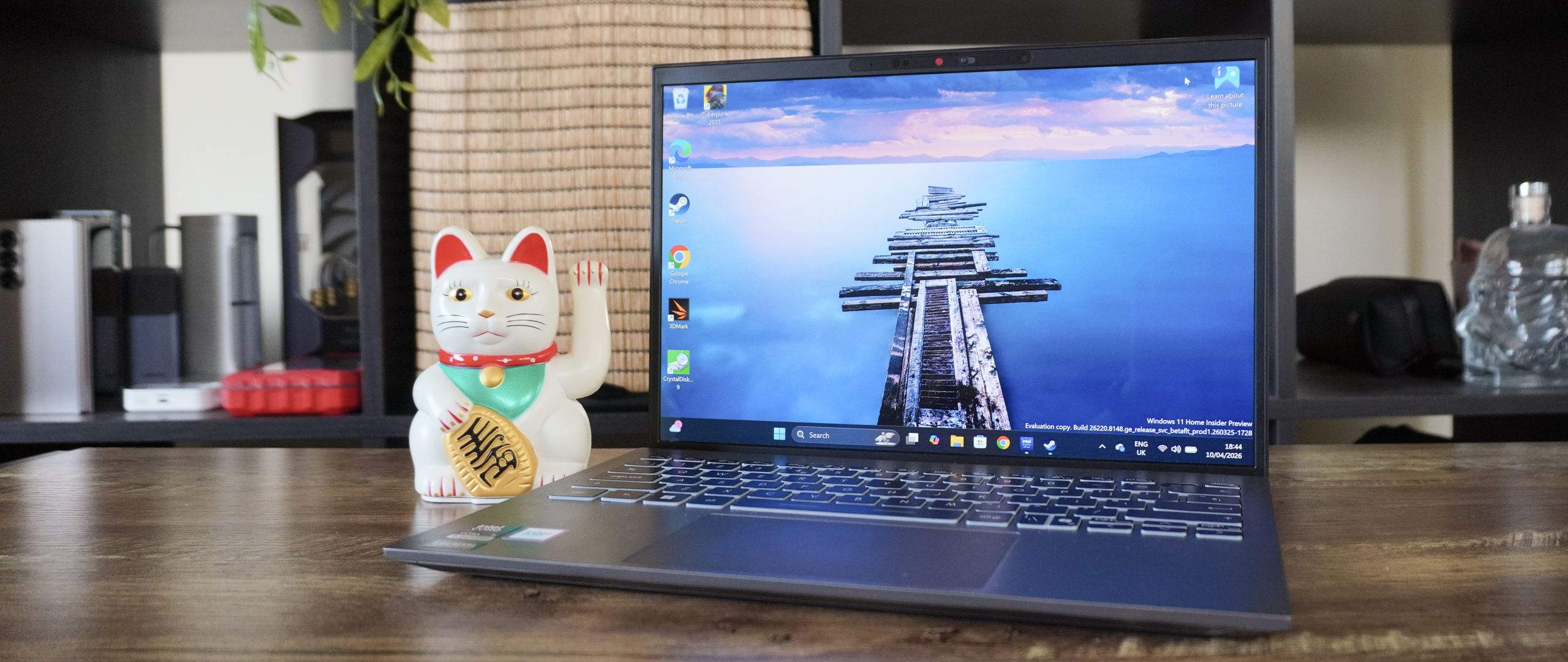
I miss the ultra portability of 13-inch laptops, which is why I was pretty pumped to be one of the first to properly daily drive MSI’s new Prestige 13 AI+ on the planet. While Panther Lake is bringing this tiny form factor back to life in a big way, MSI has listened to some of our gripes about last year’s Prestige 13 AI+ Evo and addressed them head-on.
This £1,299 system is all about stretching its minuscule 1.9-pound stature to its max. It may be uber thin and light, but that 16:10 OLED panel is gorgeous, the stamina is decently long, and the Intel Core Ultra 7 355 processor is more capable than you may think in the day-to-day. It’s a demonstration of how Team Blue’s architecture thinking is on the right track, with this entry-tier model being (mostly) on par with the “hero” chip in the Core Ultra 7 258V in last year’s system.
It’s also absolutely worth saying that a good chunk of that money is going towards the super slim and svelte construction. You can get a better price-to-performance ratio at this cost if you don’t mind a little extra junk in the trunk. But for the ultrabook aficionados — for those who want a higher focus on form factor balanced with strong performance and power efficiency, this is a great option.
MSI Prestige 13 AI+: Cheat Sheet
- What is it? It is an uber slim, uber light 13-inch laptop.
- Who is it for? This is for those who don’t mind spending a premium on perfecting their ultraportable setup.
- What does it cost? It’s on sale right now for £1,299, with no plans to bring it to the U.S. or Australia (yet).
- What do we like? The material upgrades give this super-light machine a nice sense of durability. Panther Lake brings some nice general performance upgrades (as well as some surprisingly decent gaming chops if you tune it right), and solid power-efficient multitasking for on-the-go work.
- What don’t we like? It is pricey for the performance package you get, the speakers are a little on the tinny side, and the webcam is serviceable but a little spongy in image quality.
MSI Prestige 13 AI+: Specs
|
CPU |
Intel Core Ultra 7 355 |
|
RAM |
32GB LPDDR5x |
|
Storage |
1TB |
|
Display |
13.3-inch 2.8K OLED display, 16:10 aspect ratio, 60Hz refresh rate |
|
Ports |
2x Thunderbolt 4, 2x USB 3.2 Gen 1 Type-A, 1x HDMI 2.1, 1x microSD card reader, 1x 3.5mm audio jack |
|
Wireless connectivity |
Wi-Fi 7, Bluetooth 6 |
|
Battery |
53.8 Whr |
|
Dimensions |
11.7 x 8.3 x 0.6 inches |
|
Weight |
1.9 pounds |
|
Price |
£1,299 |
MSI Prestige 13 AI+: The ups
From relieving a lot of weight in my backpack and being a feast for the eyes, to holding a lot more power potential than its size implies, the Prestige 13 AI+ is a solid lightweight all-rounder.
It’s so small and light
Nothing more to say on the dimensions than the headline! I’ll just let the numbers do the talking.
|
Laptop |
Dimensions |
Weight |
|---|---|---|
|
MSI Prestige 13 AI+ |
11.7 x 8.3 x 0.6 inches |
1.9 pounds |
|
M5 MacBook Air (13-inch) |
12 x 8.5 x 0.4 inches |
2.7 pounds |
|
Asus Zenbook A14 |
12.2 x 8.4 x 0.5 inches |
2.4 pounds |
I double-checked over my many years of notes, and can confirm this is the lightest laptop I’ve ever tested — showing up most prominently when I’m commuting for a day in the office down in London. Normally, there’s a little bit of heft in my bag courtesy of either my gaming laptop or my MacBook Pro. To downsize so significantly has been a breath of fresh air for my spine!
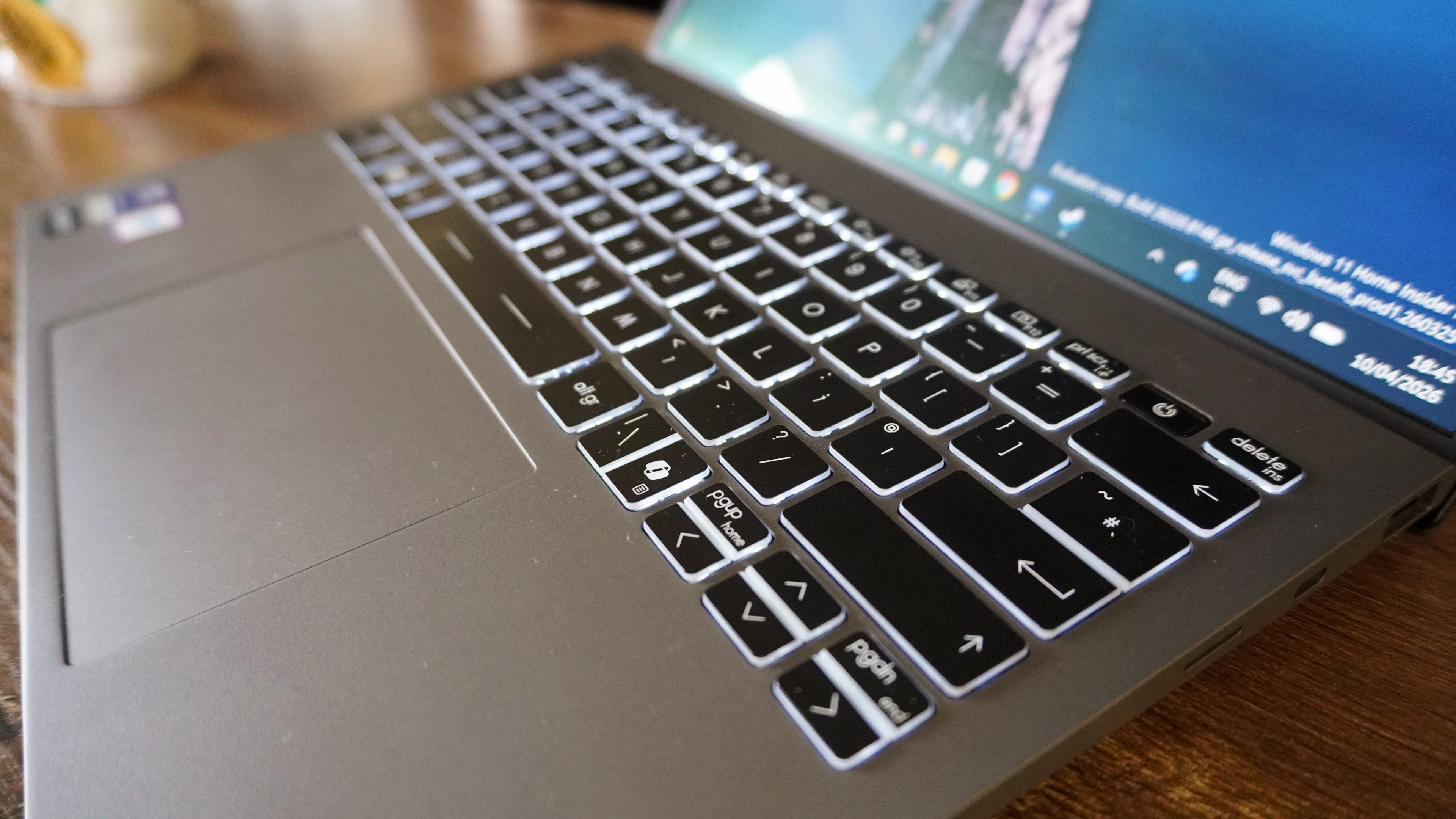

But what’s more impressive are the material upgrades on offer here. The keyboard deck feels a lot more rigid than last year’s model, with very minimal flex as you push down on it. That keeps the tactility of that keyboard feeling crisp and intentional with every key press or touchpad click. Meanwhile, up top, there may still be a chunky bezel, but the whole lid itself is much less bendable.
These small but important updates really do reinstill my confidence in just stashing this in my backpack, while looking utilitarian, edgy, and ready to get stuff done.
A mesmerizing OLED screen
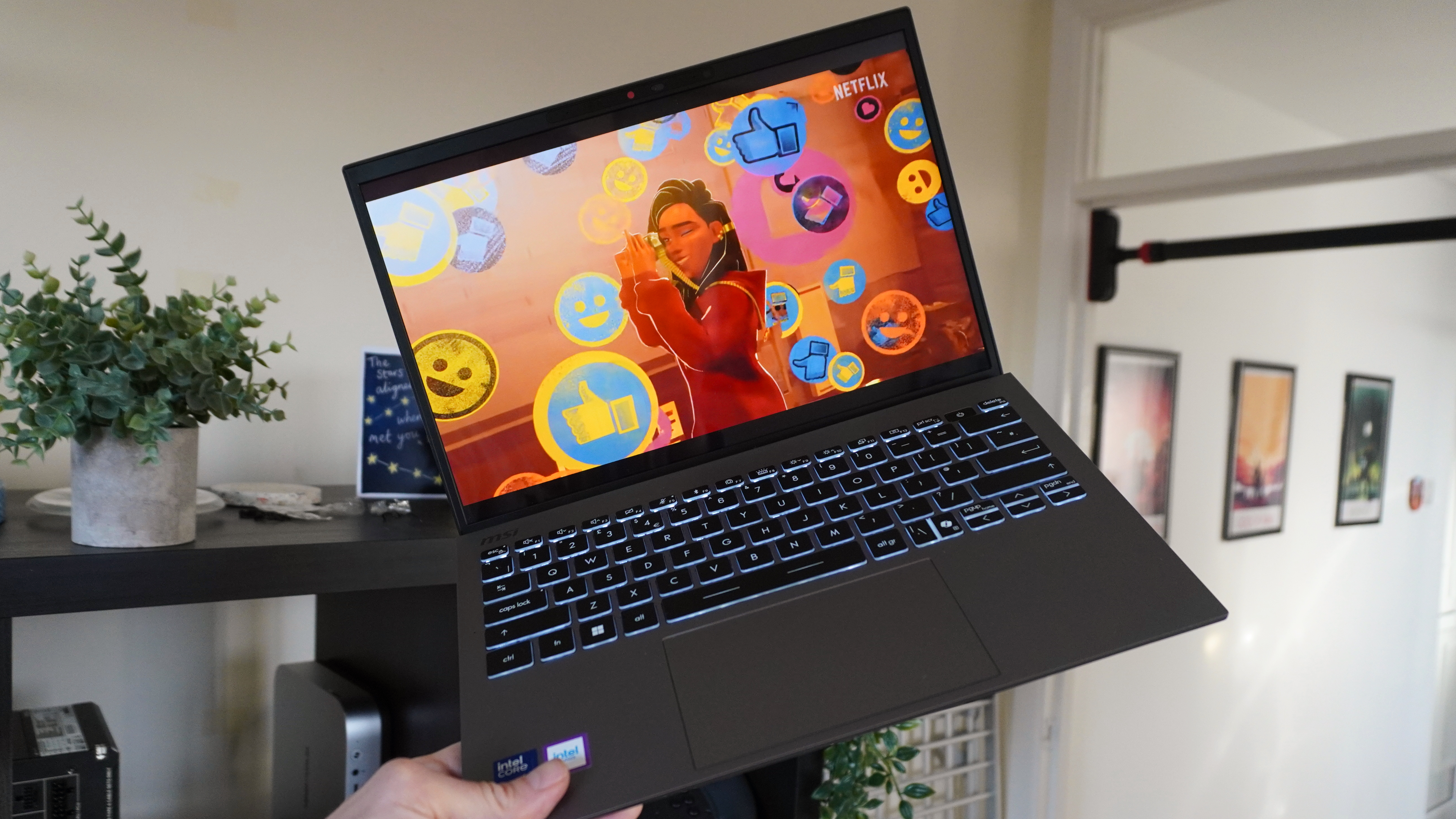
Not much has changed here in terms of the OLED screen, but that’s no bad thing. This 13.3-inch panel is a mesmerizing flash flood of color with crispy lines at 2880 x 1800 resolution.
Whether it’s jumping into some dark mode work on my notetaker or Photoshop, or binge-watching to my heart’s content, this screen is a fantastic color-accurate presentation of it all.
Just like any OLED panel I’ve tried, the brightness may not withstand when in direct sunlight, and the glossy screen makes it uber reflective. But do your usual angling, and you’ll get it right in those small circumstances. And for everything else, you won’t face any problems whatsoever.
Strong ultraportable performance
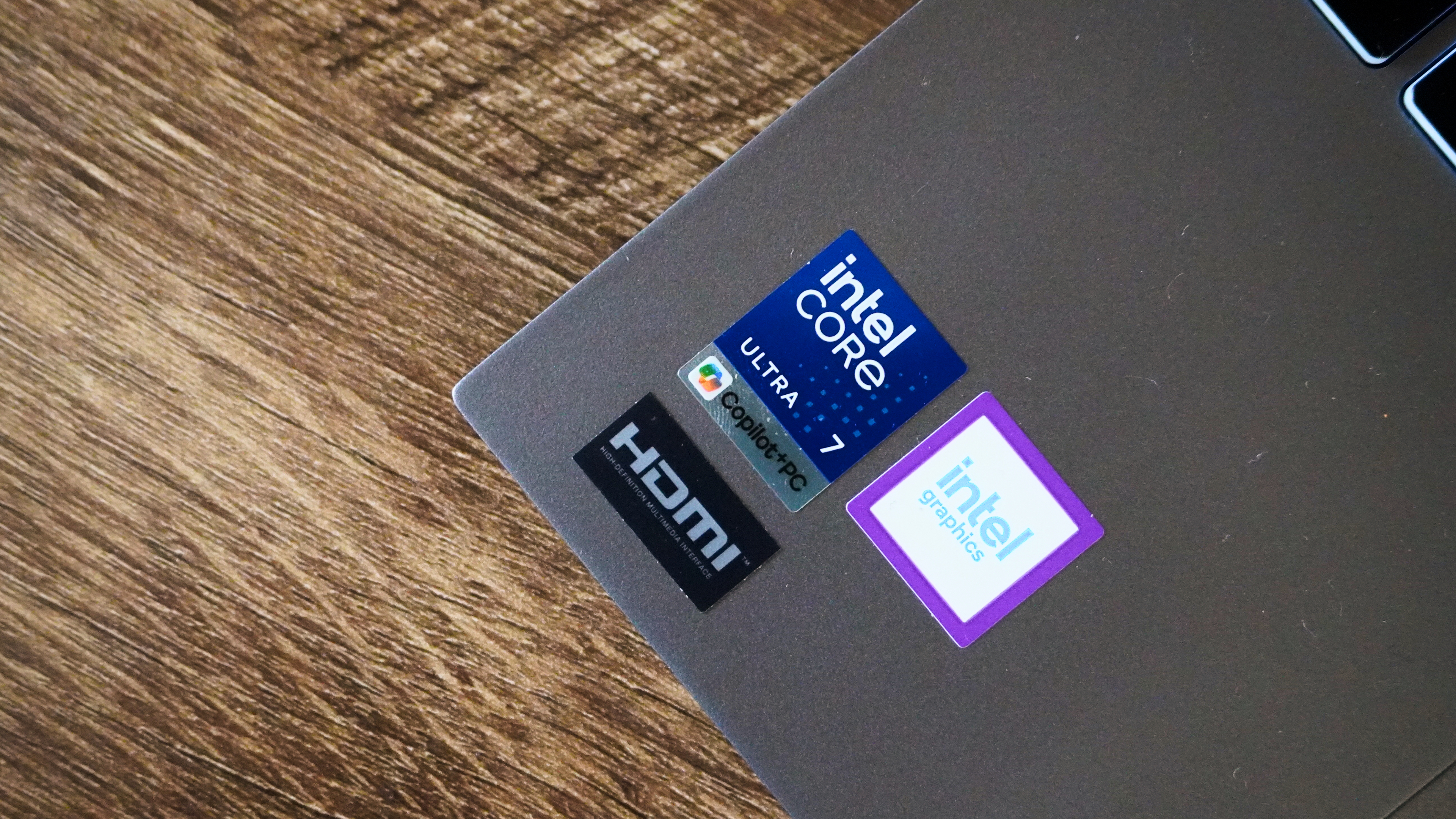
So it’s worth saying from the get-go that no, this is not Intel Core Ultra X-levels of performance. Intel’s pushed hard on the higher-level chips, and these mid-rangers you’d expect to see in most systems are left in the shadows.
But in reality, you’re getting roughly the same as you got with the Intel Core Ultra 7 258V in terms of CPU speeds, which is impressive given that the Lunar Lake chip is more flagship with integrated memory over the Core Ultra 300 series being more equivalent to U-series silicon.
|
Laptop |
Geekbench 6 (single core/multicore) |
Geekbench AI (CPU Quantized score) |
Handbrake (transcode 4K to 1080p mm:ss) |
3DMark Fire Strike |
SSD speed test (read/write in Mbps) |
|---|---|---|---|---|---|
|
MSI Prestige 13 AI+ (Intel Core Ultra 7 355) |
2727/10190 |
5437 |
7:06 |
5413 |
3789/3225 |
|
MSI Prestige 13 AI+ Evo (Intel Core Ultra 7 258V) |
2714/10392 |
4715 |
7:03 |
8471 |
3907/3793 |
|
M5 MacBook Air |
4168/17067 |
n/a |
5:08 |
n/a |
6782/6494 |
Where it does drop off, however, is in the GPU. Yes, the Arc integrated graphics on the Core Ultra 7 355 are newer, but there are double the cores on the 258V, which leads to higher raw graphical power.
Image 1 of 2
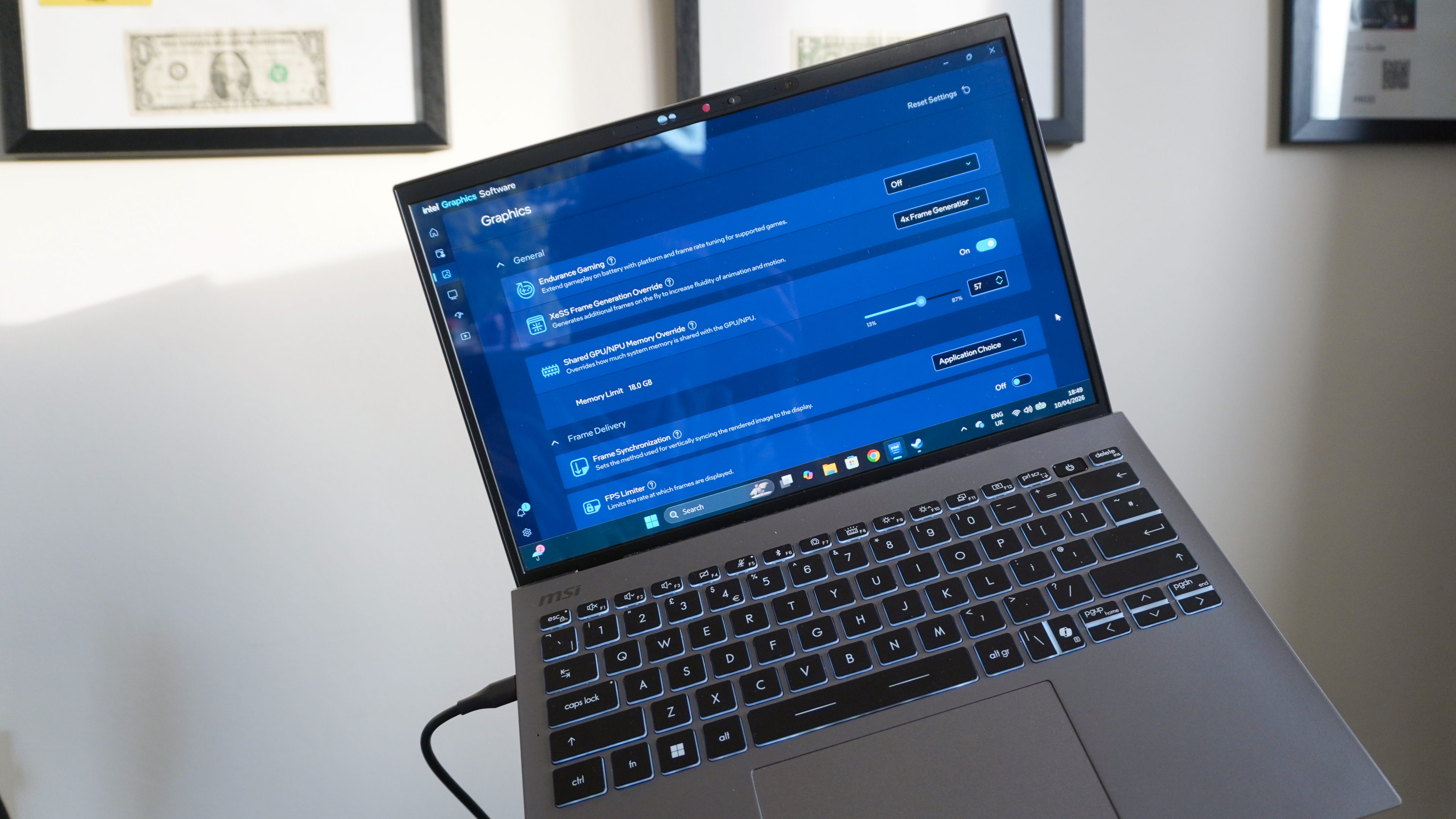
However, that’s when you turn your attention to the cheat codes Intel has made in XeSS 3 and multi-frame generation. Yep, that’s present on this system, and in Cyberpunk (provided you tune the settings right at 1080p medium), you can easily get around 40 FPS. That’s way better than any laptop of this size and stature should get!
MSI Prestige 13 AI+: The downs
It does come with its obstacles, though — victims of its size ambitions mostly, and one desperate plea from me.
The price-to-performance is off, but I get why
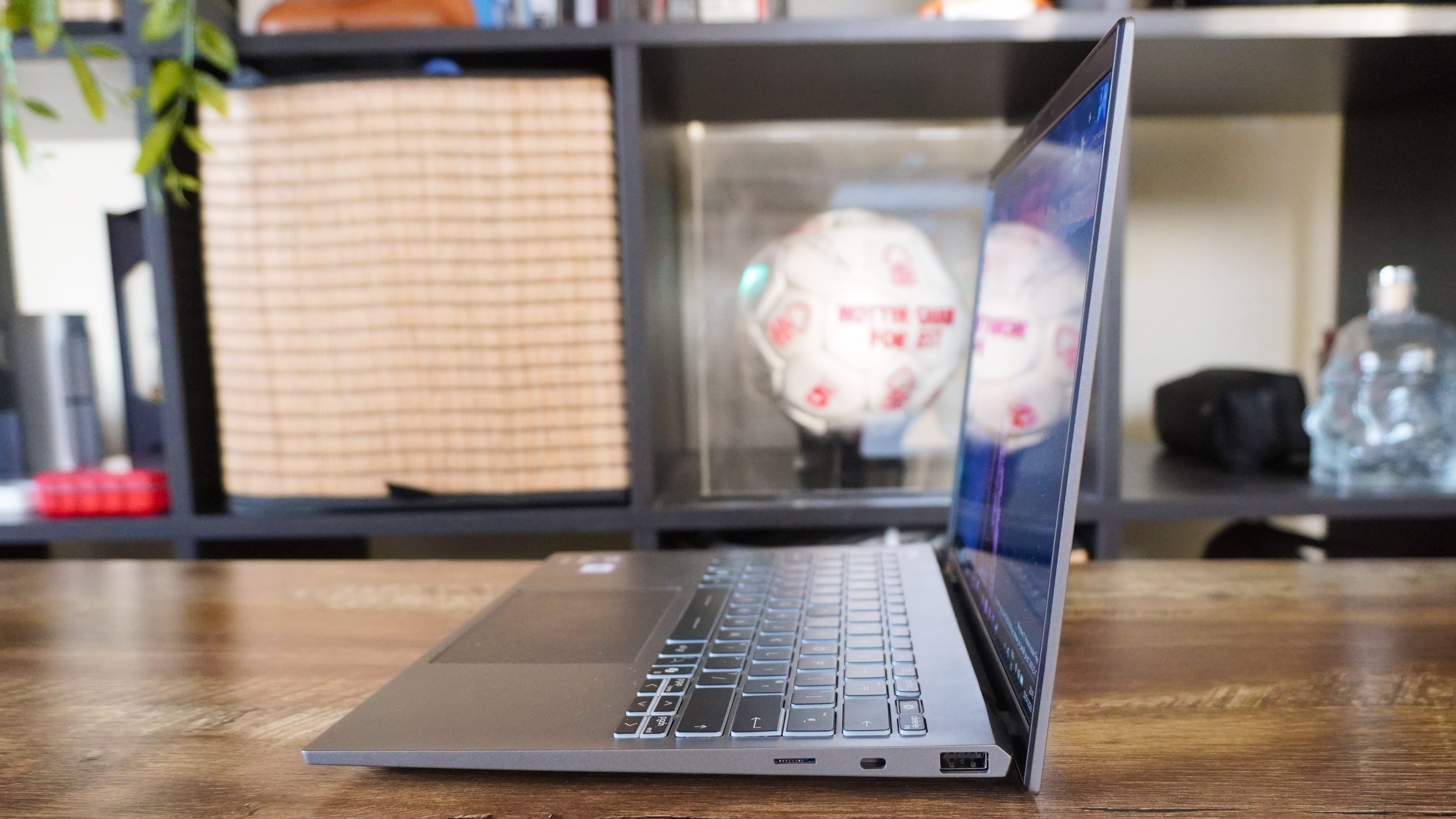
When it comes to getting a laptop that focuses on being ultra slim and ultra light, companies prioritize much more of their cost of production on figuring out just how to get so much into its thin frame and keep it cool. That’s what I’ve learned from talking to the likes of MSI over the years, and this does throw that price-to-performance ratio a little bit out of whack.
Of course, this is by design — the Prestige 13 AI+ is aimed squarely at starting with something of this refined stature and seeing what’s capable in its shell. If you’re looking for a better balance at this price, you should be looking at other options like the M5 MacBook Air or the Lenovo Yoga Slim 7i Aura Edition (same chip, but slightly sustained performance for its bigger size).
If you’re in the camp of wanting to put your thumb on the scales towards an impossibly light notebook for on-the-go work, then this is the compromise you’ll have to make. However, you still get something pretty zippy day-to-day.
A couple of victims of downsizing
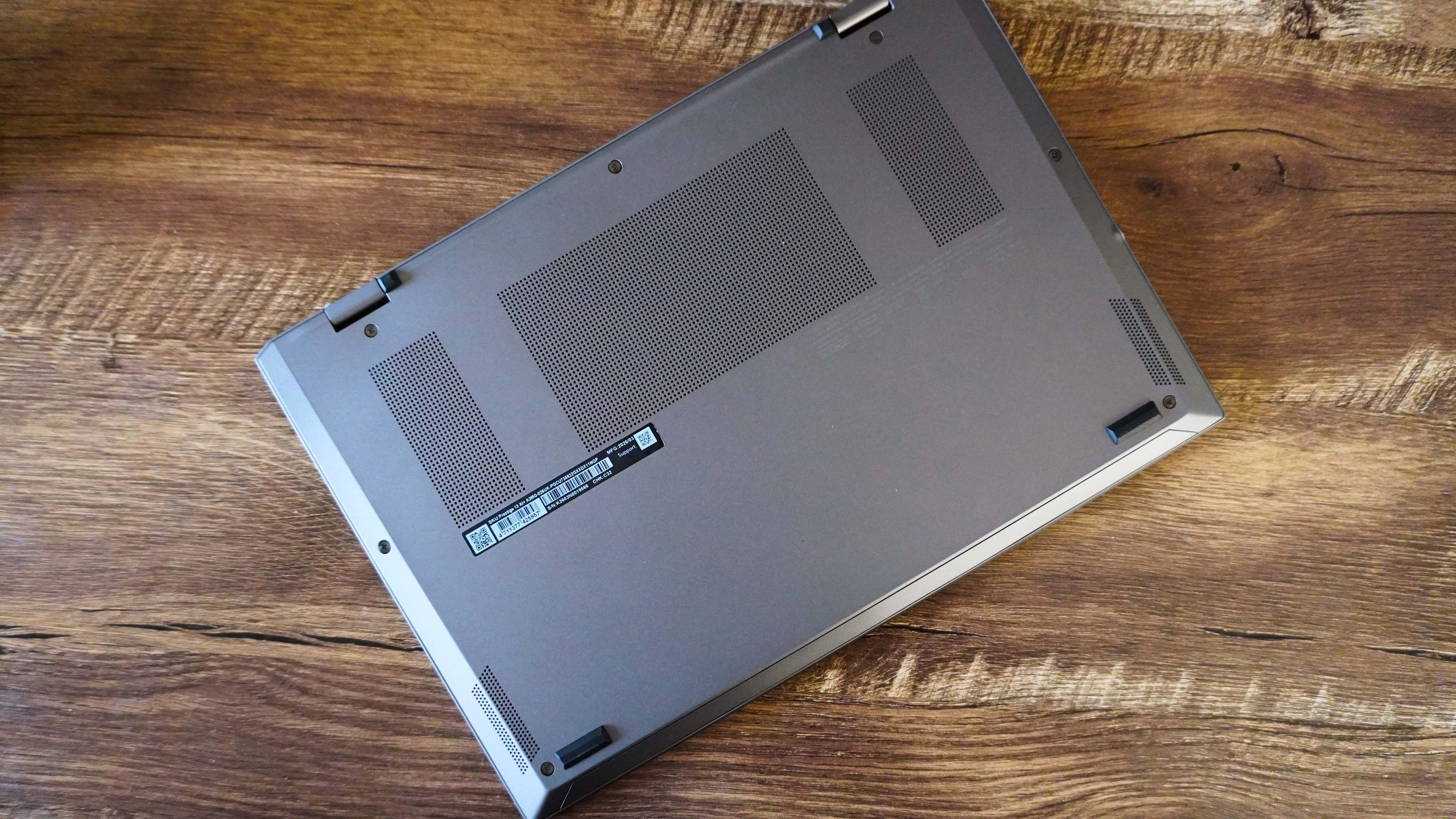
Just a couple of things I noticed while using the Prestige that it’s worth knowing about — all of which I think come down to the sheer size of it.
First, the speakers. They can get loud and have some nice detail in the highs without any distortion, but they do lack bass response. It’s a little tinny for long watches, so bring headphones for that!
And second, the webcam. It’s got some decent 1080p detail, but you do look a little spongy, and challenging lighting conditions do create some fuzziness for sure. It’s definitely good enough for the conference calls, but for anything more, I’d grab one of the best webcams.
Give me Snapdragon!
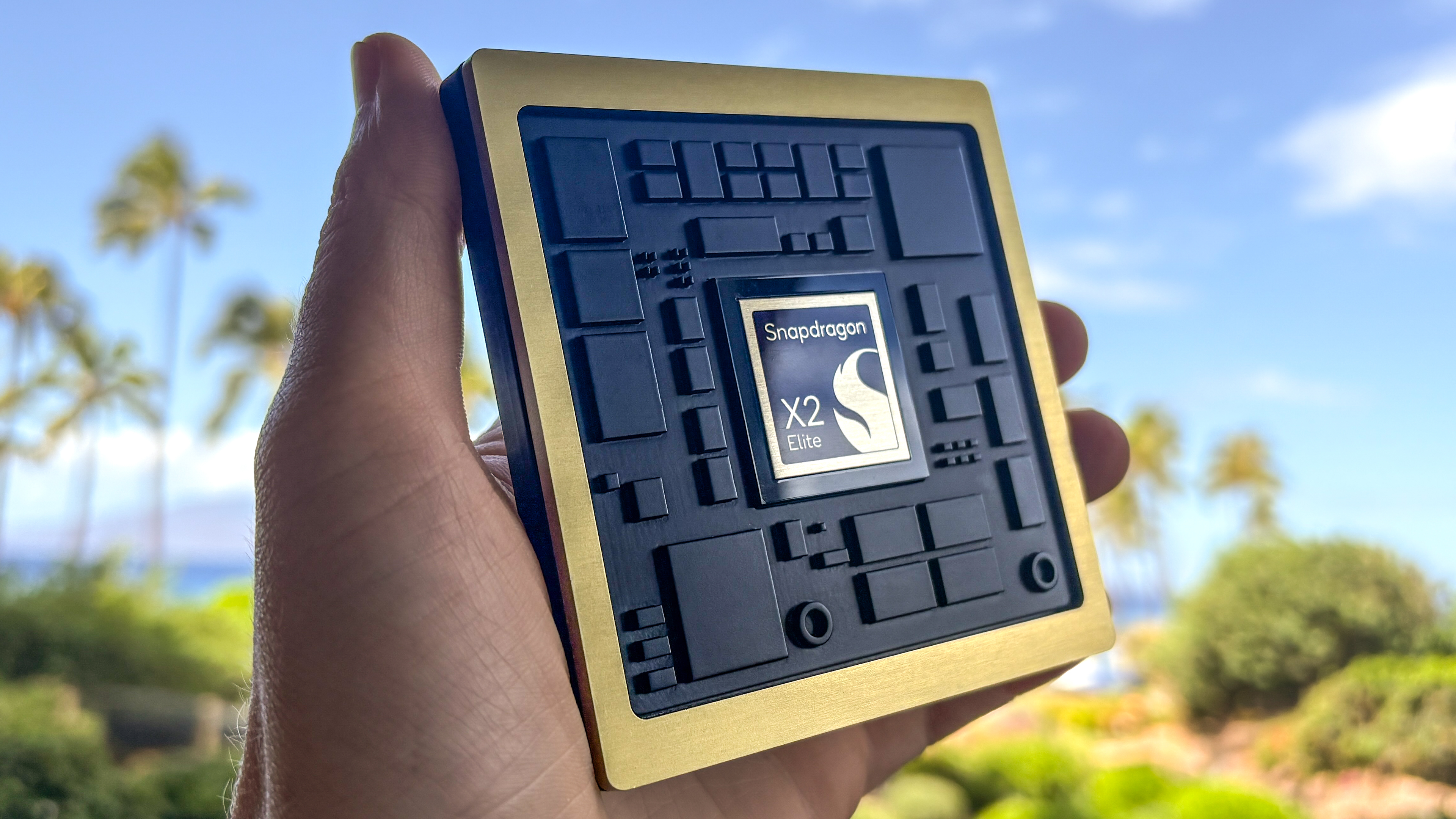
Not really anything I can demand, as the laptop’s already out in the wild. But if there’s ever a system that I believe would be perfect for a Snapdragon X2 chip, it’s this ultra-thin and light.
With Arm levels of performance and power efficiency, this could be the recipe for a generational leap in this notebook. And given the pricing of X2 Plus laptops, I think it’s something that MSI could fit into its costs and still offer it at this price.
So please, MSI (hi if you’re reading this), give it some consideration. My prayer circle is up and running for it!
MSI Prestige 13 AI+: Verdict
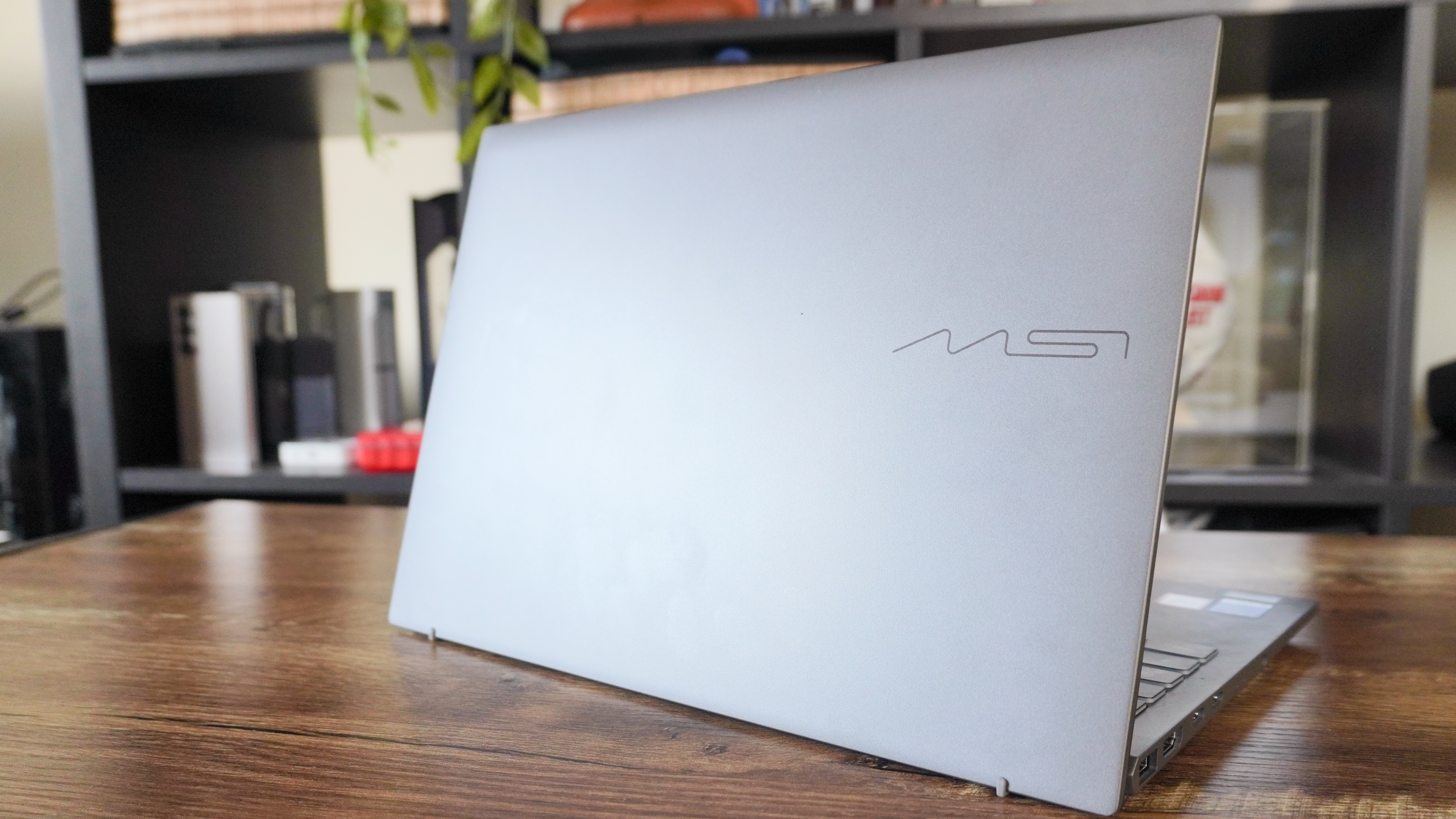
Honestly, I’m feeling a little sorry for the U.S. right now, because you don’t get to have this beast of an ultrabook. The build quality is great, the ergonomics are solid, and the performance and battery life are pretty damn good.
Yes, the price-to-performance will be off-kilter to some of you, and if you’re in that camp, this laptop isn’t for you. Chances are, you don’t mind a little extra size and weight to get what you need.
But if form is just as important to you as function, Intel focusing on the fundamentals to squeeze every last drop out of this chip, and MSI’s focus on the fundamentals makes this a great laptop.
Source link
-

-

-

-
-


