
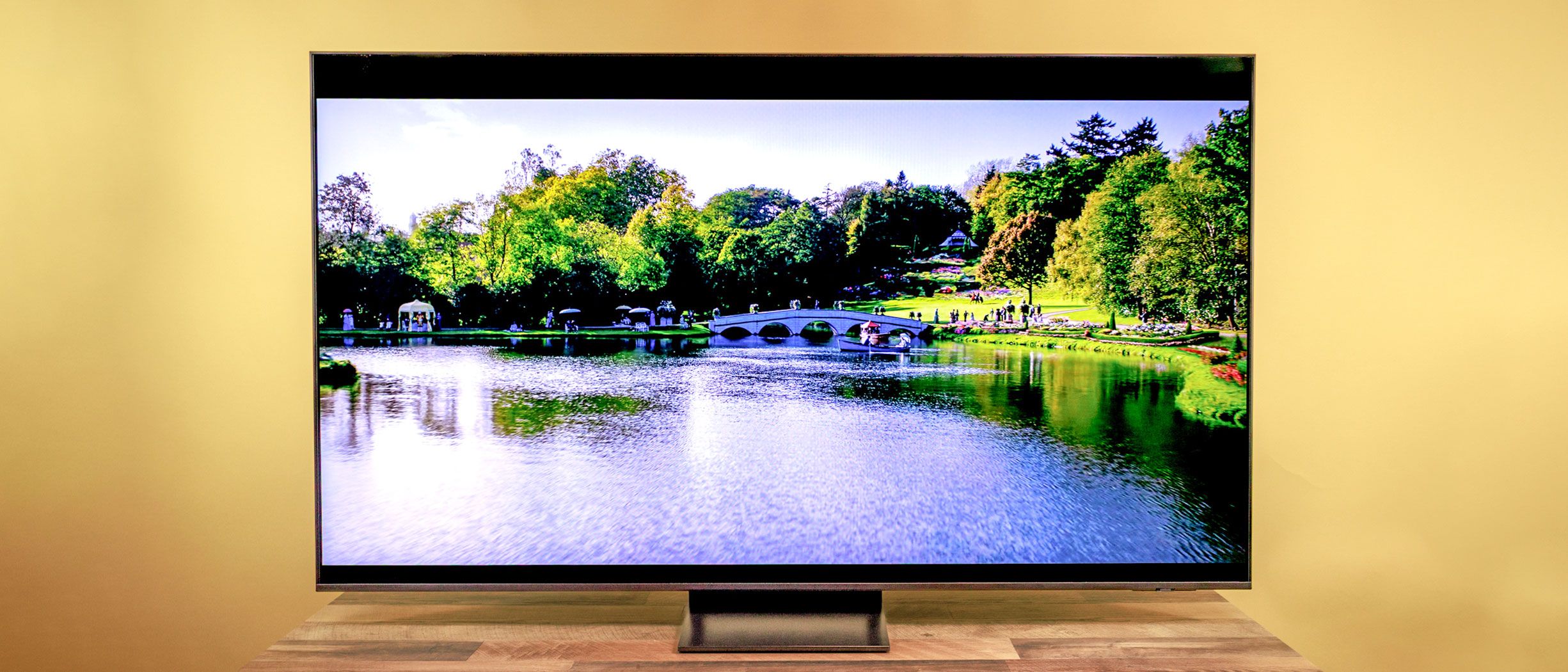
SAMSUNG QN70F: SPECS
Price: $899
Screen size: 65-inch
Resolution: 3,840 x 2,160
HDR: HDR 10+, HLG
Refresh rate: 120 Hz (up to 144 Hz)
Ports: 4 HDMI 2.1 (one with eARC), 2 USB, optical digital audio, LAN, RF-in
Audio: 2-channel, 20W
Smart TV software: Tizen OS with Samsung Vision AI
Size (without stand): 57.2 x 32.8 x 1.01 inches
Weight (without stand): 45.9 pounds
The Samsung QN70F is a handsome TV with an array of first-rate features, such as HDMI 2.1 and minimal lag for gamers, a clean smart TV interface, a voice assistant and, most impressively, Samsung’s AI Mode. That final feature helps to make up for an often-mediocre viewing experience.
The highlights here are the QN70F’s enhanced brightness in Standard mode that makes for good daytime (or brightly lit room) sports, news, or sitcom viewing, and fast refresh rates for gameplay (further aided by minimal input lag).
Unfortunately, rival TVs from the likes of Hisense and TCL — like the Hisense U65QF and TCL QM7K — offer better backlight technology, Dolby Vision support, and greater color performance for around the same price or, in Hisense’s case, less.
SAMSUNG QN70F REVIEW: PRICING AND AVAILABILITY
The QN70F is at the low end of Samsung’s “Neo QLED” line of LCD TVs. This is the company’s nomenclature for Mini-LED backlighting and quantum-dot color technology (which we’ll get into further down). The Neo QLED line goes as high as $2,699 for the flagship 65-inch Samsung QN90F, so there’s plenty of headspace if you want better performance.
For right around $900, the 65-inch QN70F’s performance — especially in brightness, HDR, and color accuracy — trails rivals from other companies we’ve tested, such as the Hisense U75QG ($799) and the TCL QM7K ($997), and you can expect similar performance from the series’ 55-, 75-, and 85-inch screen sizes.
SAMSUNG QN70F REVIEW: DESIGN
The QN70F is virtually all screen, with just a miniscule bezel that leaves no room for branding. Consider it “quiet luxury” for your home electronics.
While many TVs have feet towards the two edges of the screen, the QN70F sits on a rectangular central stand, so you could place it on a table narrower than the set.
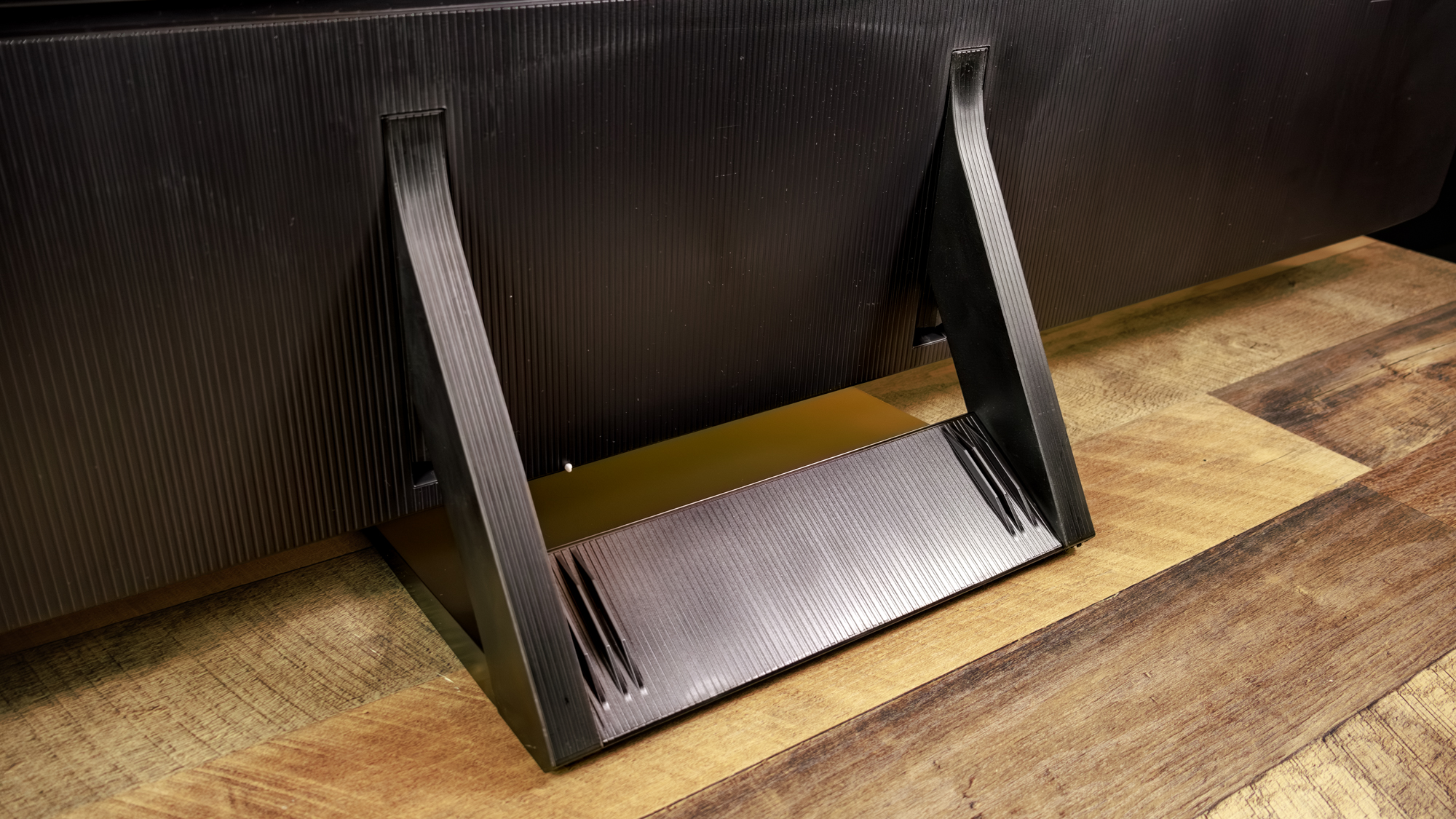

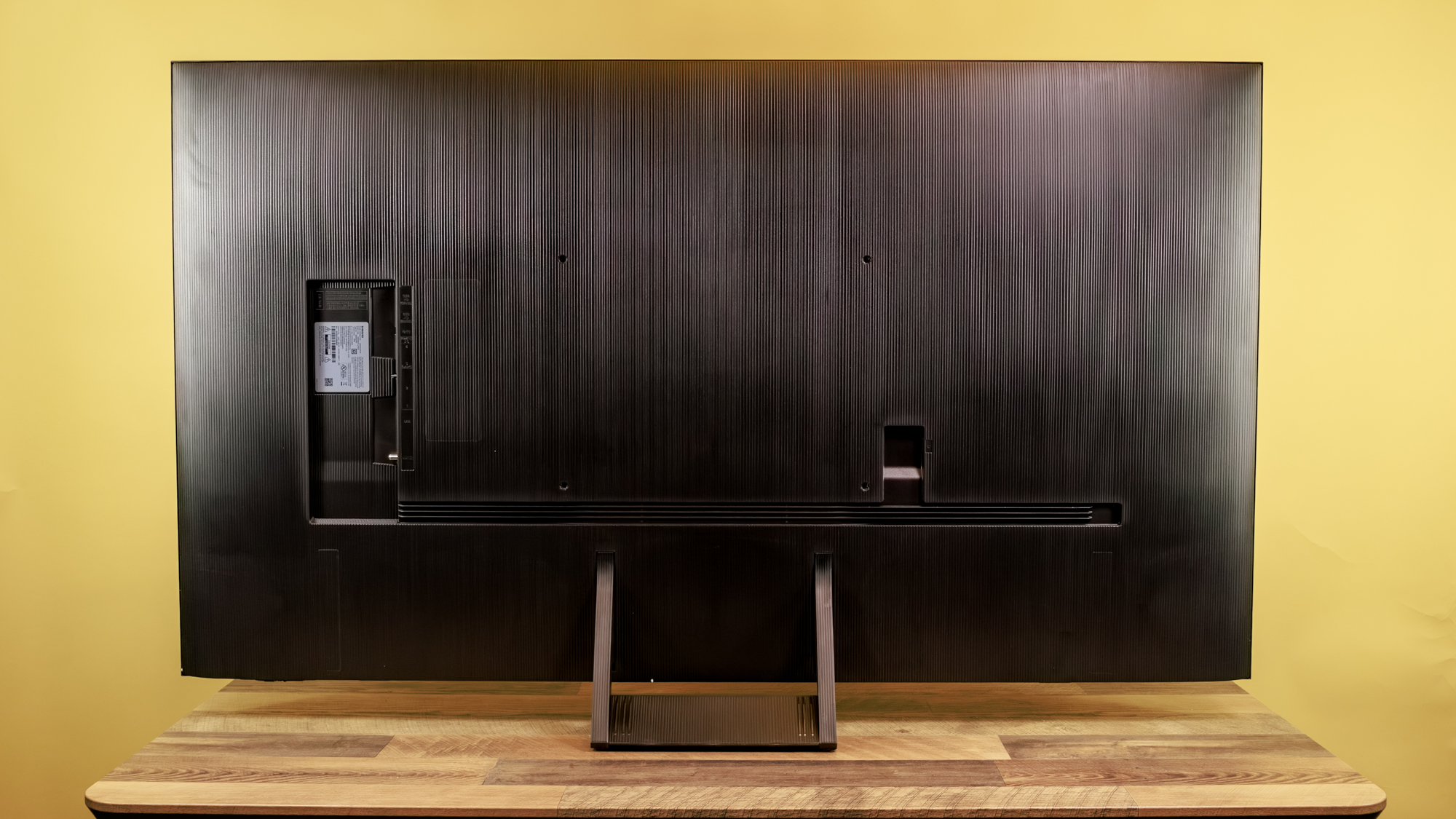
Spin it around to the back and you’ll find VESA standard screw holes (400 x 300 mm) for attaching to a wall or freestanding mount. With a maximum thickness of about one inch, it would fit snugly in place — a feature it shares in common with Samsung’s The Frame.
SAMSUNG QN70F REVIEW: PORTS
When viewed from behind, the QN70F’s power cable connects in a well on the right side; all other ports are on the left, facing to the side, so the cables are parallel to the TV panel.
They include four HDMI 2.1 ports supporting 120Hz refresh for video sources (including game consoles) providing this extra-smooth output, and up to 144 Hz for high-end gaming PCs.
One of the HDMI 2.1 ports supports eARC for outputting lossless Dolby Atmos audio to a soundbar or home theater system, providing a remedy for the TV’s meager pair of built-in speakers. Other options are S/PDIF optical audio output and Bluetooth 5.3 connectivity.
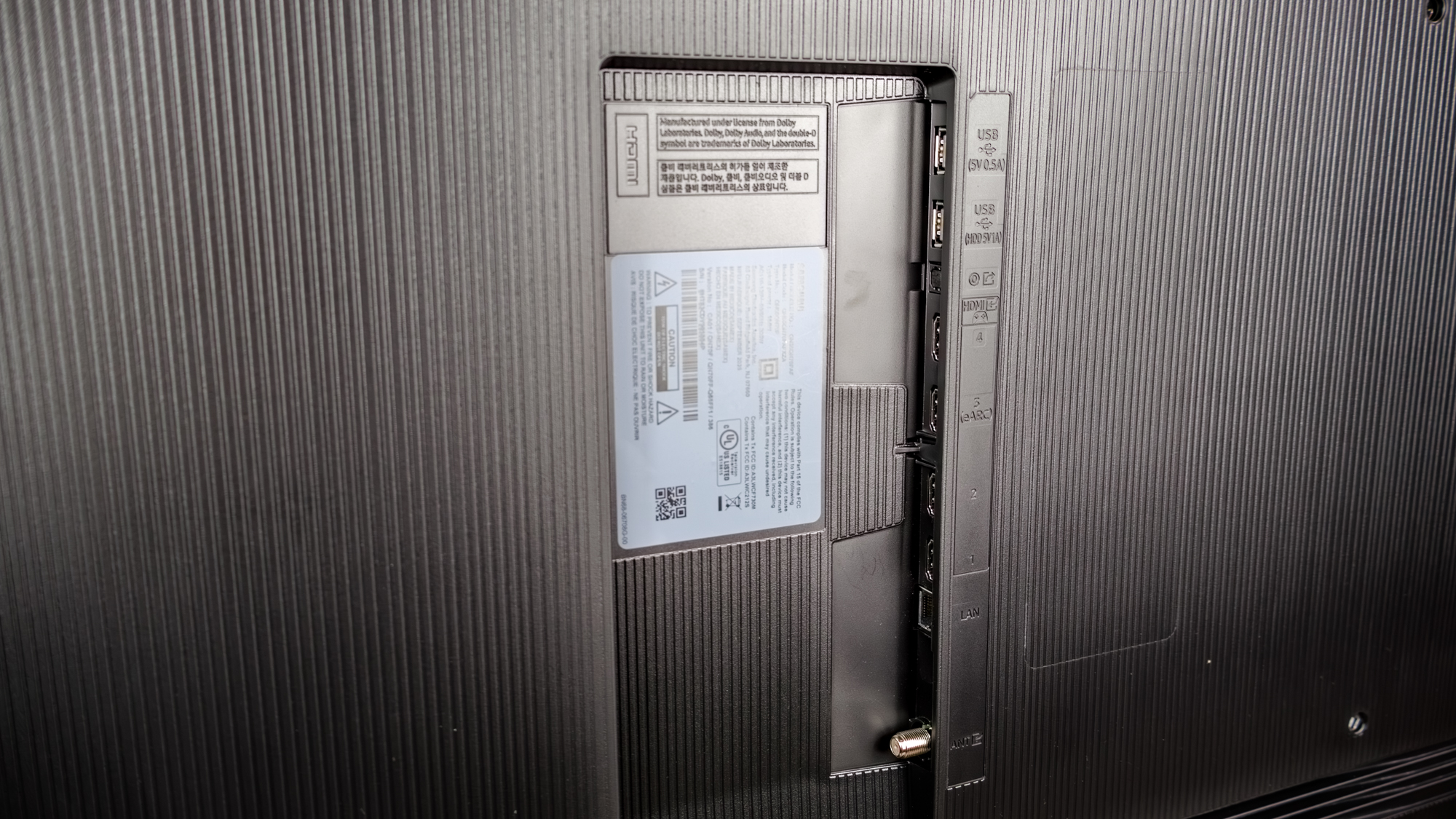
An RF-in port takes input from terrestrial (over-the-air), cable, and satellite broadcasts. The set includes an ATSC/Clear QAM digital tuner and an analog tuner — though, like all 4K Samsung TVs, it’s limited to ATSC 1.0. That’s limited to the 1080i, standard dynamic range versions of TV broadcasts. The current ATSC 3.0 standard can support up to 4K resolution, high dynamic range, and better audio (for the growing list of broadcasters that support it). It’s also more resistant to interference.
SAMSUNG QN70F REVIEW: HOW WE TEST
We follow a standard testing protocol for every TV we review at Tom’s Guide. Our benchmarks include a series of technical and subjective tests designed to rate the set’s performance. For our technical tests, we set the TV to Filmmaker Mode (usually the most accurate out of the box) and take measurements using a Jeti spectraval 1501-HiRes spectroradiometer, a Klein K10-A colorimeter, a Murideo 8K-SIX-G Metal pattern generator, and Portrait Displays’s Calman TV-calibration software. We also use a Leo Bodnar 4K Video Signal Lag Tester for determining the TV’s gaming prowess.
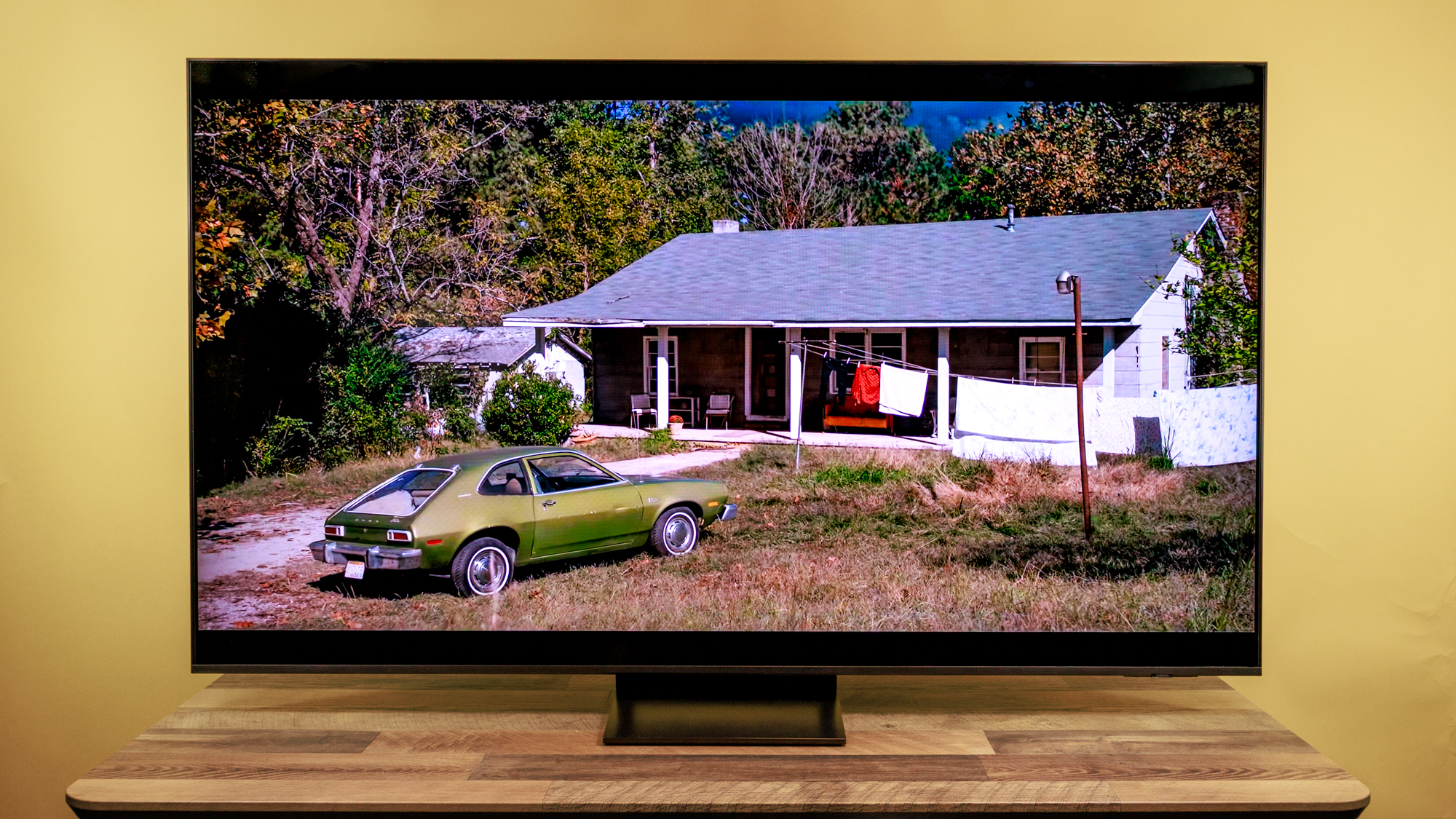
Subjective tests vary based on the reviewer but usually include anecdotes from a diverse selection of movies, TV shows, and other content reflecting the types of things you may actually want to watch on the TV. For a more detailed look at what we do and how we do it, check out our “How we test TVs” page.
SAMSUNG QN70F REVIEW: PERFORMANCE AND TEST RESULTS
The QN70F is a case where results from the lab closely track real life impressions, especially in color fidelity and brightness in several settings. Performance may be limited in part by a Mini-LED edge-lit screen, which is less-capable of matching the high dynamic range of a panel with a full array of LEDs behind the screen.
| Row 0 – Cell 0 |
Samsung QN65QN70FAF |
Hisense 65U75QG |
TCL QM7K |
LG QNED92 (75-inch) |
Samsung QN80F |
Samsung Q70C (65-inch) |
|
SDR Brightness (10%, in nits) |
107 |
1144 |
132 |
512 |
249 |
239 |
|
Delta-E (lower is better) |
3.48 |
2.83 |
1.44 |
1.57 |
2.80 |
1.97 |
|
Rec. 709 Gamut Coverage |
99.46 |
99.58 |
99.17 |
97.80 |
99.62 |
99.53 |
|
HDR Brightness (10%, in nits) |
625 |
2951 |
1733 |
1248 |
1161 |
444 |
|
UHDA-P3 Gamut Coverage |
95.53 |
94.9 |
96.98 |
95.57 |
94.13 |
92.25 |
|
Rec. 2020 Gamut Coverage |
79.08 |
76.19 |
79.22 |
77.42 |
72.13 |
68.27 |
|
Input Lag (ms) |
9.8 |
9.8 |
13.1 |
13.3 |
9.8 |
11.4 |
As you can see from the chart, comparably priced full-array models we have tested have delivered better brightness and high dynamic range (HDR), as well as more accurate color.
In a high-quality extended recap of Super Bowl LX that the NFL published on its YouTube channel, the lack of tonality made the faces of lighter-complexion players look a bit flat and less detailed. The field had a slight neon-green hue.
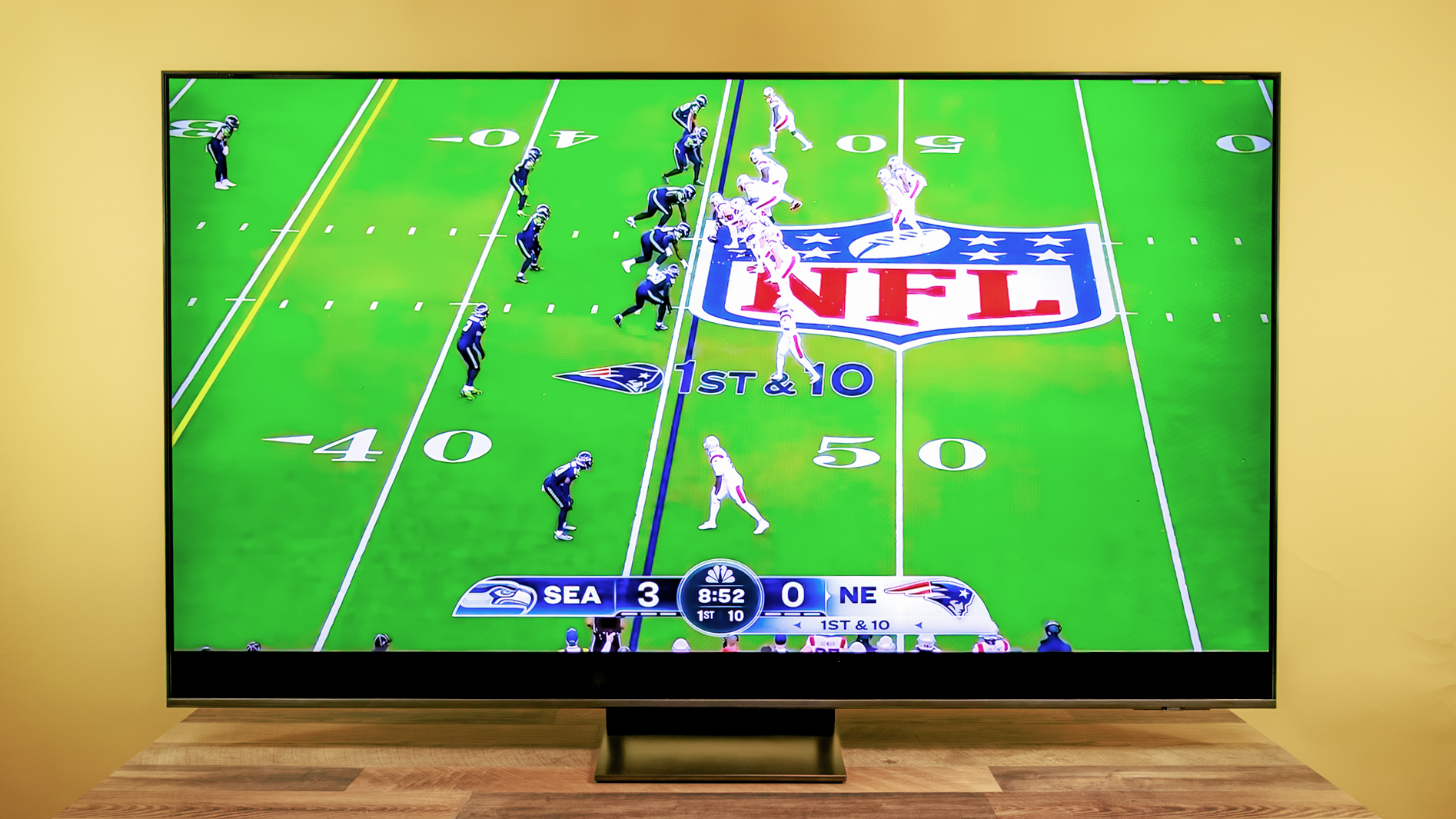

This tracks with a notably poor Delta-E, a measure of color accuracy in which lower numbers are better. Four of five other LCDs we tested ranged from 8.57 to 13.91. This model came in at 26.18. The second-worst TV, Samsung’s QN80F, came in at 22.56.
In its Standard mode, the QN80F only slightly trails four of five other TVs we’ve recently tested for reproducing the range of hues in the benchmark Rec. 709 color gamut. But that didn’t translate on the football field. In comparison, brightness was in line with most rivals, reaching 733 nits in Standard mode. For perspective, most of the five other TVs cluster around 700 nits — excluding the insanely bright Hisense U75QG model at 2,222 nits.
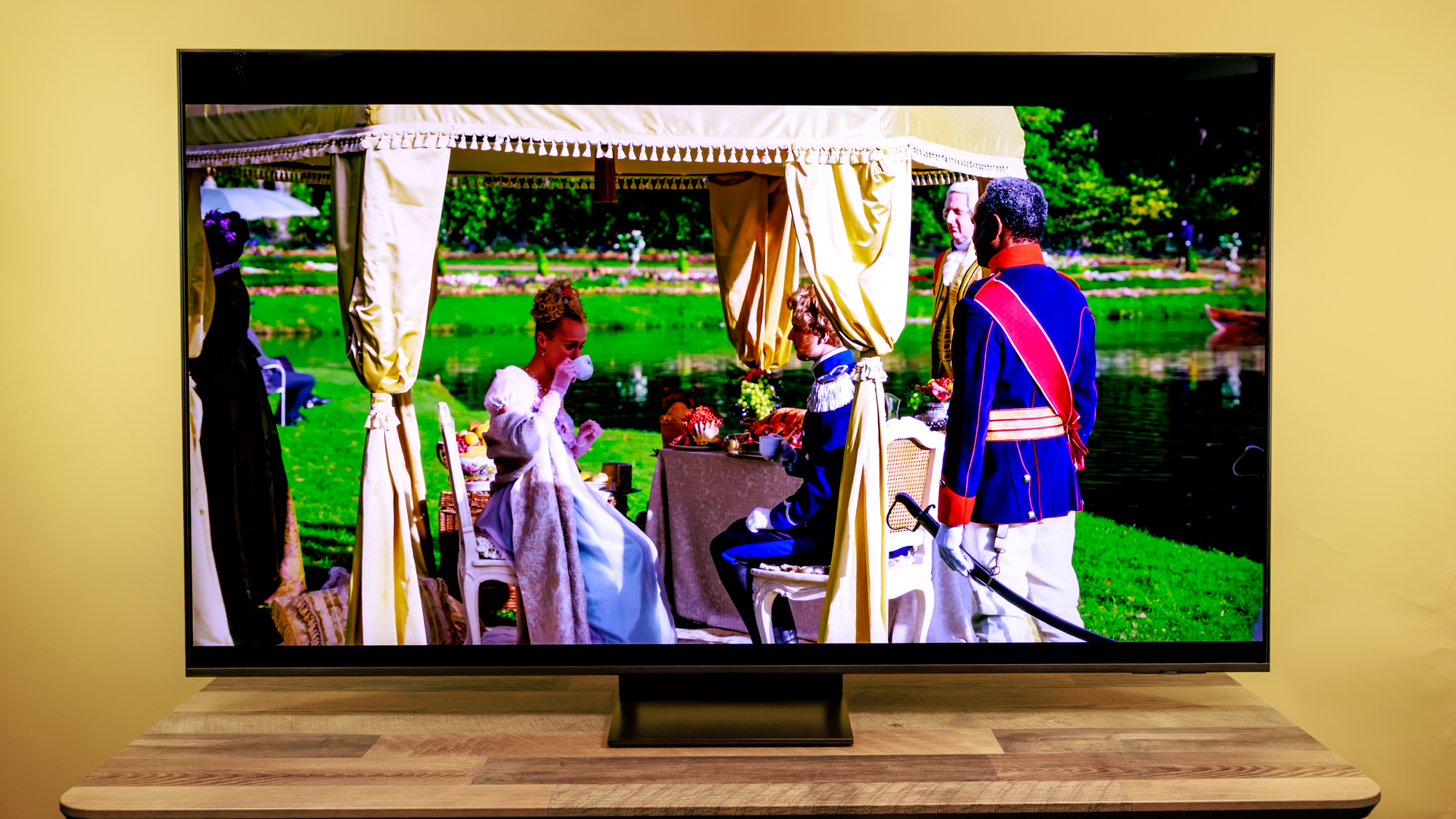
Though subdued, color and shading were at least applied equally well across a wide range of skin tones and lighting conditions in several scenes of Netflix’s “Bridgerton”, streamed in 4K HDR. We recorded a brightness of 625 nits for HDR content in Filmmaker mode. Most competing models came in between about 1,100 and 3,000 nits, or 1,100 to 1,700 nits without the Hisense model.
In either case, the QN70F is quite dim, beating only the 65-inch Samsung Q70C, at 444 nits. Delta-E color accuracy in this mode was nearly as poor, at 3.48, vs. a range of 2.83 to 1.44.
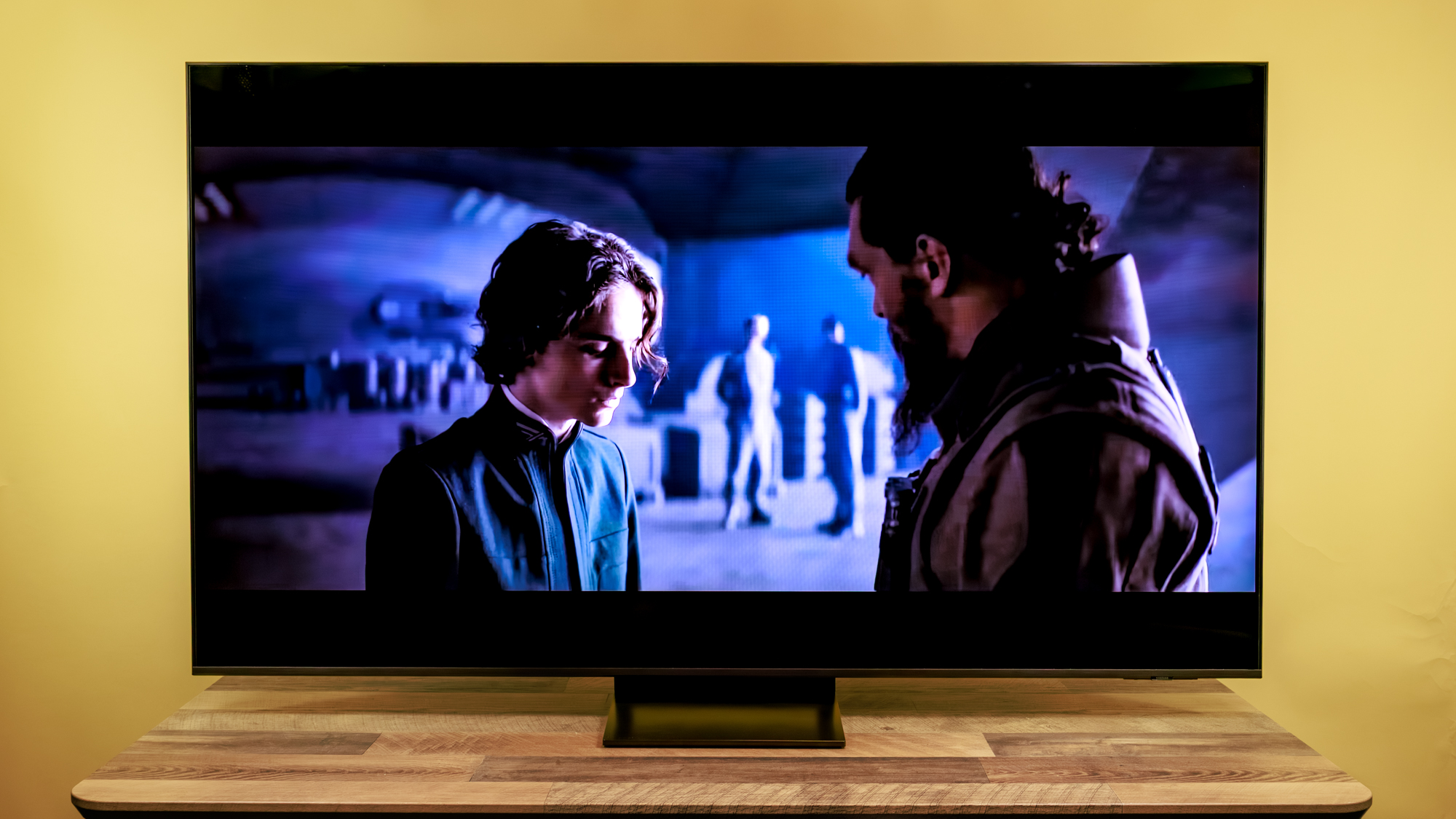
Switching to the “Dune: Part One” 4K Blu-ray, the experience was quite underwhelming: Leto’s face was lost in grayness in the early bedroom scene on Arakis, and a general pallor covered the raging battle that follows. Unlike some rival sets, this model does not support Dolby Vision, which provides metadata to help the TV match the intended image characteristics of the original content, and its absence is felt here.
Then I engaged AI Mode, running on the TV’s NQ4 AI Gen2 Processor. It was a dramatic improvement and made the content look a lot closer to what I saw on a TV supporting Dolby Vision. Leto’s face was suddenly far clearer, without the set noticeably blowing out the darkest tones to make that happen. The explosions gained some pop, and audio also boomed.
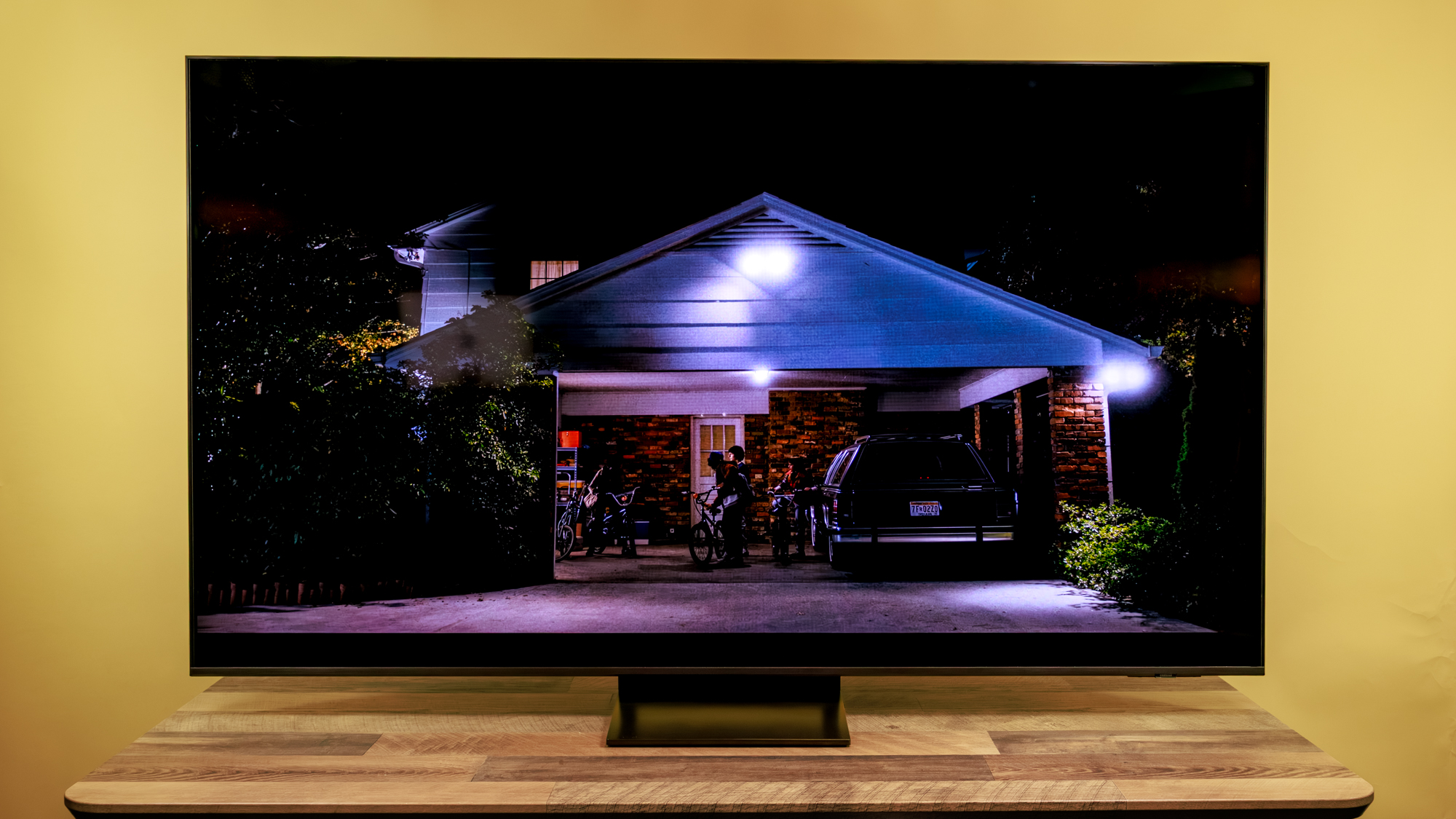
There are limits, though: The QN70F did virtually nothing – even in AI mode – to upscale standard-definition video. I used especially challenging material, however. The 1975 premiere of the police comedy “Barney Miller” streamed from Amazon Prime, is notably blurry and overexposed. Thankfully, the 1970 debut episode of “The Mary Tyler Moore Show” looked much better on the QN70F, but Amazon’s copy was of far higher quality than “Barney Miller”.
SAMSUNG QN70F REVIEW: AUDIO
You can’t expect much from tiny speakers squeezed into a thin panel and firing downward at a table (as we tested) or the floor. This TV’s two-channel stereo system is especially low-powered, with just 20 watts driving both speakers. Some other TV speakers run on 40W, which does not make them sound twice as loud, but still helps.
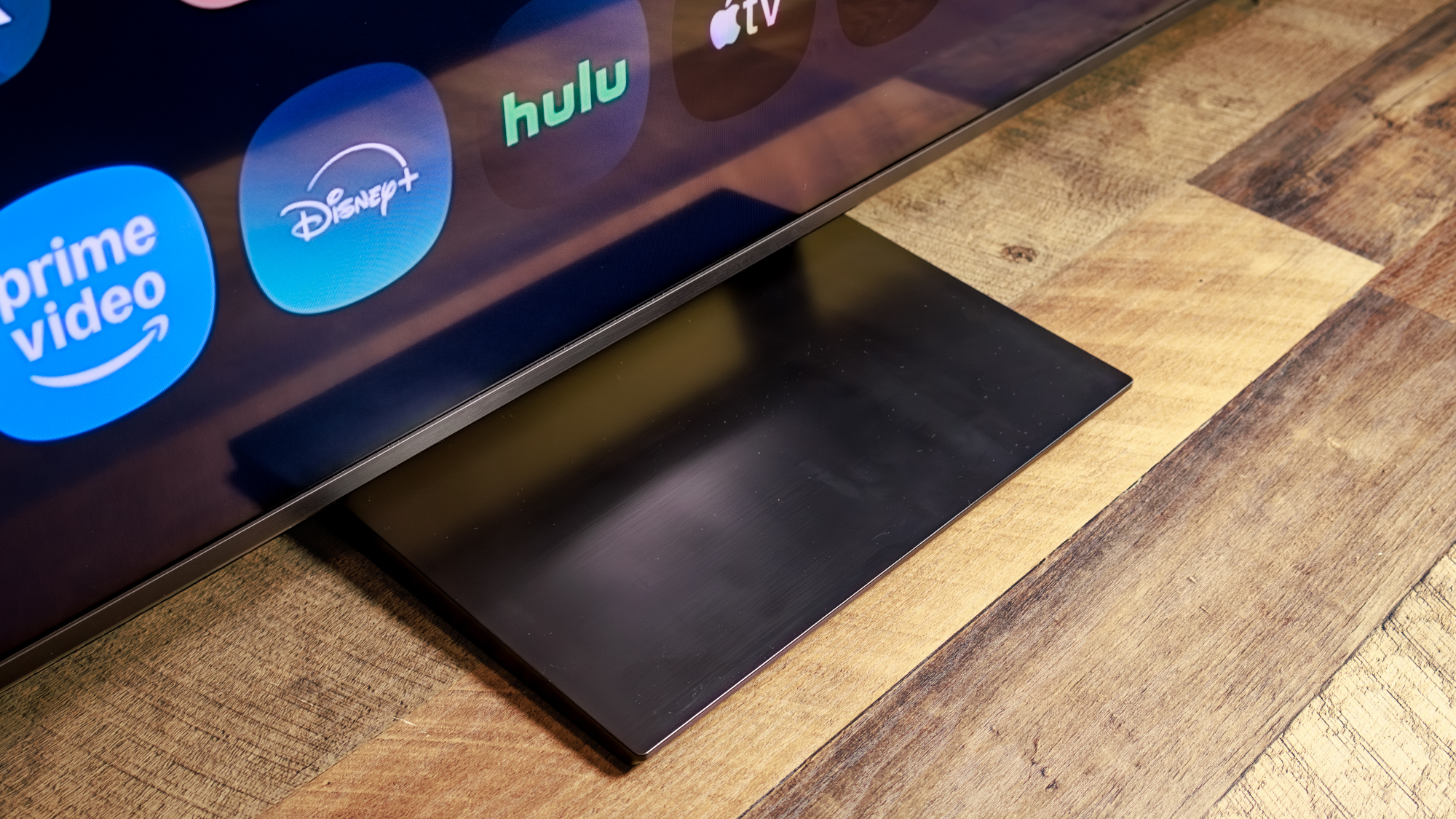
Big speakers are better for deep tones, however I found the highs and mids to be more pleasing than expected, for instance in the earworm songs of “K-Pop Demon Hunters”. Dialogue was clear across the sources I tested. Deeper tones, as in the should-be-soaring music of “Dune” and a trailer for “Stranger Things” sounded hollow — but that’s not surprising.
Switching the Sound Mode from Standard to Amplify helps a bit with this kind of content. But when I engaged AI Mode, the QN70F sounded like a different TV. It filled out the bass in music; thundering explosions were fuller; and the throaty voiceover in the “Stranger Things” trailer was deeper.
SAMSUNG QN70F REVIEW: GAMING
In comparison to middling performance with video, this TV is well equipped for gaming. The time from a signal entering the TV to showing on the screen was just 9.8 milliseconds, according to tests with our Leo Bodnar 4K Video Signal Lag Tester. Anything below about 16ms (the length of a single video frame) is good, and this TV’s result is excellent. The QN70F tied two TVs in terms of input lag and handily beat three others.
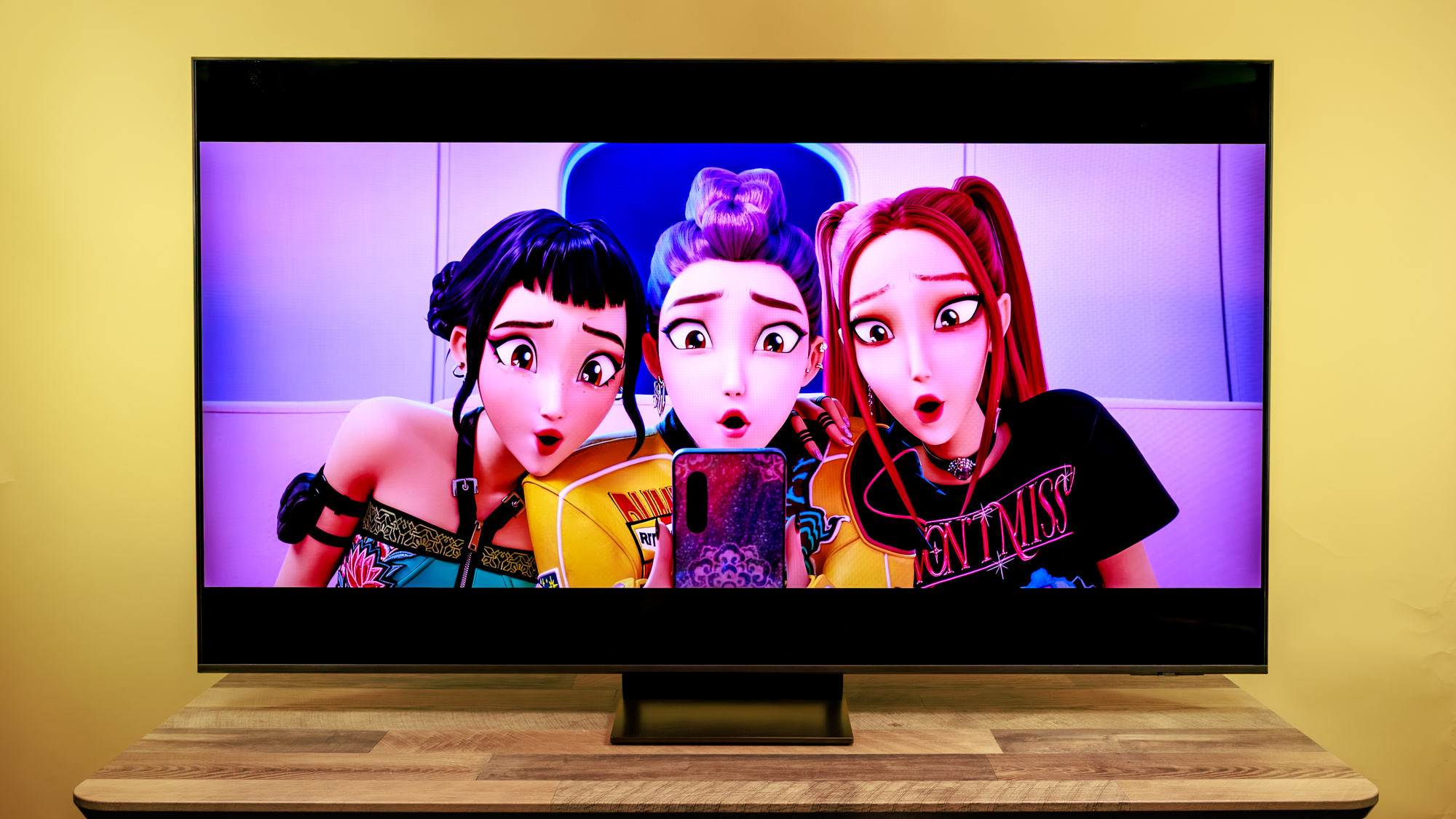
The high frame-rate HDMI 2.1 inputs ensure smooth animation, and features like Variable Refresh Rate (VRR) and Auto Low-Latency mode (ALLM) provide additional boost.
Translation: Games will play smoothly, and you have less worry of getting fragged because the screen can’t keep up with the action.
SAMSUNG QN70F REVIEW: INTERFACE AND REMOTE
Samsung’s house-made Tizen OS is basic and clean. A splashy recommended content item (such as Olympics coverage when I tested) appears across the top, with smaller images for more below them. App icons appear across the bottom (all major video and audio streaming platforms are supported). Apps launch quickly, even notoriously sluggish Netflix. Samsung includes an app for its own TV Plus streaming service featuring free, ad-support video.
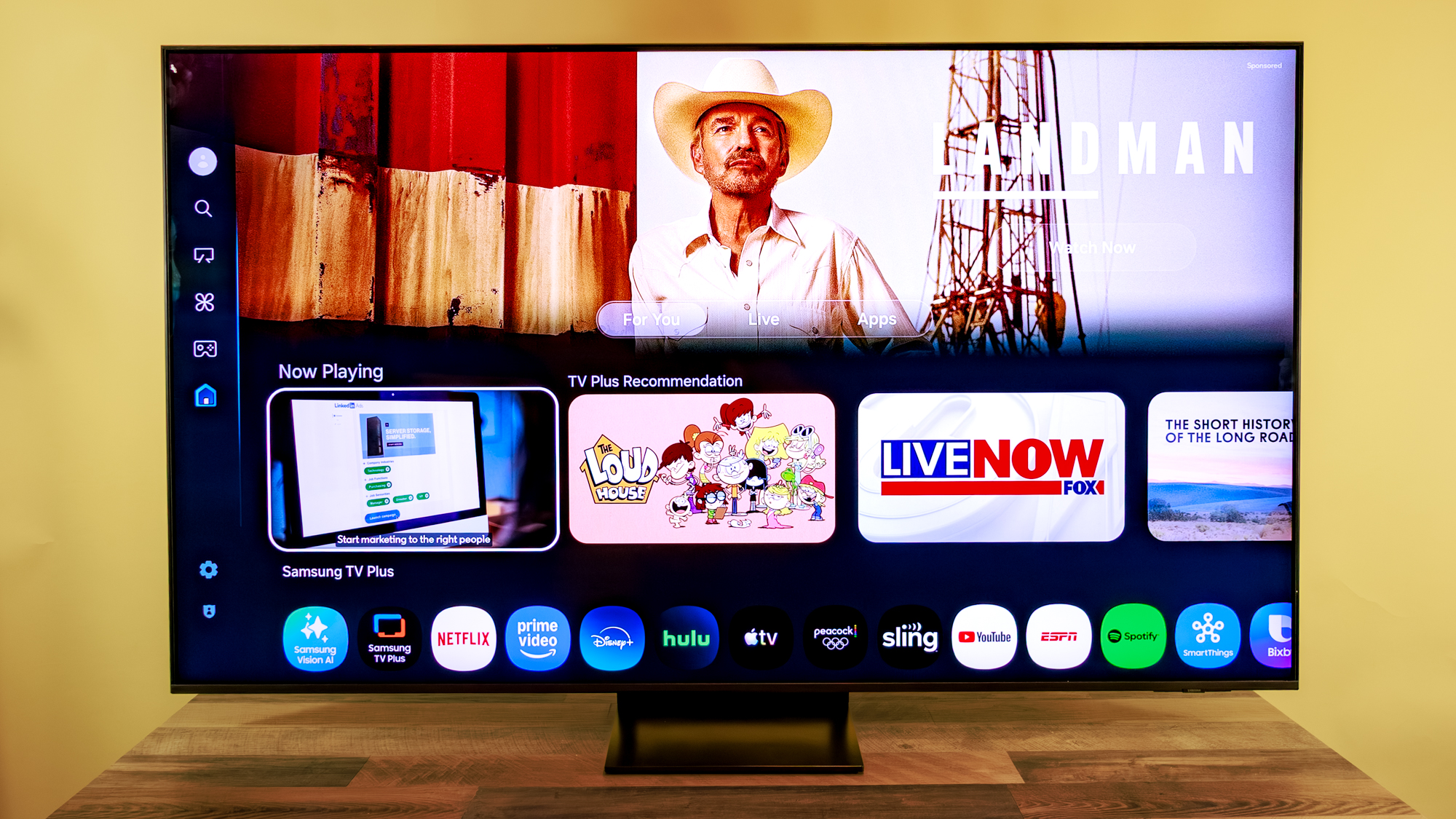
I appreciated the ease of getting to the settings shortcut menu, which pops up in the lower-left of the screen with one button-press. The main options for casual viewers are here: Brightness, Picture Mode (Eco, Movie, Filmmaker, Dynamic, Standard), Audio Mode, and the all-powerful AI Mode.
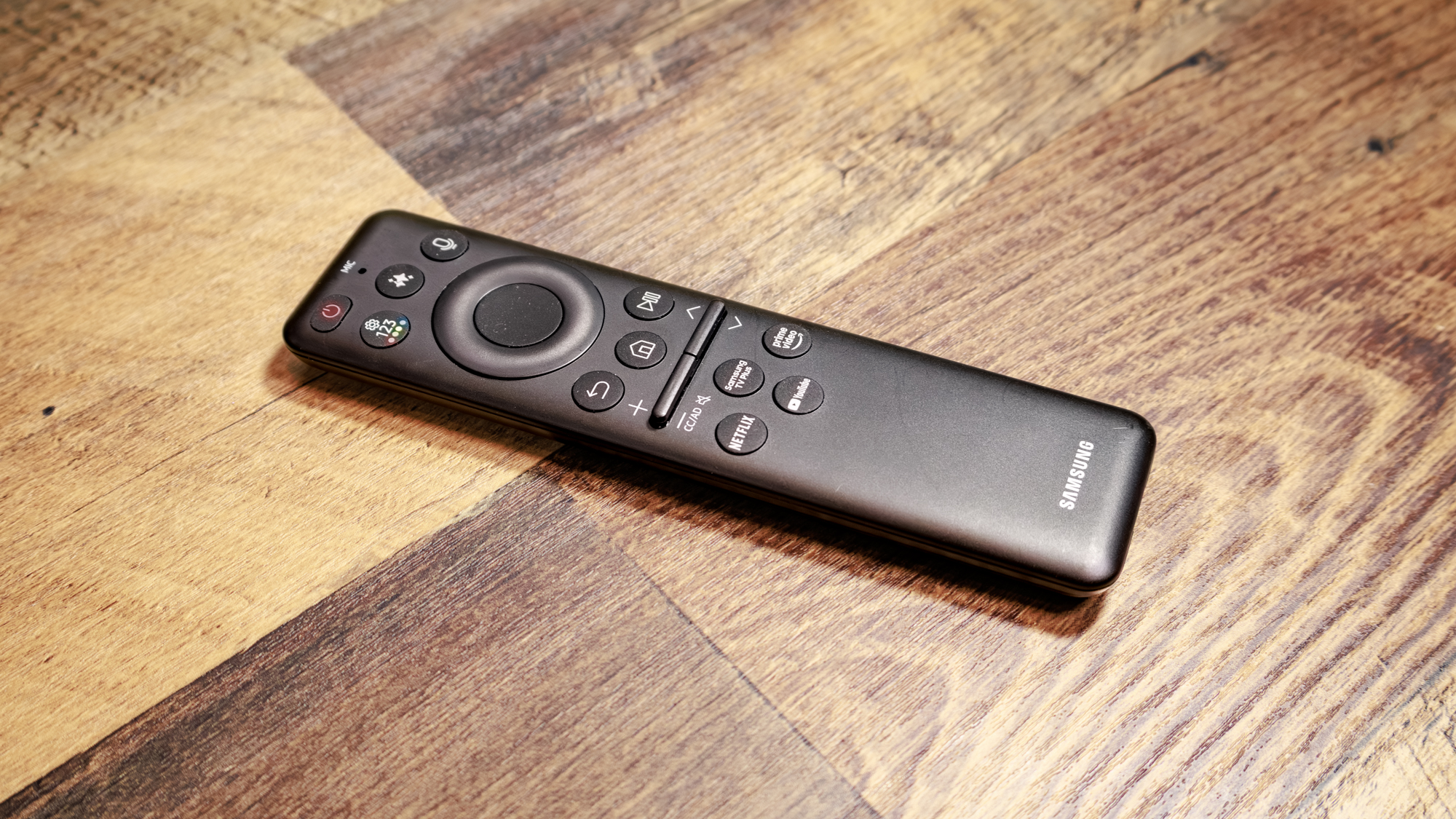
The remote is tiny: small enough for most people to operate one-handed. But everything you need is there, including the standard four-direction ring and central button, shortcuts to select video apps, and the shortcut menu button. A button with the multiple-stars symbol that has come to denote “AI” launches the Bixby voice assistant for content recommendations and other chatbot question-answer features. The remote charges via USB-C or a solar panel on the back.
SAMSUNG QN70F REVIEW: VERDICT
The slim, spare design makes the TV as unobtrusive as a 65-inch screen could be. The remote control is minimal and intuitive, and the Tizen OS smart TV interface is fairly intuitive.
Its out of the box picture quality leaves something to be desired, especially in HDR, but don’t sleep on the AI mode that makes substantial improvements to image as well as audio quality, without introducing noticeable oddities.
I feel that other TVs around the same price and lower offer better native picture performance — an issue that I’m chalking up to the edge-lit backlight — so I recommend auditioning sets from TCL and Hisense before settling on this Samsung.
Source link
-
-

-
-

-


