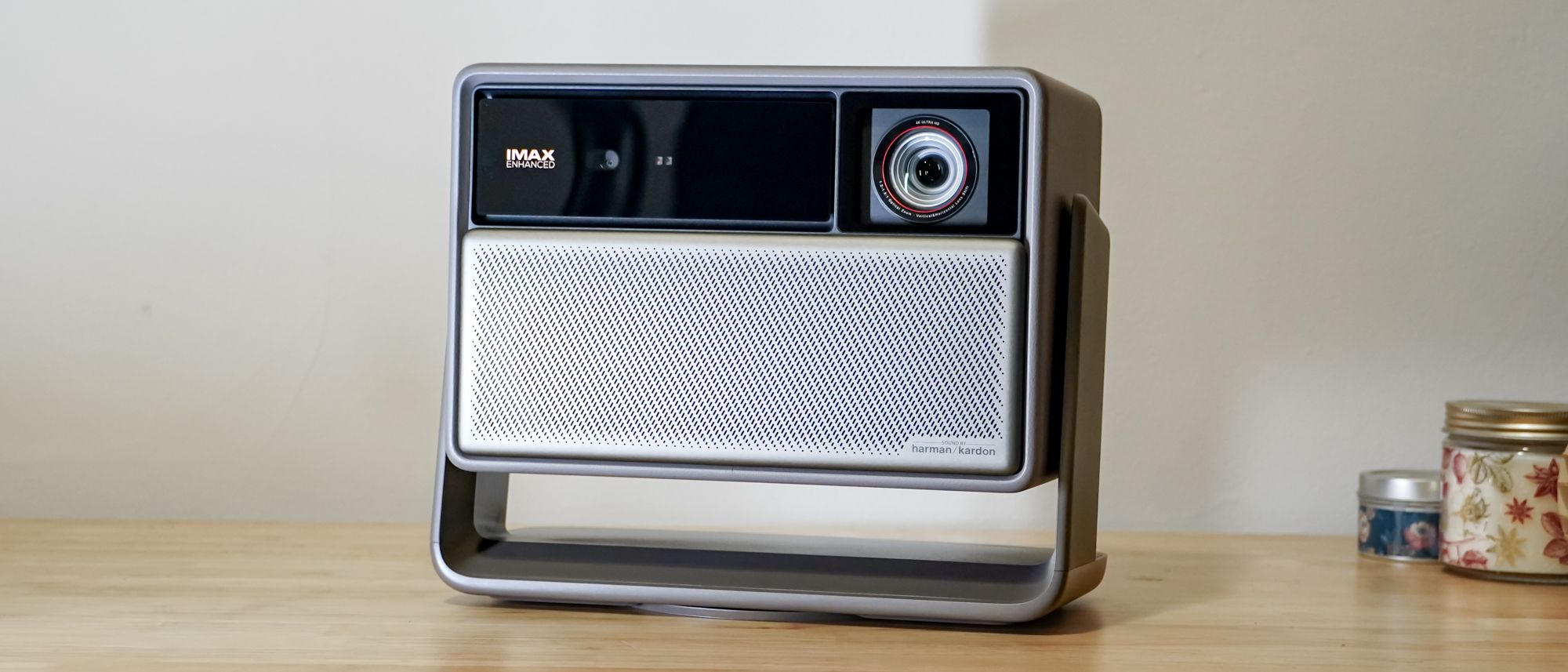
Xgimi’s new generation of home cinema projectors has landed, bringing a bunch of new capabilities to the Horizon family. The Horizon 20 Pro sits at the middle of the pack, with the standard Horizon 20 and top-tier Horizon 20 Max on either side of it, offering less or more brightness and a lower or higher price, respectively.
Even as a middle-of-the-pack option, the Horizon 20 Pro has a lot to offer: This generation fits the projectors with incredibly flexible optics, going beyond simple zoom to also provide extensive lens shift that ensure more usable projection no matter what you set the projector.
As exciting as the flexible optics are to get alongside such bright and colorful projection, the Xgimi Horizon 20 Pro isn’t quite as robust as the best projectors in its class — elevated black levels with a blue tint hurt its performance in dark scenes. Some of its settings can be very confusing, and it may not opt to give you the best picture or all that it’s capable of depending on which settings you choose, which adds a bit of friction. But if you often watch in a bright room and want some extra gaming chops, the Xgimi Horizon 20 Pro still might be just the fit.
Xgimi Horizon 20 Pro review: Pricing and availability
The Horizon 20 Pro launched at the tail end of 2025 after debuting just a few months earlier during IFA 2025. It carries a $2,499 price tag, though Xgimi has a consistent history of major discounts during big sales periods.
During the time of testing, the Horizon 20 Pro had a sale dropping it by over $500 to a more reasonable $1,799. While it will generally sit at its retail price tag, you can expect plenty of opportunities to score it for under $2,000.
Xgimi Horizon 20 Pro review: Design
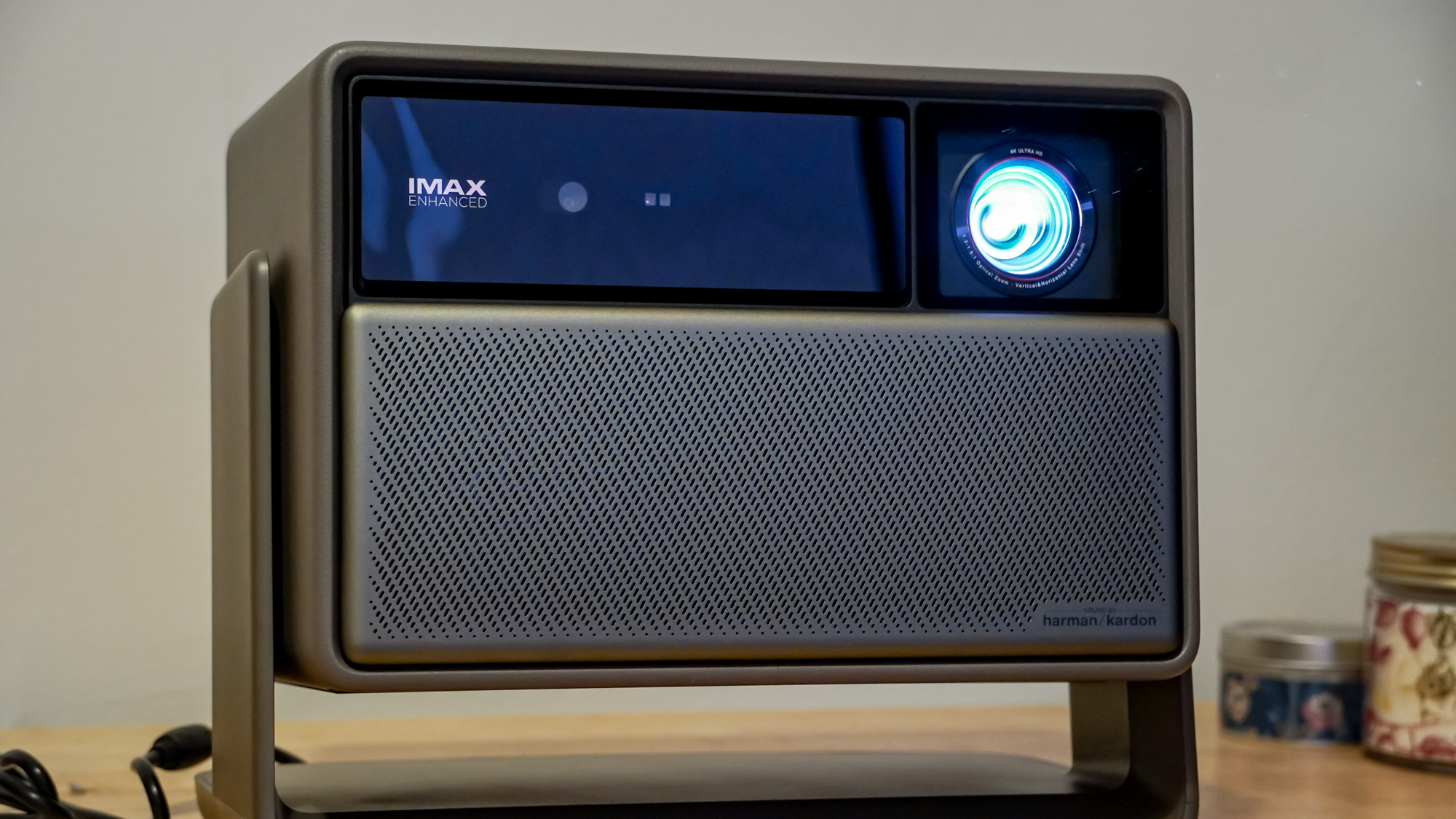
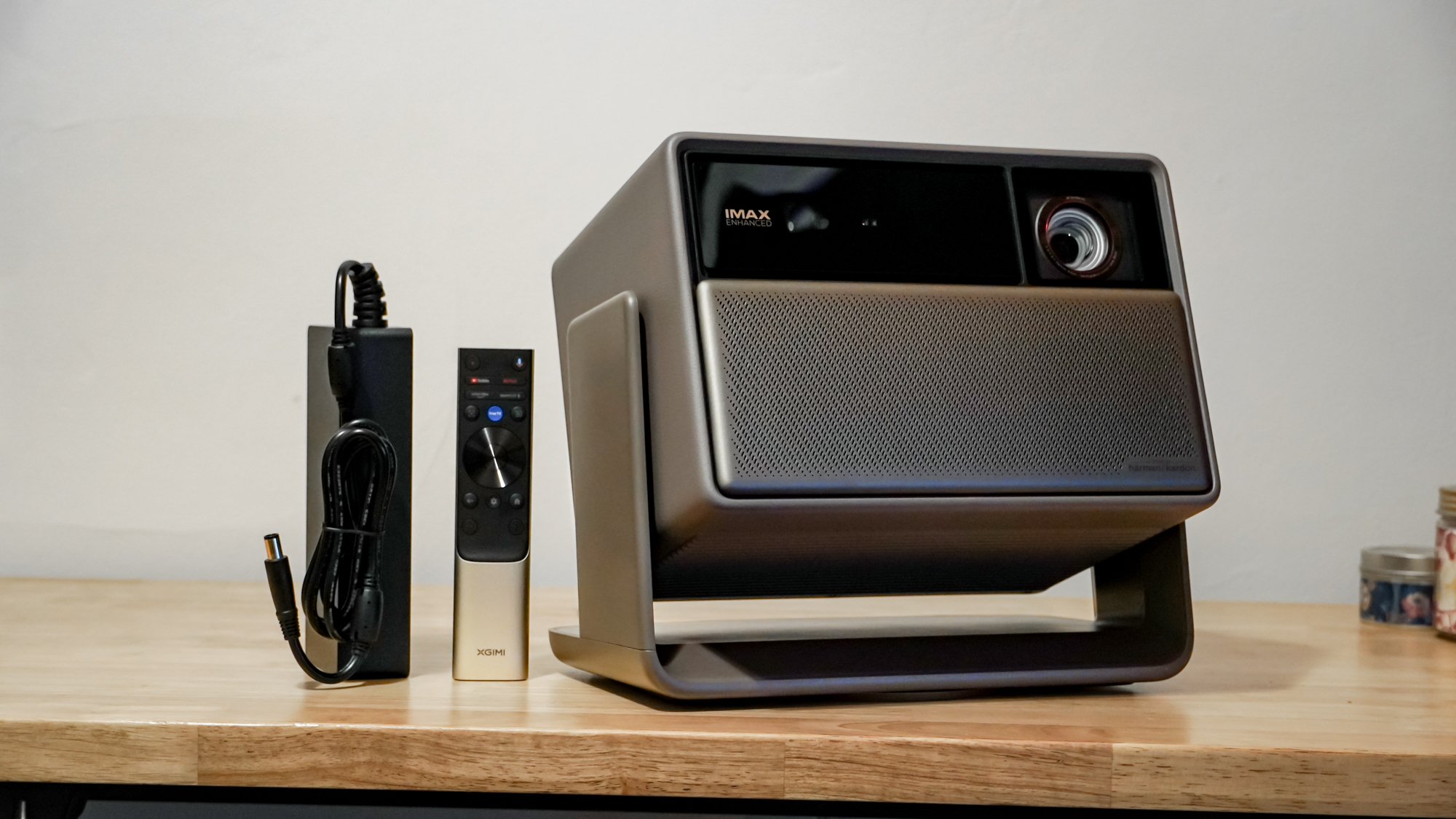
The Horizon 20 Pro continues the design trends seen on recent Xgimi projectors from the Horizon S family, combining leatherlike and metallic textures.
Image 1 of 3

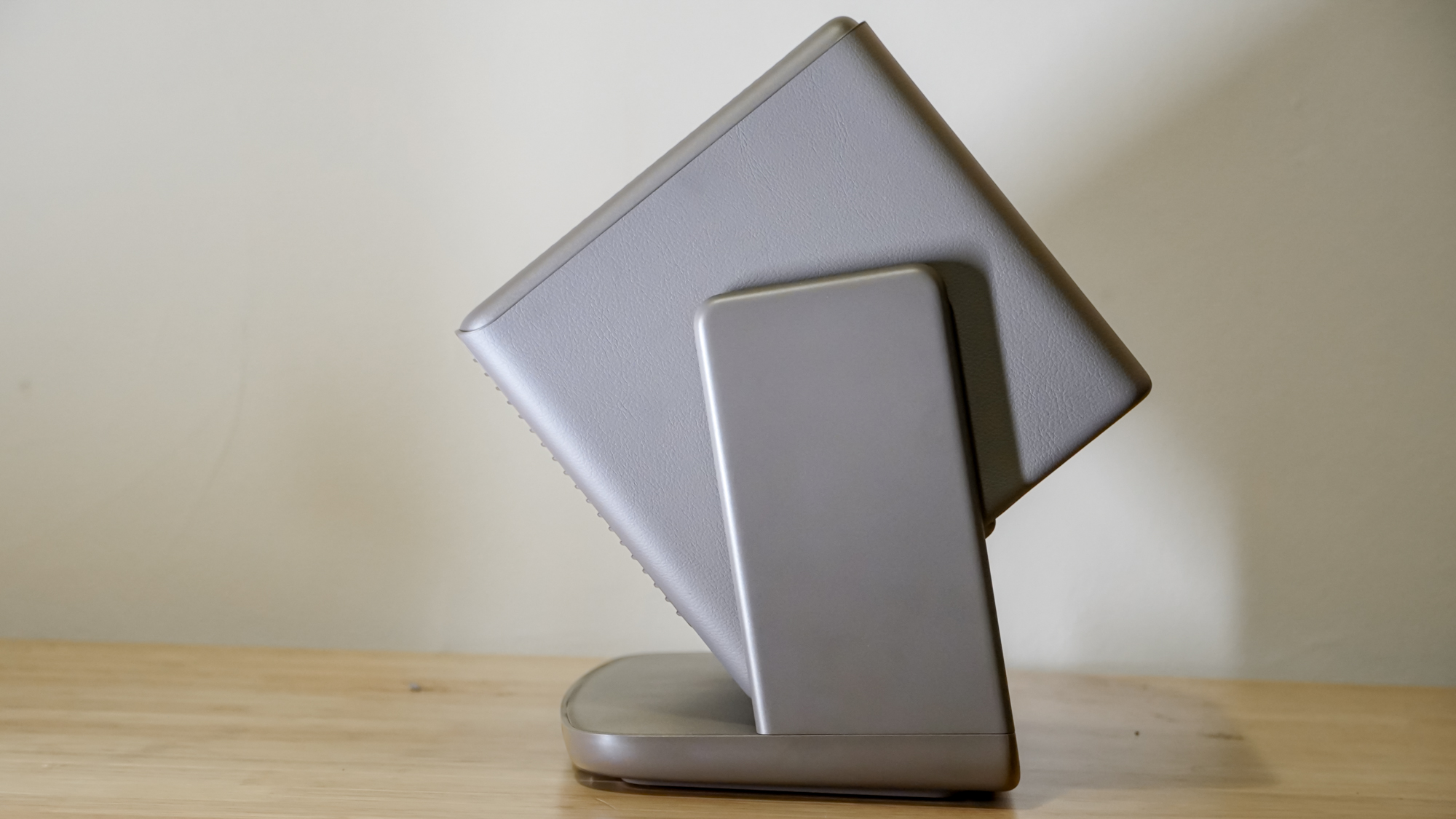
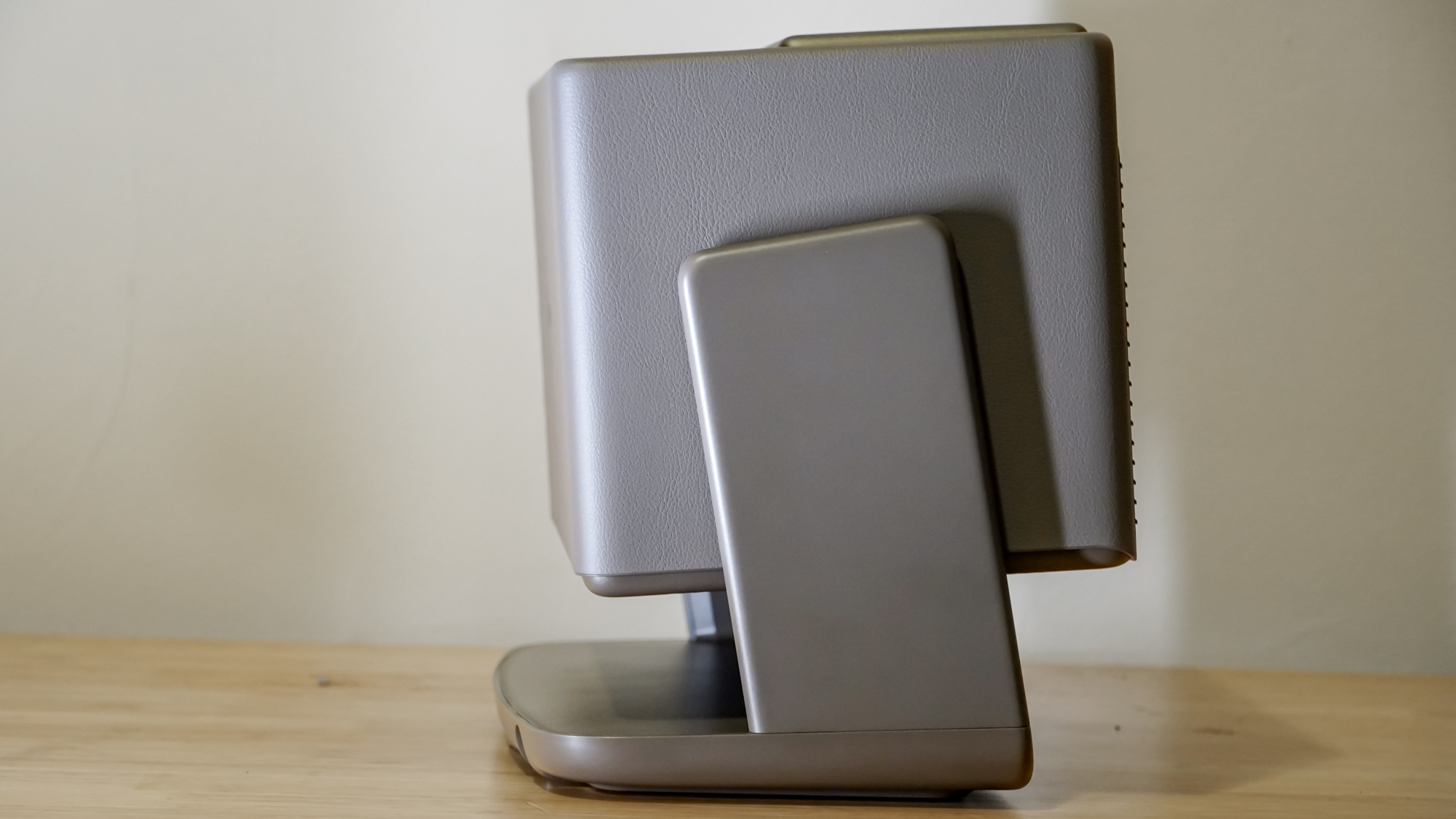
The Horizon 20 Pro sits fairly compact even with its integrated gimbal stand. This makes finding space for it and positioning it quite easy. That said, one thing all gimbal stands I’ve seen lack is any sort of adjustment to correct for tilt, and the Horizon 20 Pro is no exception. The stand has a tripod mounting point at least, giving you some extra flexibility.
Despite the small size, the projector is fitting in a smart TV platform, stereo 12W speakers, its projection system with extensive optical adjustments, and all the cooling hardware it needs to deliver its 4,100 lumens of brightness (albeit with some noise).
Though the projector’s front looks akin to what was on the Horizon S Max, which features a motorized lens cover that slid up over its optics, but the Horizon 20 Pro has no lens cover. Instead, it has a grille covering up its front-firing speakers.
Xgimi Horizon 20 Pro review: Set up and ports
Setup is all the easier for the projector’s adjustable optics. While the stand can tilt to help you line it up with a wall, screen or ceiling from wherever you perch it, the adjustable lens shift is a much bigger player. The Horizon 20 Pro supports a considerable range of shifting horizontally and vertically without the need to move the projector at all.
It also can zoom in from a 1.2:1 throw ratio to 1.5:1. What this means in practice is that you can pick a convenient spot to set the Horizon 20 Pro down, and then combine optical zoom and optical lens shift to position the projection optimally without having to rely on digital adjustments that crop the usable image.
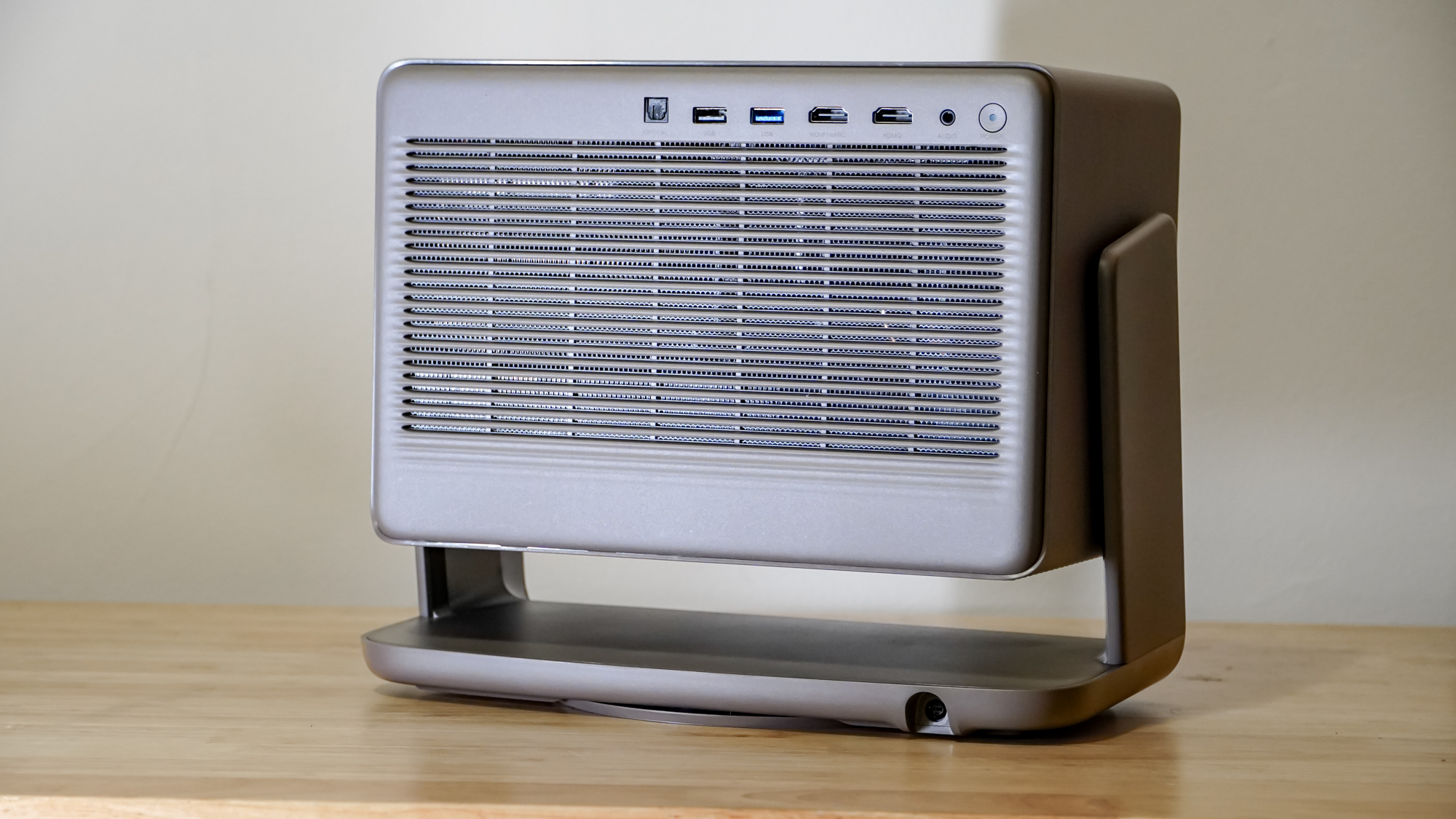
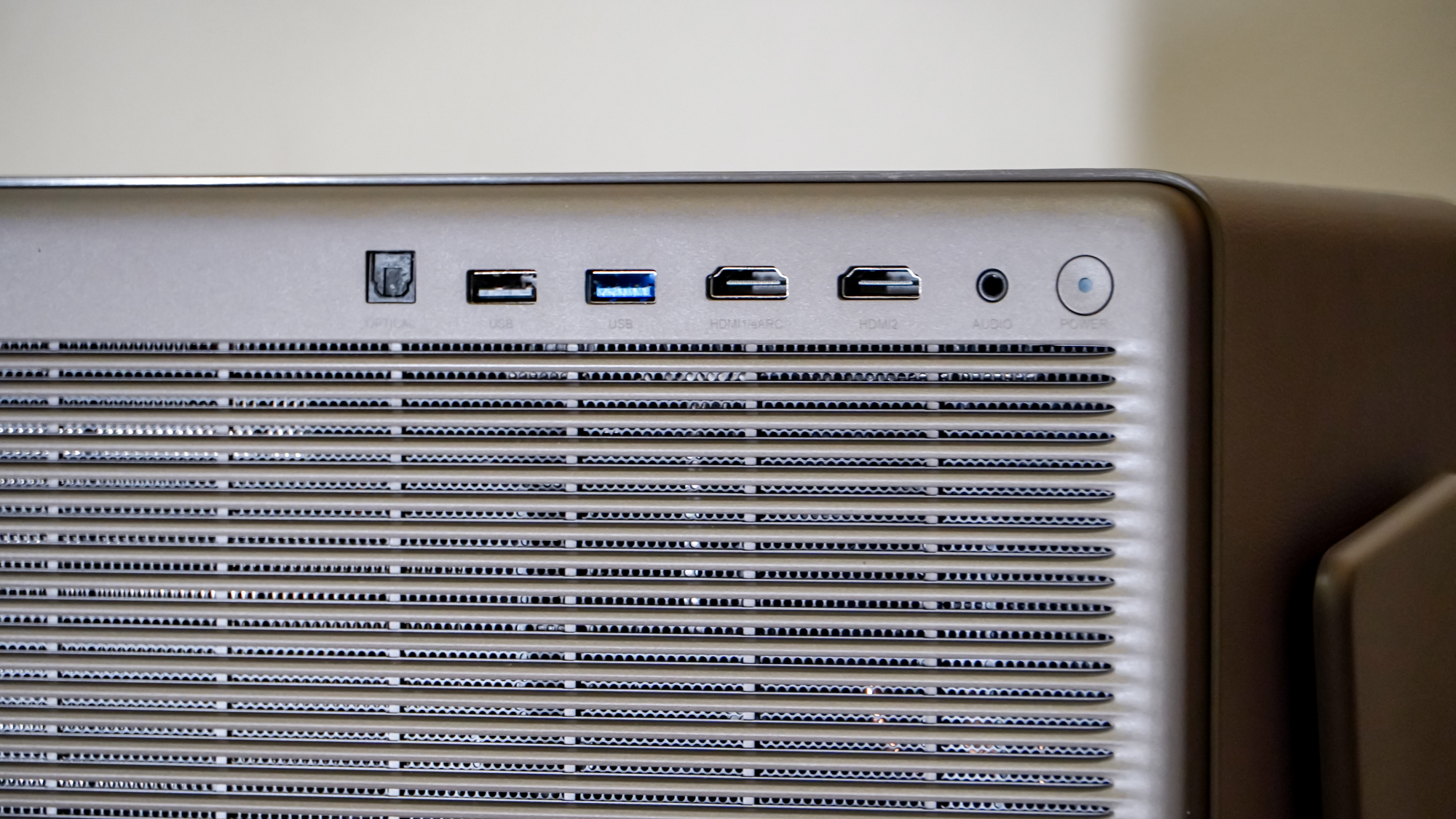
The rear of the projector houses all of its ports, which sit awkwardly up at the top edge where they can then dangle that little bit more. Power comes in separately, instead plugging into the stand. Unfortunately, the power is delivered by an external power brick that’s both heavy and sizable, interfering a bit with what might have otherwise been a more elegant setup.
The included ports are a pair of HDMI ports, two USB ports (one with 10Gbps bandwidth), a 3.5mm audio output and an optical audio output. The HDMI ports both can support 4K/60 or 1080p/240Hz inputs, but only one can pass audio along via eARC.
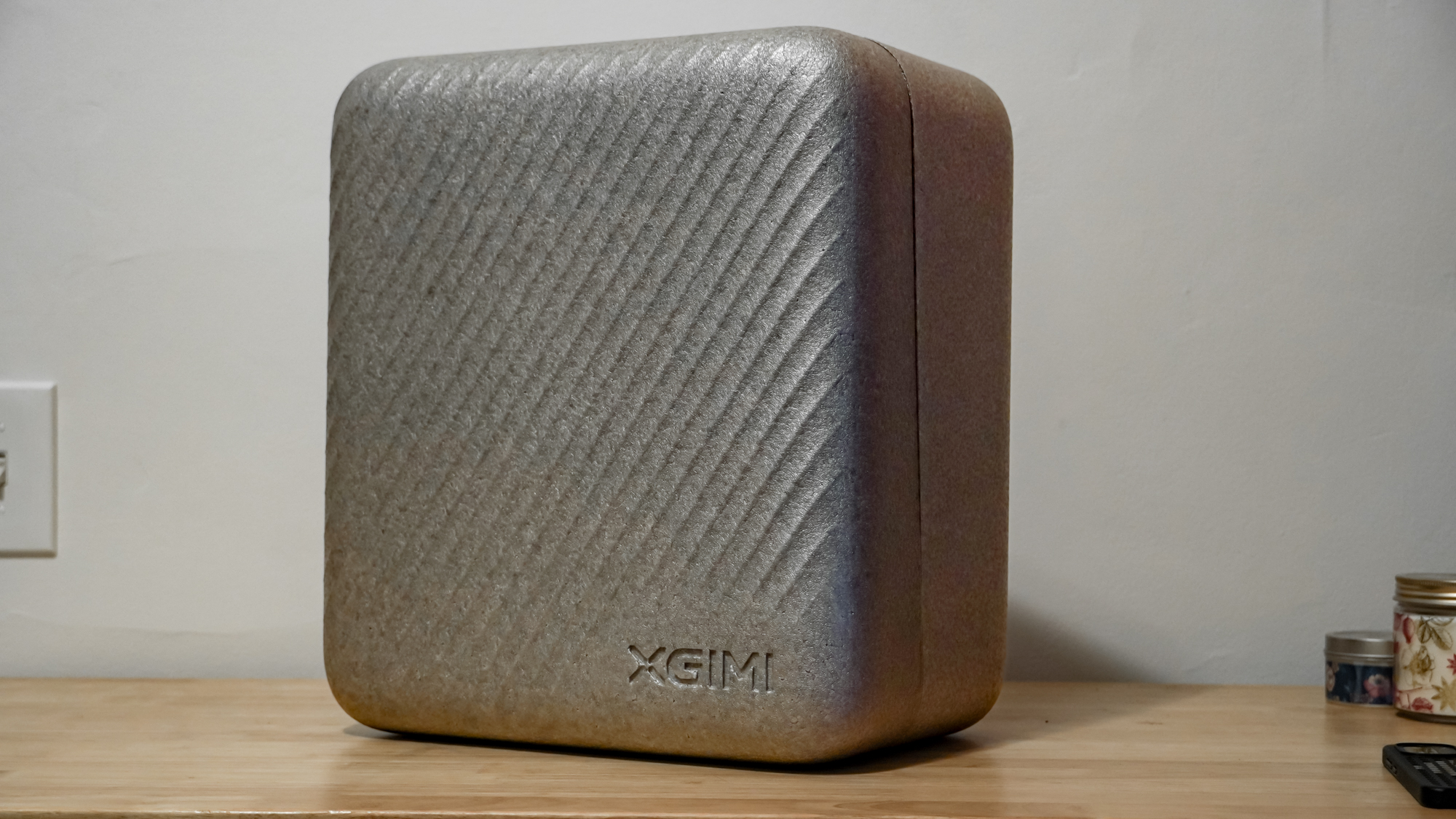
Like many other projectors in its category, the Horizon 20 Pro comes packaged inside a foam carrying case that both protects it in shipping and can continue to protect it during the rest of its life. It’s not a terribly impressive case, but it’s better than nothing and keeps all the necessary components together.
Xgimi Horizon 20 Pro review: Performance
With the projector set up, the Xgimi Horizon 20 Pro offers mixed performance. However, when a bright picture is called for, it has what it takes to deliver a great view.
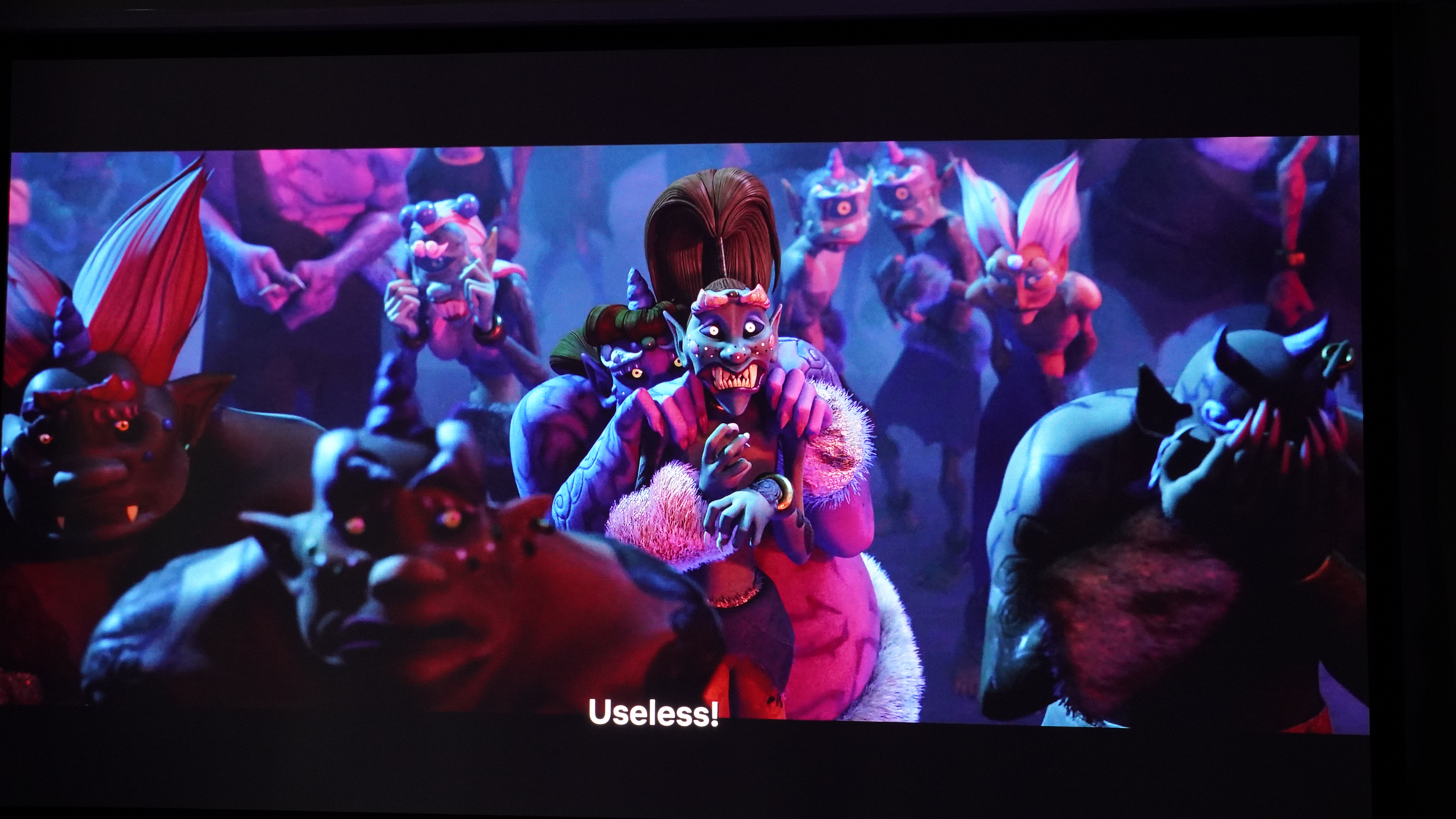
For cartoons and other bright content, it can even hold up surprisingly well in bright rooms, as long as sunlight isn’t directly hitting the wall or screen you’re projecting onto. But the Horizon 20 Pro can struggle a bit in other scenarios, and it often disappoints.
Xgimi advertises a 4,100 ISO lumen brightness level which is incredibly bright, but by default, the projector measured at just 2,792 lumens.
The brightness levels of the projector are undeniably impressive for a model at this price, though in most use cases, you won’t be seeing the advertised brightness. You might not even want to get the peak brightness as it comes with reductions to gamut and contrast (or worse in the High Power mode). The high brightness level combines with a strong color gamut from the RGB laser projection system that makes for some wonderfully vivid visuals, though Xgimi is competing in a field of other RGB laser projectors that can match it on that front. Xgimi also doesn’t deliver them by default, with the Standard and Movie presets not actually taking advantage of the full color gamut.
The contrast leaves something to be desired, especially in darker scenes. While beaming bright, dark areas of the scene look dim enough to my eyes. But when dark scenes play, the elevated black floor of the projector shines. It casts a bluish light anywhere that’s meant to be black. It’s always visible in letterboxes and can show up in large areas of black in the picture.
Even with brightness levels set low and a shifted gamma curve, I could never quite sink that black level low enough to be negligible. The dynamic black level enhancing feature dropped brightness for dark scenes automatically, but it introduced its own issues, like slow transitions and obvious color shifting in the process.
Motion performance for the projector can also be bothersome. In most preset picture profiles, motion smoothing is enabled, and it results in unsightly artifacts and unnatural motion, only serving to smooth out camera motion and otherwise causing issues (especially with cartoons and anime).
There’s a special 24p mode that worked wonderfully in some testing, but wasn’t a panacea. For a lot of content, it produced great motion that wasn’t choppy, stuttery, or unnaturally smooth. But the projector can’t handle all sources equally well. Streaming “Avatar: The Way of Water” on Disney+, none of the smoothing settings could prevent considerable stutter that was occurring throughout. I checked more Dolby Vision content on the platform and then SDR content and still saw similarly choppy motion.
Swapping over to Fallout on Prime Video, which streams in HDR10, motion was fine again. Dolby Vision content in the HBO app was also smooth. Content played from an external PC also didn’t suffer. Just to make sure the streaming platform wasn’t the issue, I confirmed Disney Plus playback was smooth on a different projector.
Xgimi Horizon 20 Pro review: Test Results
| Row 0 – Cell 0 |
Xgimi Horizon 20 Pro |
Anker Nebula X1 |
JMGO N1S Ultimate |
Hisense C2 Ultra |
Hisense M2 Pro |
|
Brightness (ANSI lumens) |
3540 |
3491 |
2583 |
3231 |
1126 |
|
Contrast |
1257:1 |
1311:1 |
1401:1 |
1330:1 |
1126:1 |
|
sRGB coverage |
100% |
100% |
100% |
100% |
100% |
|
DCI-P3 coverage |
92% |
92% |
97% |
96% |
95% |
|
Input lag (default) |
100ms |
154ms |
144ms |
50ms |
51ms |
|
Input lag (gaming mode) |
49ms |
50ms |
47ms |
51ms |
50ms |
|
Lifespan |
n/a |
30000 hours |
30000 hours |
25000 hours |
25000 |
|
MSRP |
$2,499 |
$2,999 |
$2,799 |
$2,999 |
$1,299 |
|
Street price |
$1,799 |
$2,999 |
$1,499 |
$1,999 |
$1,299 |
To analyze its precise performance, I used a light meter to measure the projectors brightness using an ANSI test pattern and used a Spyder X2 Ultra colorimeter to measure the projector’s color gamut against a 1.1-gain projection screen.
The Horizon 20 Pro is a powerful projector, but some of its capabilities are a bit oversold and occasionally a little hard to tap into. Xgimi advertises a 4,100 ISO lumen brightness level which is incredibly bright, but by default, the projector measured at just 2,792 lumens. That’s still very bright, but a long way from the rating.
Enabling the picture settings’ Luminance Boost setting brings that up to 3,540 lumens, though comes with a reduction in color gamut. Curiously, swapping over to the High Power picture profile overshot the brightness specification by hitting 4,773 lumens by my measurement, but it comes with a horribly unsightly green tint to visuals and requires the projector’s fans to ramp up to a rowdy level.
While the default 2,792-lumen brightness is not bad by any means, it leaves the Horizon 20 Pro with a bit less edge against projectors it competes with like the Hisense C2 Ultra or Valerion VisionMaster Pro 2.
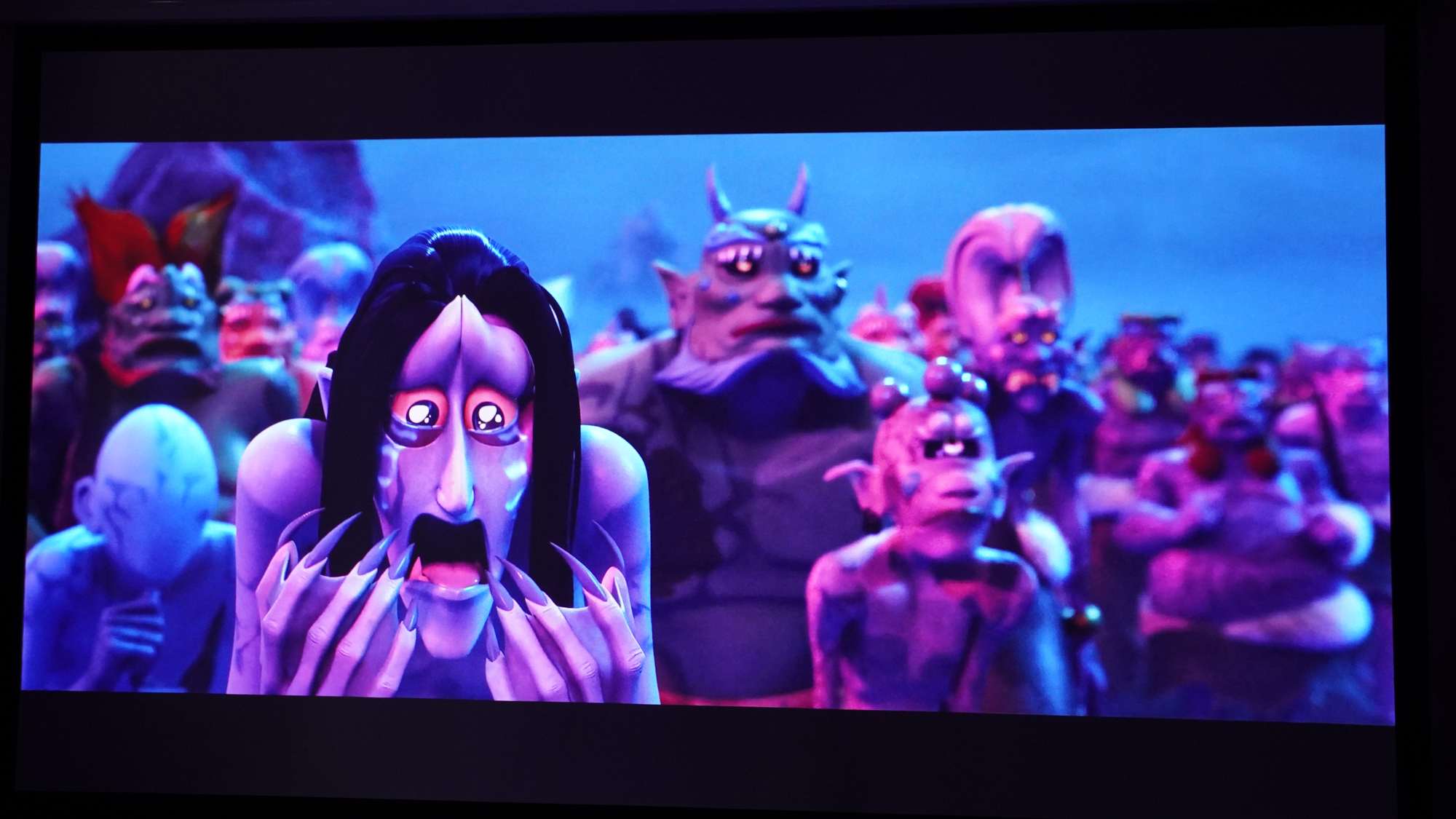
Contrast is also not the projector’s strongest suite. The aforementioned black levels never get quite low enough to astound. With a black picture sitting at about 2.2 lumens, the projector offers a FOFO (full-on, full-off) contrast of 1257:1. Native contrast shifts when displaying bright and dark areas together. With two bright boxes in the corners of black screen, contrast falls to 383:1 and that falls even further to 71:1 while displaying a full checkerboard. This is enough to give it an edge over the Anker Nebula X1, but it lags behind the Hisense C2 Ultra and cheaper (and dimmer) Hisense M2 Pro.
The brightness of the projector comes by way of its RGB laser projection system, which promises a very wide color gamut. But this, too, can be a little underdelivered.
In its default Standard picture setting, I measured 99% sRGB coverage, 85% DCI-P3 coverage, and just 61% BT.2020 coverage. These fall well shy of the 110% BT.2020 coverage advertised. The Vivid preset opens things up a bit, reaching 100% sRGB coverage, 92% DCI-P3 coverage, and 89% BT.2020 coverage. Measuring projector color gamut can be a little fiddly though, and suffice to say it’s still a vibrant projector.
Xgimi Horizon 20 Pro review: Audio
The system’s speakers put on a good show. They’re boisterous for a small projector, giving action scenes a nice punch and keeping dialogue pretty clear.
That said, you’re not going to get a wide sound stage from them and there’s little in the way of stereo separation. You also won’t get extremely deep bass or brilliant treble. But for casual listening, they can do a good job.
Thankfully, the projector provides a good few options for outputting to better speakers, where that be a pair of powered stereo speakers, a soundbar, or an AV receiver with optical or eARC inputs.
Xgimi Horizon 20 Pro review: Gaming
Like the best picture settings, the best gaming settings are also a little buried and require a bit of tweaking.
Taking high-speed photos of timecode mirrored on the projector screen and a laptop’s built-in 120Hz OLED display, I measured the latency between the two. Simply choosing the Game picture profile doesn’t seem to do the trick, with it sitting around almost 100ms of latency just like the Standard picture mode. Toggling ALLM also saw no improvement to latency.
Adding in PC Mode appeared to finally lower the latency, though even then it was at a tangible level of 49ms. Only with the projector’s Super Frame setting enabled and a higher refresh rate did latency really start to sink, with the projector showing no latency between it and the source device.
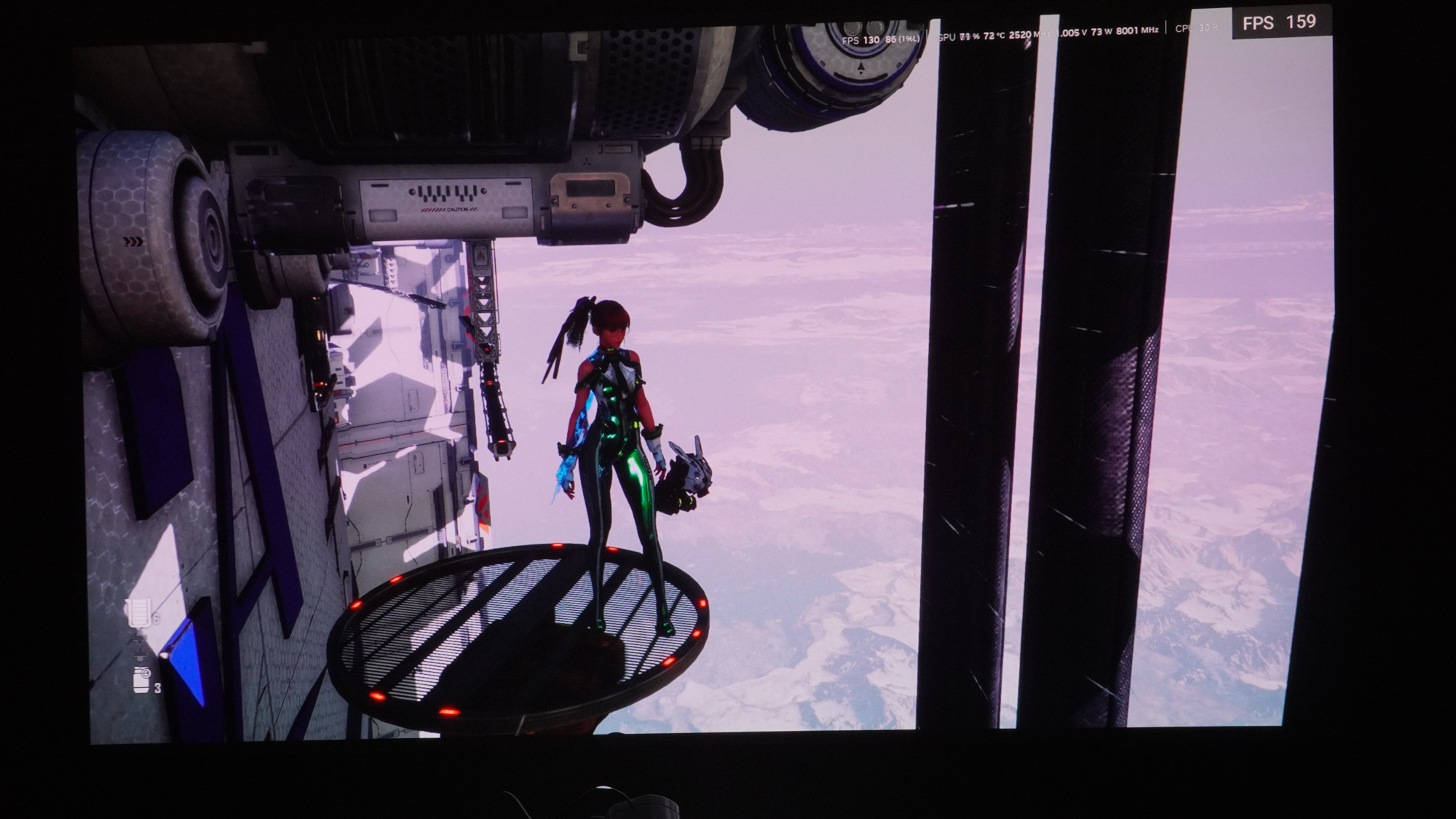
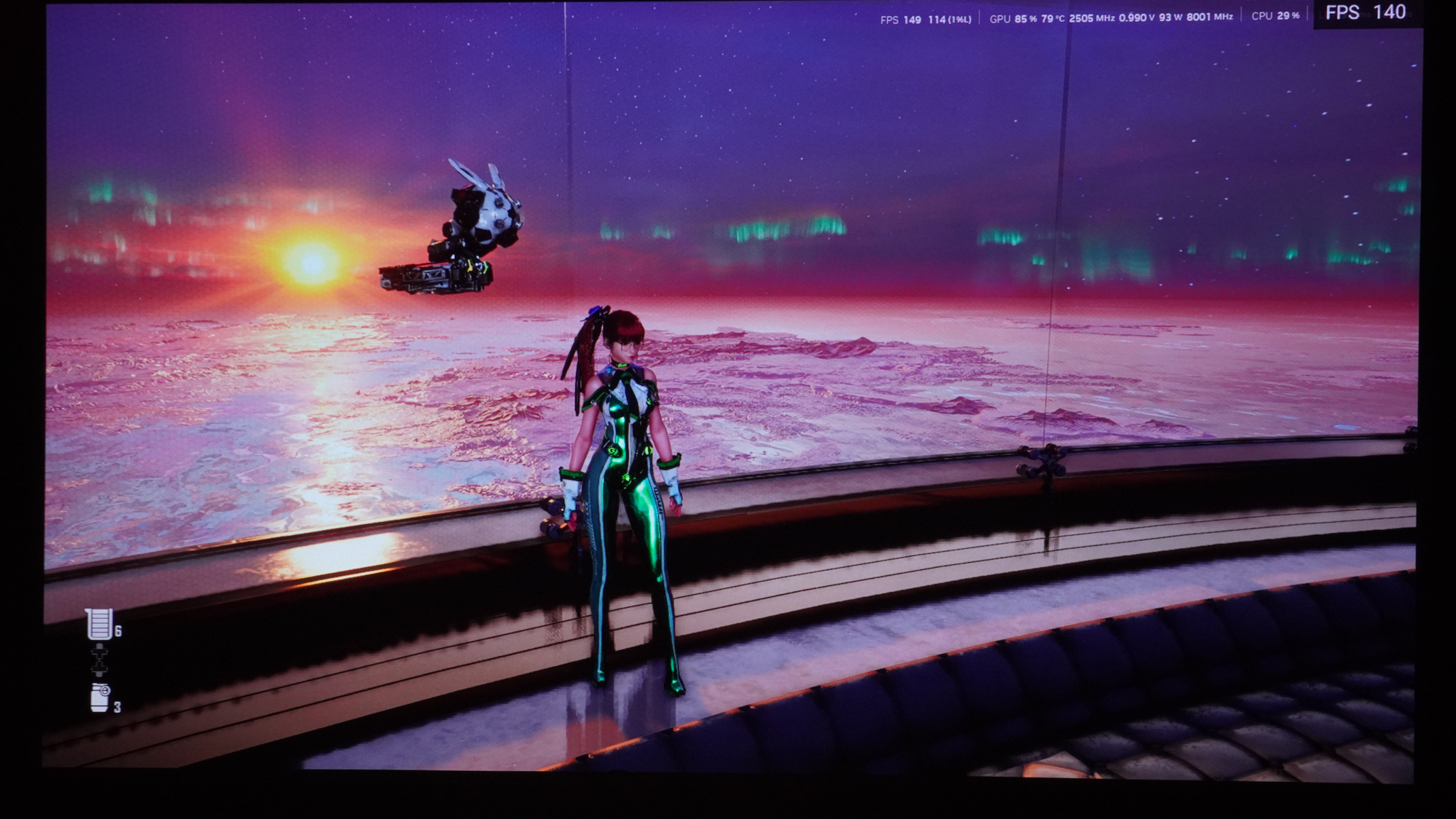
Once the settings were dialed in right, the latency was great for gaming. I was able to dash through challenges in Hollow Knight and square off against enemies in Stellar Blade without a sense of lag holding me back. The projector also supported VRR, which helped out in Stellar Blade as my laptop had variable performance and couldn’t sustain 240fps at 1080p, so this kept the frames clean. The HDMI signal did seem a little less stable in this setting with occasional artifacts if the projector shifted at all in this setting.
One downside of the gaming performance is that it comes with a tradeoff in clarity. The Projector Super Frame setting drops resolution to run faster, and the corresponding drop in clarity is readily apparent. VRR also isn’t available without Super Frame, so VRR support for 4K gaming is also out of the picture, though the refresh rate range on that would likely have been pretty narrow in any case.
Xgimi Horizon 20 Pro review: Smart TV Interface
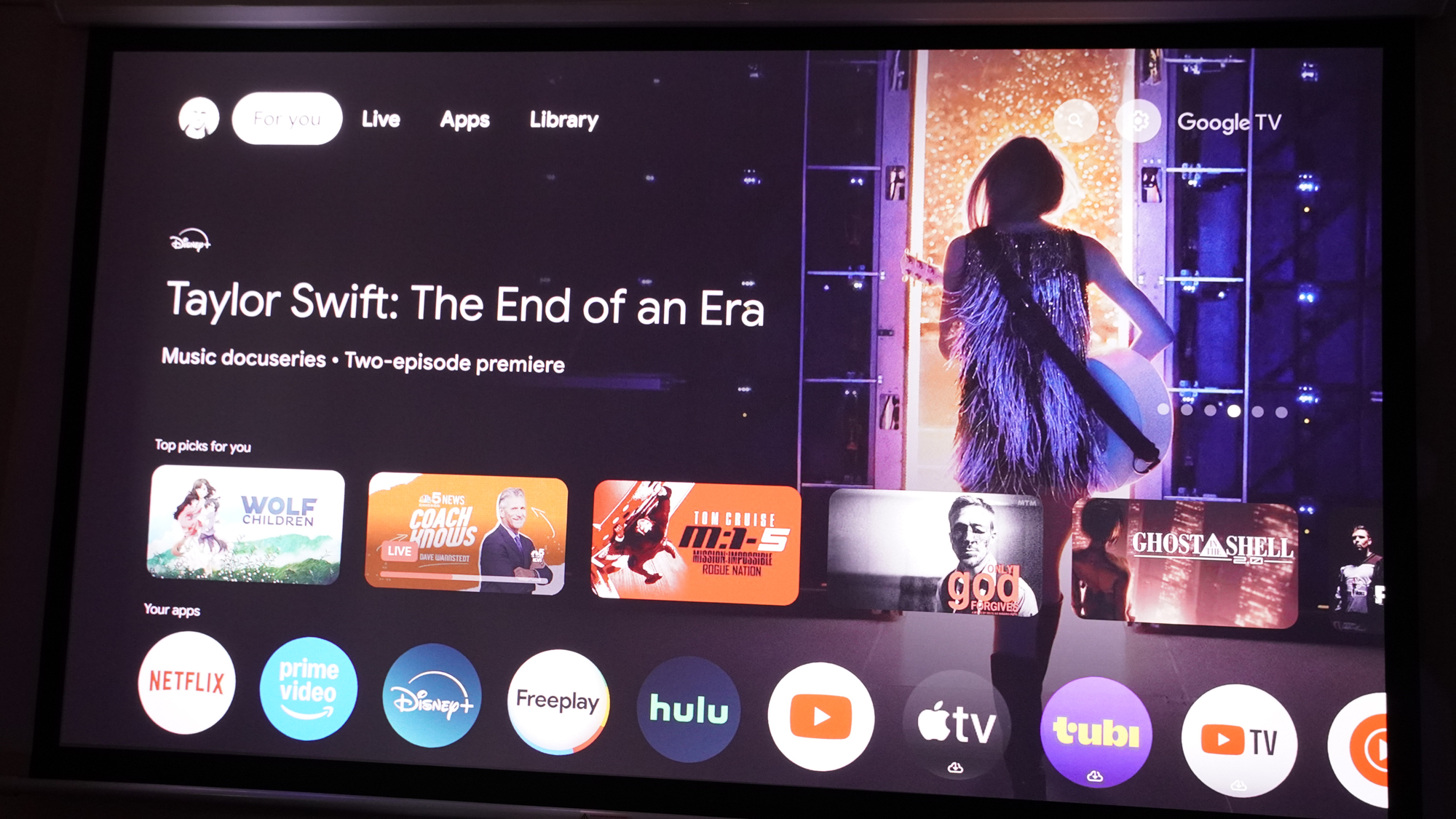
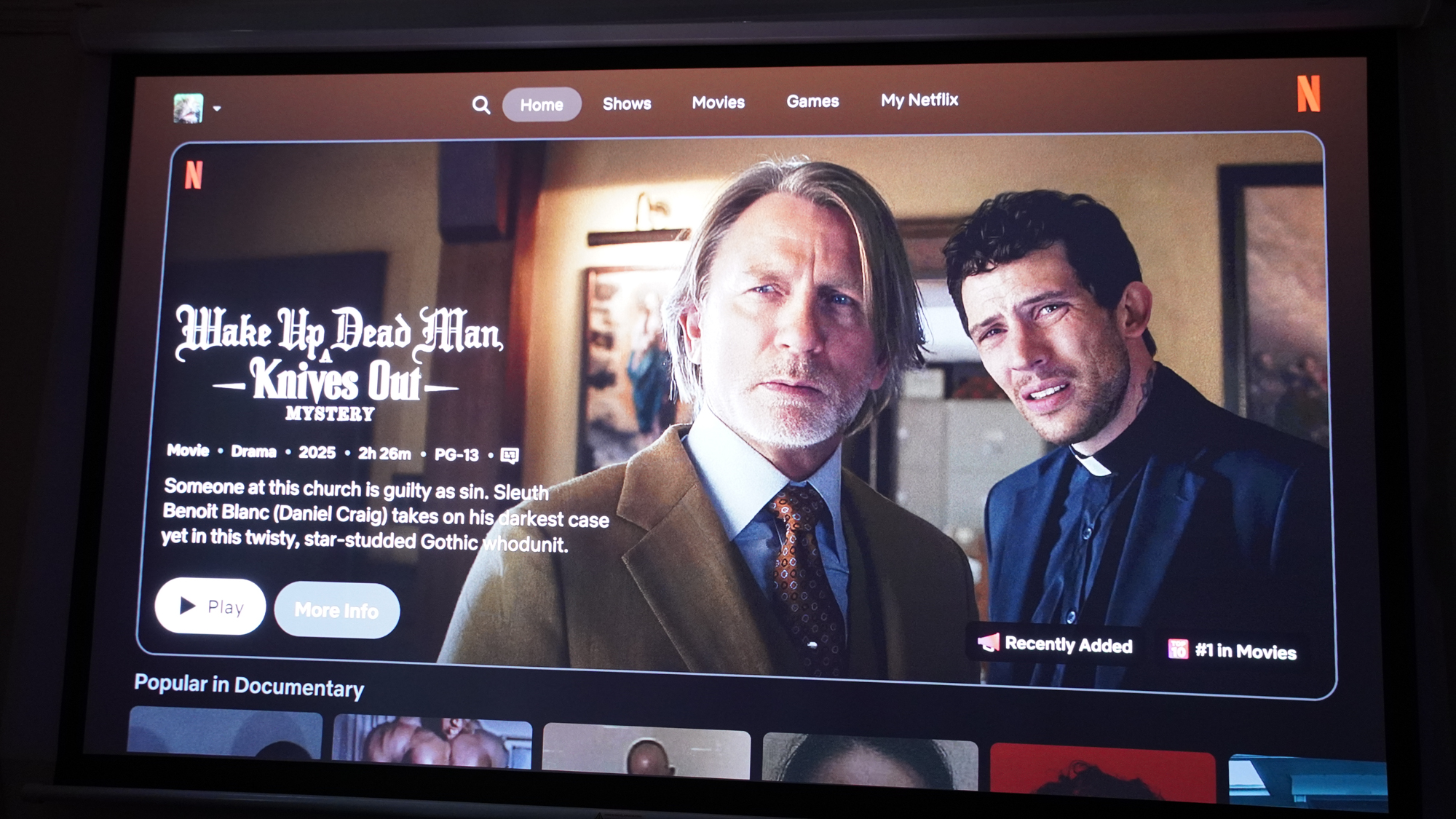
Setup of the projector is done through Google TV, and it helps make the process fairly quick. But some of the projection settings (like zoom and lens shift) aren’t available until the initial setup is complete, which can mean you’ll need to position the projector for setup somewhere other than where you want it because you might not be able to see the screen.
Where Xgimi deviates is in its projection menus, and these aren’t so well done. The menus allow deep adjustment to the projection and picture, but most settings aren’t clearly explained. Sometimes a setting will be grayed out with no explanation of how to enable it. Other times, adjusting a setting will pop-up a notification explaining that a different setting needs to be enabled first. And yet other times, changing a setting will automatically adjust different settings without clarifying that’s going to happen.
Navigating these settings menus can also be a little annoying, as certain tools that ought to be linked will instead be on separate pages, like zoom and lens shift, both of which help you reposition the image. Sometimes backing out of one setting will take you out of the menus entirely, forcing you to start diffing through the menus anew.
Xgimi Horizon 20 Pro review: Remote
Like its predecessors, the Xgimi Horizon 20 Pro comes with a classy remote that offers more in looks than it does in functionality. It’s a slim and compact remote with a metal frame. Its face is black and its buttons all have small labels, making it perfectly unsuitable for use in a dark home theater space. It does feature automatic backlighting, but only for five of its buttons: back, settings, home, input select, and focus adjustment.
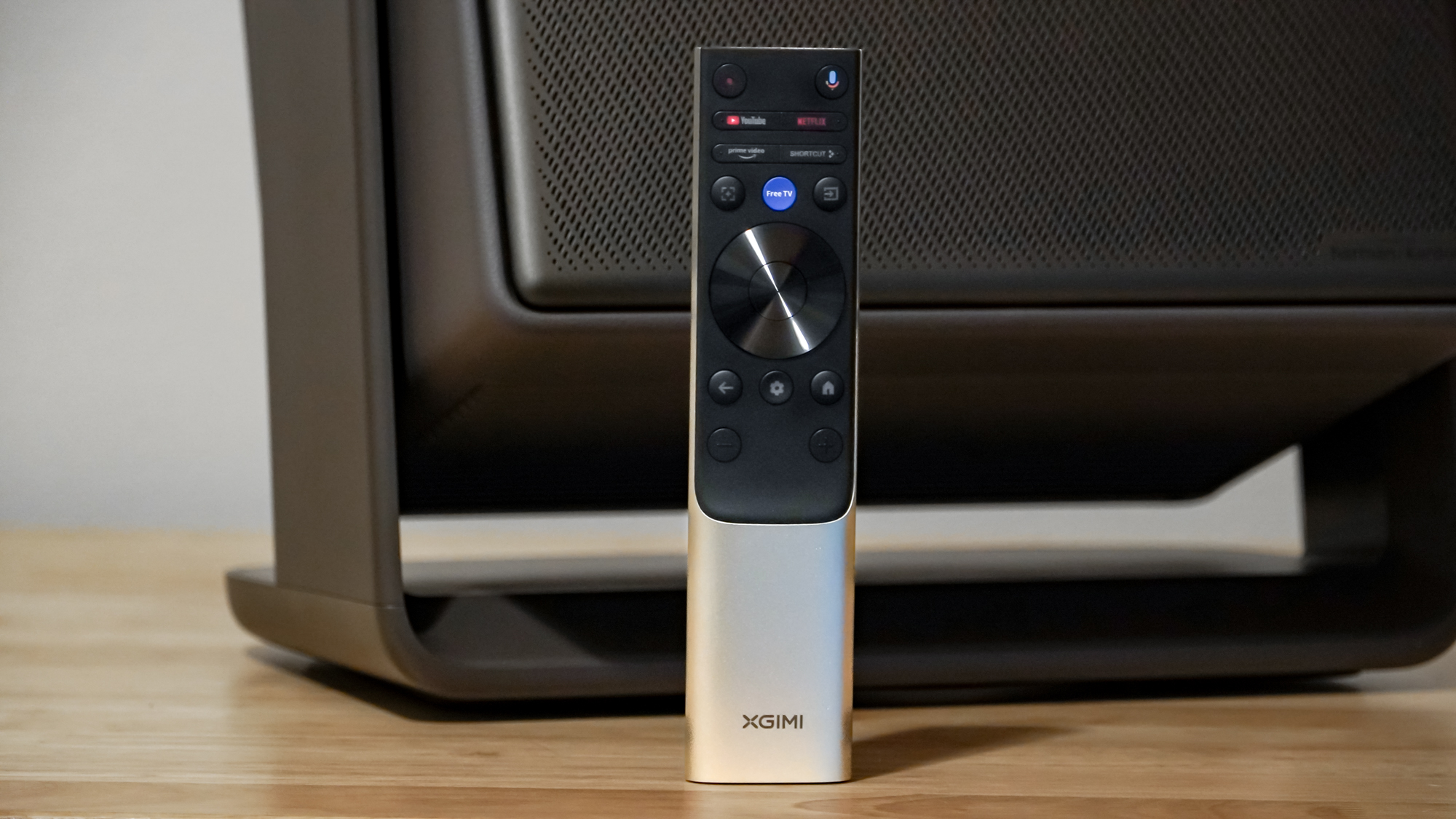
There are shortcuts to YouTube, Netflix, Prime Video, Free TV, and a custom shortcut button. There are volume buttons at the bottom, which helps make them easier to feel out after memorizing their placement.
The remote also includes the typical circular navigation wheel of Google TV devices as well as a mic button in the top right for voice commands. Extra backlighting and shortcuts to more features would have been a big plus here.
Xgimi Horizon 20 Pro review: Verdict
The Xgimi Horizon 20 Pro is a very powerful and capable projector for the money. It’s really surprising to see this class of projector go from having almost no models with optical adjustments available to seeing the Horizon 20 Pro bring such a wide range of such adjustments.
There are some areas that the Horizon 20 Pro still needs improvement, notably its dark scene performance and black levels. It could also stand to have an extra HDMI port, but that’s less of an issue with the projector offering a smooth-operating and Netflix-supported Google TV experience.
For home cinema enthusiasts, the Horizon 20 Pro may not quite cut it with its black levels, but for people who want dazzling color and solid brightness with little compromise thanks to the very flexible optics, the Horizon 20 Pro is a strong option.
Source link
-

-

-

-
-