

Best AI Resume Builders for 2026: Tested for ATS Compatibility and Real-World Results
We compared the top AI resume builders-including Teal, Rezi, Kickresume, Resume.io, and Enhancv-to see which ones actually create ATS-friendly resumes, generate useful AI content, and help you land more interviews.
The Best AI Resume Builders for 2026: Real ATS Testing and Firsthand Reviews
The problem with most modern resume platforms is simple: what looks great to people doesn’t always work for applicant tracking systems (ATS). You can spend hours tweaking a beautiful template only to find out that a company’s automated parser reads your job history backwards.
We wanted to find out which AI tools actually solve this problem and which ones just add expensive AI buzzwords to basic templates.
To do it, we didn’t just look at feature lists. We built profiles, ran tests, and looked at the exact plain-text code that hiring software sees.
How We Tested
We created a two-page test profile for a Senior Software Engineer with a complex, decade-long history across multiple companies. Much like how large language models require specific backend tuning to process massive datasets, automated hiring systems need completely linear formatting to make sense of your career history. You can learn more about how modern corporate platforms manage large-scale automated logic in our detailed guide on What Are AI Agents and Why Is Every Company Building Them?.
We exported the final resume from each builder as a PDF. Then, we ran those files through three separate plain-text extraction tools. We checked whether dates, headings, and job history stayed in the correct order.
We also evaluated the AI-generated bullet points. We looked for specific tech terms versus generic fluff like “dynamic team player.”
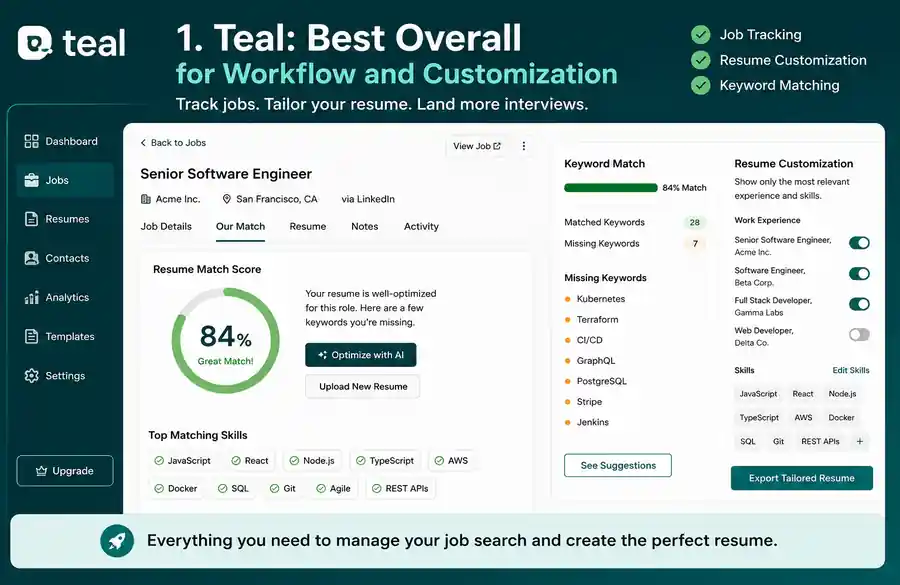
1. Teal: Best Overall for Workflow and Customization
Teal is more than a builder; it is a complete career tracker. If you are applying to dozens of jobs and need to customize your resume for every single one, this is the tool to use.
Firsthand Observations
Teal imported our test LinkedIn profile in exactly 40 seconds. The parsing was mostly flawless, though it misplaced one internship from 2018 under “Education” because the university name was similar to the company name.
The keyword matching tool is excellent. It highlights exactly which skills are missing from your draft based on the job description you paste in.
However, the AI bullet-point generator can be stubborn. It suggested variations of “managed cloud infrastructure” six different ways, but it never mentioned Terraform or AWS until we explicitly forced it into the prompt.
-
Pros: Incredible job tracking pipeline; clear, non-intrusive keyword optimization layout; free tier is highly functional.
-
Cons: AI content generation requires heavy steering; design templates are clean but very basic.
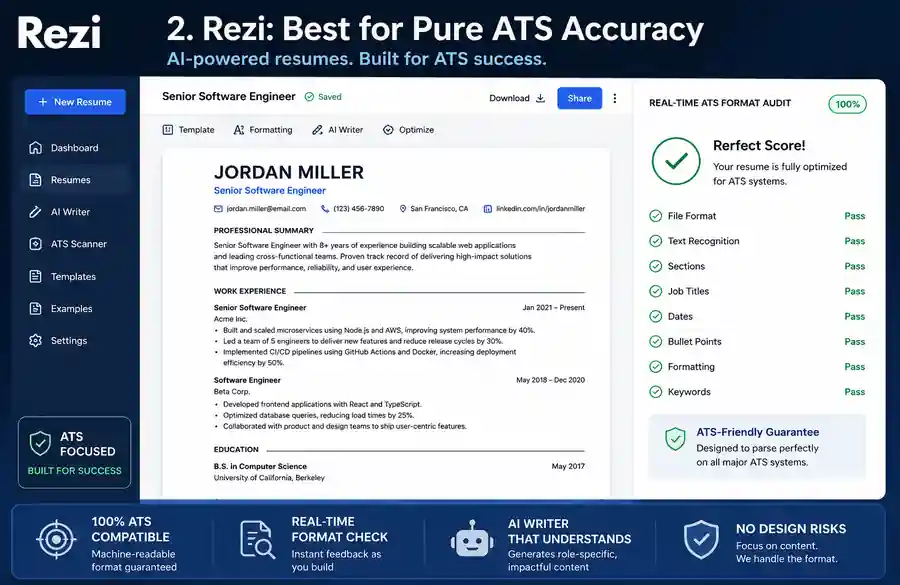
2. Rezi: Best for Pure ATS Accuracy
If you are terrified of your resume getting mangled by Workday or Taleo, Rezi is the safest bet. It forces you into rigid, highly optimized layouts that machines love.
Firsthand Observations
Rezi does not let you make design mistakes. If you try to add a fancy graphic or an unusual font, the system blocks it.
When we ran Rezi’s exported PDF through our text extractors, it scored a perfect 100% accuracy rate. Every date was anchored to the right employer. Every bullet point stayed under the correct heading.
The AI writer is surprisingly sharp. When testing the AI resume builder for developers angle, Rezi correctly suggested specific frameworks like React and Next.js based on a generic front-end prompt.
-
Pros: Flawless ATS parsing layouts; real-time audit checks for formatting errors; great for structural discipline.
-
Cons: The templates look incredibly boring to human eyes; very rigid editing interface.
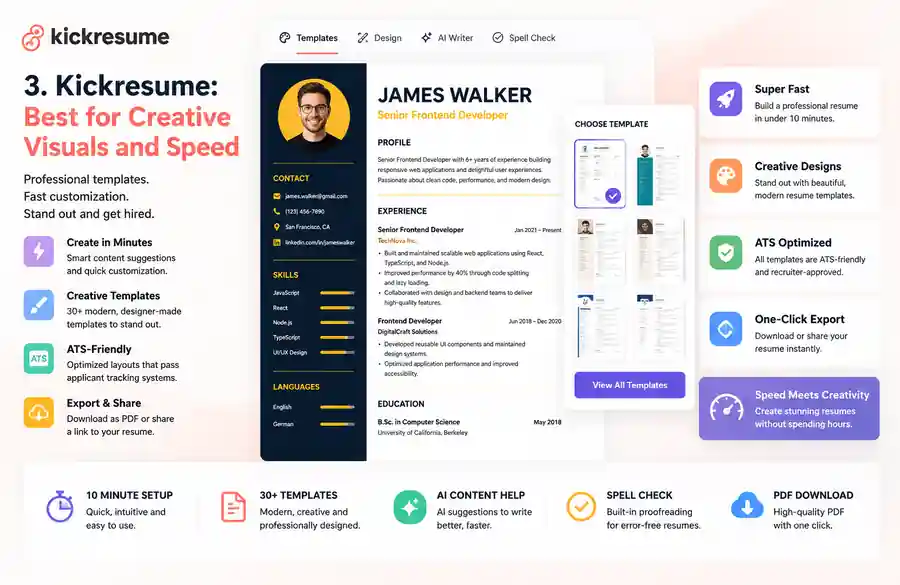
3. Kickresume: Best for Creative Visuals and Speed
Not every job application goes through a cold corporate portal. If you are emailing a hiring manager directly or applying to a visual agency, Kickresume offers the best balance of aesthetics and AI assistance.
Firsthand Observations
Kickresume handles design beautifully. However, that visual flair comes with a minor tax.
Our plain-text extraction test revealed that multi-column templates occasionally read out of order. A side column containing “Skills” was pasted right into the middle of a “Work Experience” block by one parser. Stick to their single-column layouts if you are applying to large enterprises.
The AI writer here is the fastest we tested. It drafts summaries in seconds, making it a great AI resume builder for students who don’t have a lot of raw data to pull from.
-
Pros: Gorgeous, modern templates; highly intuitive visual editor; excellent AI cover letter builder included.
-
Cons: Multi-column designs can fail aggressive ATS parsers; the best features are locked behind a steep monthly subscription.
The Competitors That Didn’t Make the Shortlist
We tested several other prominent platforms but excluded them from our top recommendations for specific reasons:
-
Zety: A massive player in the space, but its templates felt dated compared to modern alternatives. We also found its pricing prompts slightly misleading during the export process.
-
Huntr: Excellent for job tracking, but the built-in AI writing assistant felt generic compared to Rezi’s tailored tech prompts.
-
Jobscan: An incredible tool for scanning an existing resume against a job description, but its actual creation and editing interface is clunky. Use it to check your work, not to write it.
-
Canva Resume Builder: Canva makes the most beautiful resumes in the world. But unless you are a graphic designer sending a direct portfolio link, do not use it. Almost every highly stylized Canva template we ran through our extraction engines turned into a scrambled mess of unreadable text.
Head-to-Head AI Showdowns
ChatGPT vs. Rezi
Using standard ChatGPT (or Claude) is completely free, which makes it tempting. But LLMs don’t understand page constraints. If you ask ChatGPT to rewrite your resume, it will happily give you four pages of text that you then have to manually format. Rezi binds the AI to the strict physical boundaries of a standard one- or two-page document.
Claude vs. Teal
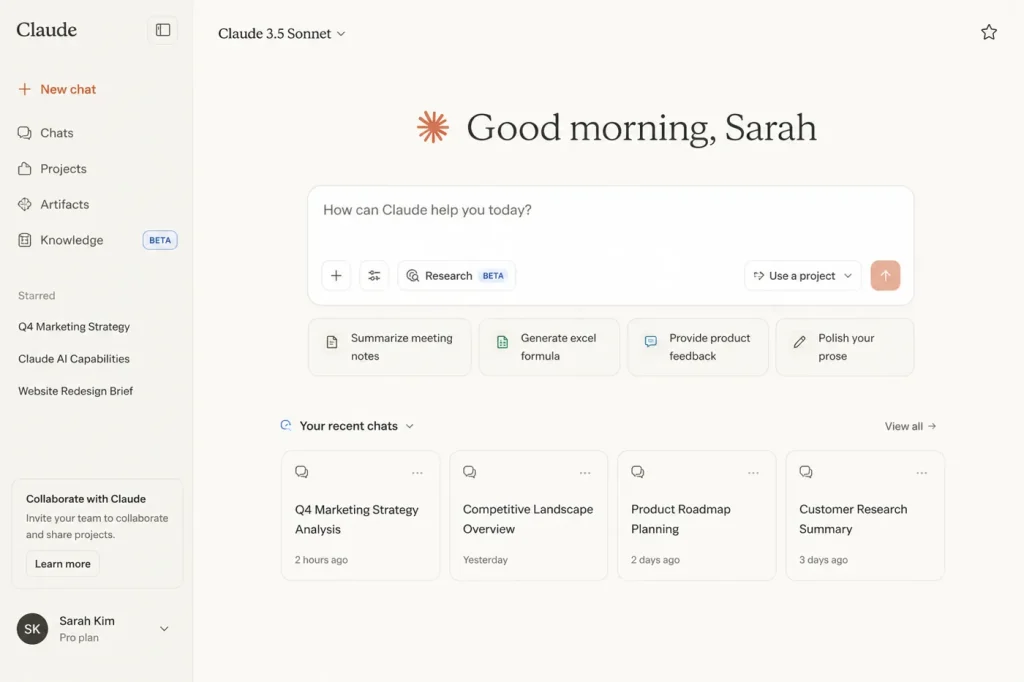
Claude is vastly superior at writing conversational summaries and fixing tone. However, it cannot track your applications or automatically pull keywords out of a live job board link. We recommend using Claude to polish your raw text, then pasting it into Teal for tracking and optimization.
Who Should Skip AI Resume Builders?
AI tools are highly effective for standard corporate loops, but they aren’t universal. You should skip these platforms if:
-
You are in academia: If you need a comprehensive CV detailing publications, grants, and teaching history, these builders will artificially truncate your data to fit corporate standards.
-
You are applying for federal or government roles: Government applications often require rigid, highly specific multi-page builders native to portals like USAJOBS.
-
You are executive level: If you are an executive with 20+ years of nuanced leadership, AI tools tend to iron out the unique details of your career, leaving you with generic phrases like “drove cross-functional alignment.” You are better off writing it manually or hiring an executive writer.
The Final Verdict
After testing every platform, one thing became obvious: no AI resume builder can replace real accomplishments. The best tools simply make it easier to present them.
If your resume still sounds like everyone else’s, switching software won’t fix the problem, but clearer writing, tighter formatting, and better evidence will. Just as tracking digital media requires platforms specialized for processing heavy audio and visual loads, your job hunt requires the right operational engine. If you are curious about how systems handle massive generative assets, check out our breakdown of the Best AI Video Generators in 2026: Runway vs Kling vs Pika.