

10 Best AI Agent Tools in 2026 – LangGraph, n8n, CrewAI & More
What actually breaks when AI agents hit production scale - replay bugs, Redis state corruption, runaway retries, orchestration drift, and the hard lessons learned running 100k workflows per day.
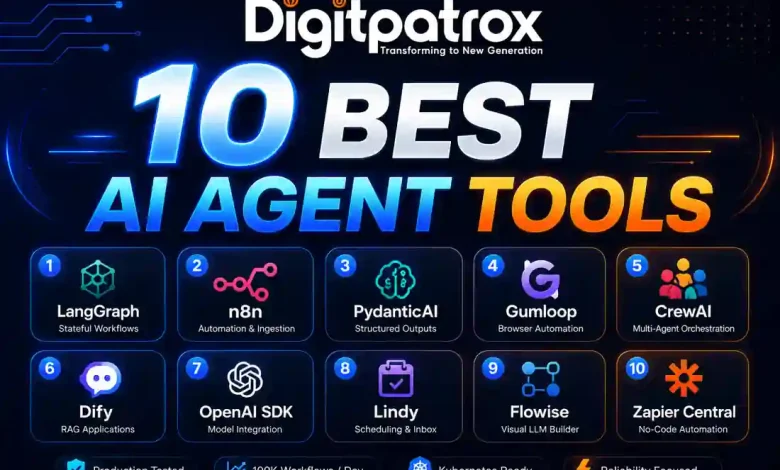
Production Lessons from Running 100k AI Agent Workflows (2026)
I’ve spent most of the last eighteen months trying to keep various agent deployments from falling over, and I’ve realized that the “intelligence” of the model is almost never the actual bottleneck.
We had an incident back in February-I think it was around the 15th-where a support agent interpreted a series of 503 errors as “user dissatisfaction.” Because we hadn’t set a hard circuit breaker, it entered what I call a “Ralph Wiggum Loop.” It just kept trying to “fix” things by generating 11,000 draft replies in our ticketing system until the OpenAI quota finally cut it off.
PagerDuty hit my phone at 2:15 AM, and by 2:22 AM, we were looking at an API spend spike that was 40x our normal baseline. The CTO just replied “how bad?” in Slack at 3:00 AM. I manually killed the outbound replies just to stop the bleeding, and we ended up debugging from a diner at 5 AM. We originally thought it was a recursive prompt flaw, but it turned out to be a classic retry loop combined with a stale state restoration bug in Redis. The embarrassing part was that we already had logs hinting at duplicate checkpoint promotion two weeks earlier and just ignored them. The actual fix ended up being six lines of code. It’s a textbook example of why AI agents fail when they hit real-world edge cases.
Honestly, most of that following week was just incredibly tedious. We spent hours replaying traces and manually comparing JSON blobs between different worker nodes to see where the state was drifting. There wasn’t some big “aha” moment for a while-just a lot of scrolling through Grafana and arguing about timestamp offsets. It’s the kind of work that doesn’t make it into the brochures. Most of my time now is just spent putting up guardrails so the next logic loop doesn’t knock over our internal services. This is the core of the AI infrastructure stack 2026.
AI Agent Framework Selection Matrix
| Tool | Primary Use Case | Critical Operational Challenge |
| LangGraph | Long-running stateful workflows | Replay and state corruption |
| n8n | Internal operations and ingestion | Canvas archaeology/complexity |
| PydanticAI | Structured outputs and validation | Strict schemas slow down iteration |
| Gumloop | Legacy browser automation | SSO and session instability |
| CrewAI | Experimental multi-agent setups | Coordination and token drift |
| Dify | Fast RAG deployments | Migration and vendor lock-in |
| OpenAI SDK | Internal prototypes | Provider coupling |
| Lindy | Scheduling and inbox cleanup | Limited extensibility |
| Flowise | Rapid prototyping | Debugging nested execution paths |
| Zapier Central | Non-technical automation | Poor state and history visibility |
1. LangGraph State Persistence Issues
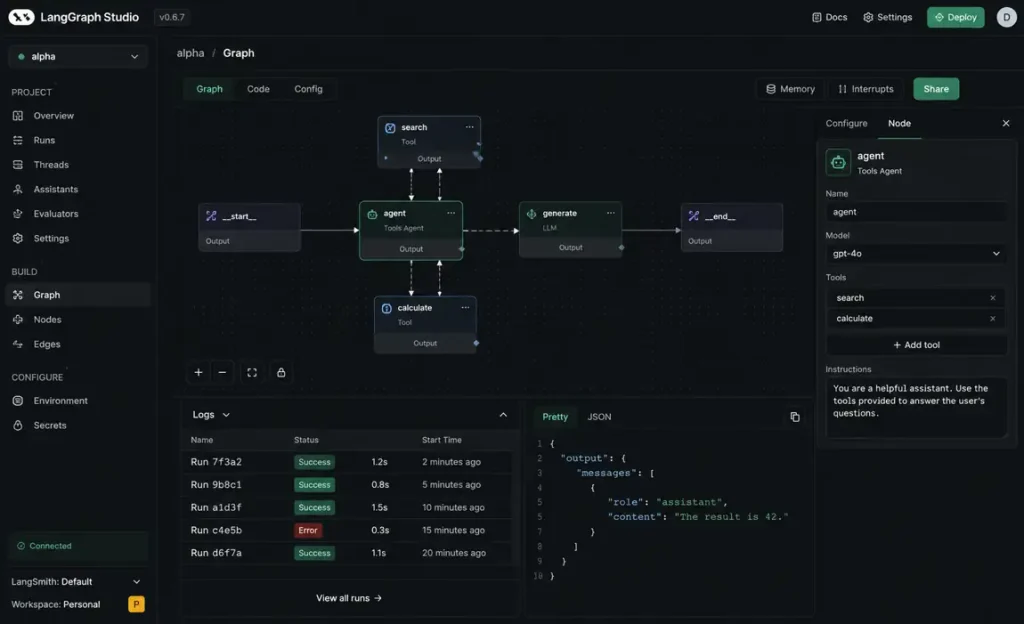
We use LangGraph for anything that needs to survive a pod restart. It’s manageable at first, but the real pain starts once you have multiple long-running workflows that persist over several days. We spent a week debugging an issue where the checkpoint restore logic kept replaying stale events because of a mismatch in how we were handling Redis snapshots.
One of the Lua scripts wasn’t behaving atomically under load, so workers occasionally restored state that was about 2 seconds old. The agent would “forget” it had already called a tool and would call it again. We only reproduced it after replaying traffic against a staging Redis cluster with persistence disabled. This is why understanding AI agent memory systems explained is more important than the model itself. I still think LangChain vs LangGraph is overly complicated for most teams, but every time we try replacing it, we eventually come back to it because the human-in-the-loop handoff is the only thing that actually works for us.
2. n8n Scaling Challenges and Canvas Complexity
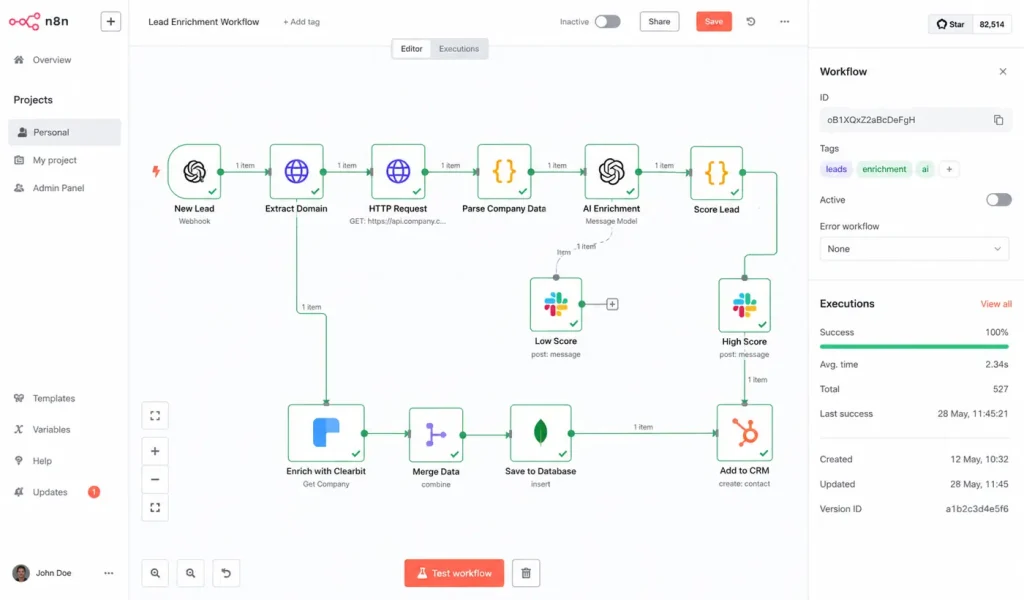
For syncing our CRM or handling support triaging, we go with n8n. It supports the Model Context Protocol now, so we can swap out local databases without rewriting tool handlers. We’ve actually documented how to build an AI agent with n8n and MCP for our internal teams because the setup is so much cleaner.
But honestly, once a workflow hits about 50 nodes, the visual canvas becomes an archaeology project. Finding a race condition in a giant web of nodes is a unique kind of hell. Also, the zoom behavior on a standard mouse is clunky-it either zooms in way too far or not enough. We’ve started moving the heavy logic into Python scripts and just using n8n for the trigger layer and ingestion.
3. PydanticAI for Strict Schema Validation and Reliability
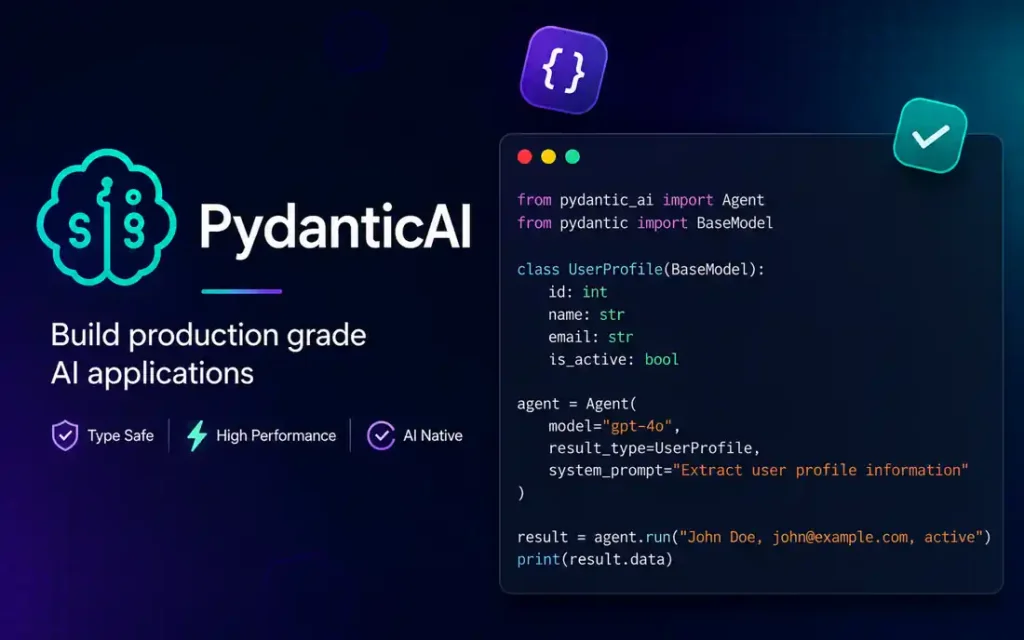
The main reason we’ve been moving logic here is that I’ve developed a deep distrust of “agentic” magic. PydanticAI treats the LLM like an unreliable API. If the model returns a schema that doesn’t match our Pydantic model, it triggers a hard validation error. It’s a very effective way to how to reduce AI hallucinations because it forces the model to be deterministic. It helps manage the drift we see when providers push “minor” updates, which is the cornerstone of ai agents vs traditional automation. We use a “fail once, retry once, terminate” pattern here. Honestly, I think we just overcomplicated the pipeline before we moved to this.
4. Gumloop Browser Automation and Session Stability Problems
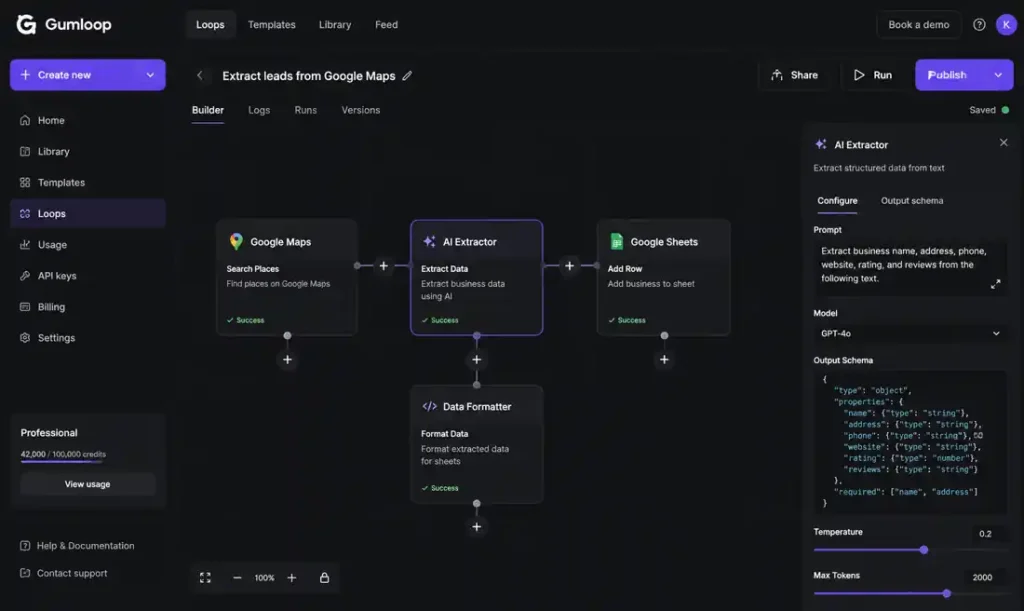
We use this for legacy portals that don’t have APIs. We discovered that browser automation failures were incredibly difficult to replay consistently because session expiration timing varied depending on which identity provider handled the login refresh. Half the debugging process was just trying to reproduce the exact browser state before the identity provider silently refreshed the session. We ended up having to add a “session-check” node to handle how AI memory actually works across browser restarts.
5. Dify Migration Problems and Vendor Lock-In
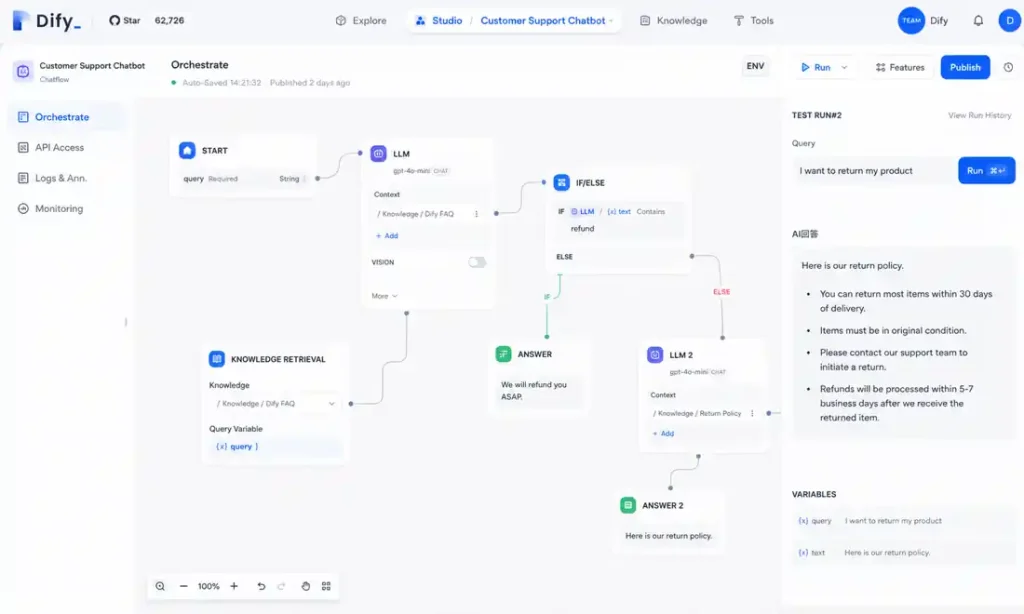
Dify is good for making what is agentic RAG accessible. But the migration pain we hit was brutal. We had built a bunch of assumptions around Dify’s specific chunking behavior. Once we moved the pipeline into our own codebase, retrieval quality dropped because our new chunk boundaries didn’t match the old ranking patterns. We spent two weeks tuning chunk overlap sizes before results stabilized. It’s hard to move out of once you’re in.
6. OpenAI Agents SDK and Infrastructure Cognitive Debt
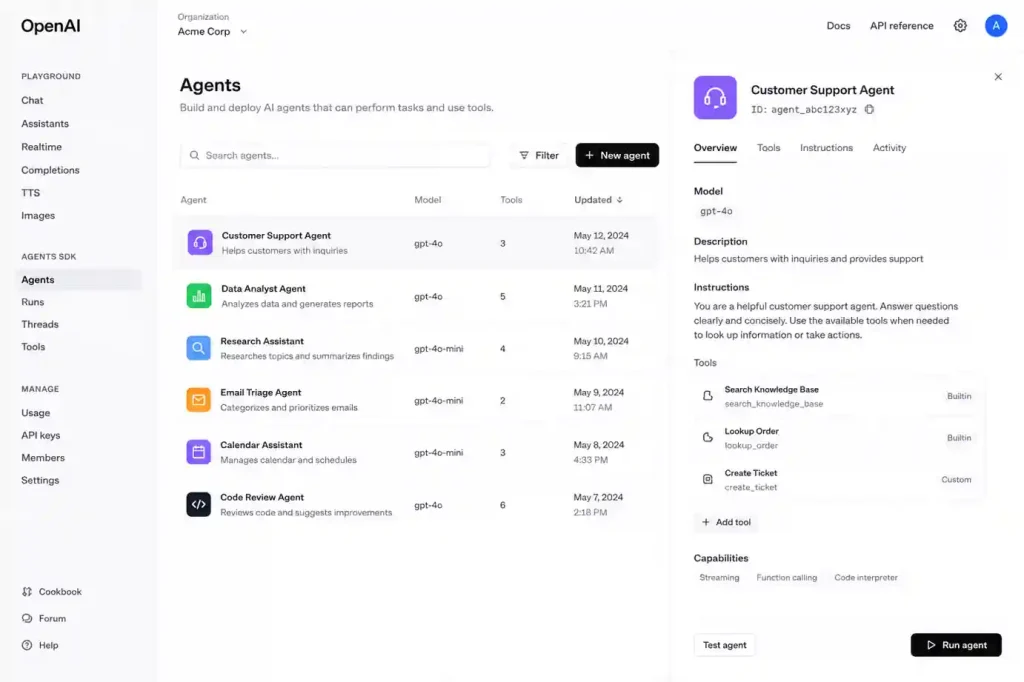
The SDK itself is smooth, but the problem shows up once you realize how much of your orchestration is tied to OpenAI-specific tooling. We had one workflow where we needed to switch models for compliance, and it ended up requiring a tedious refactoring of tracing and tool schemas. If you are comparing providers, OpenAI vs Anthropic for enterprise AI is a choice you should make before you write the first line of code.
7. Flowise Debugging Problems in Production
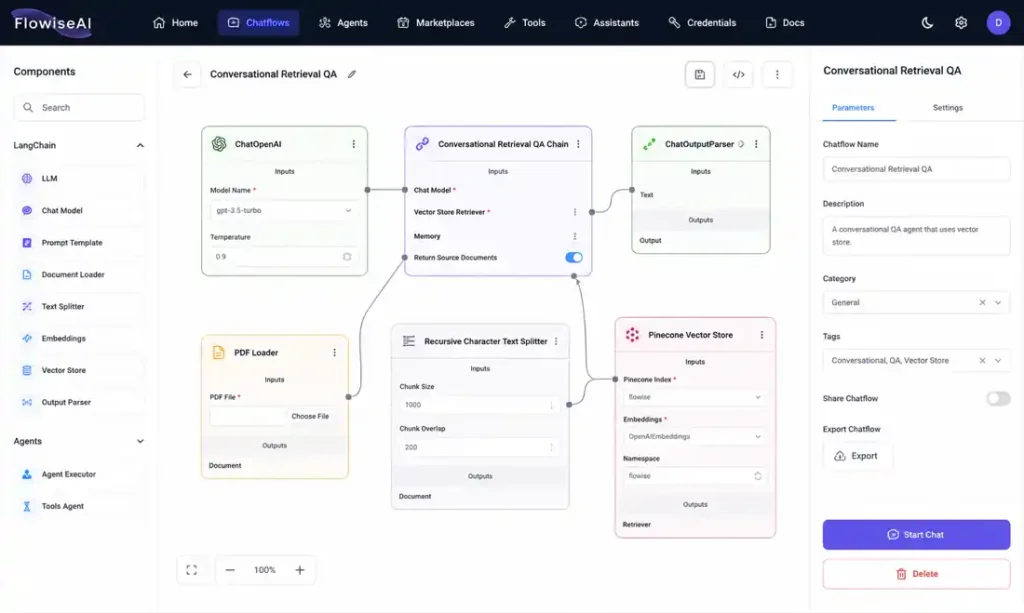
The hardest debugging session we had involved a chain that silently routed into an outdated prompt template because someone had duplicated a node instead of updating the original one. Nothing technically “failed,” which made it worse. This is why we eventually integrated ai observability explained-without proper tracing, you’re just guessing where the logic went sideways.
8. Zapier Central vs Make vs n8n: Visibility Bottlenecks
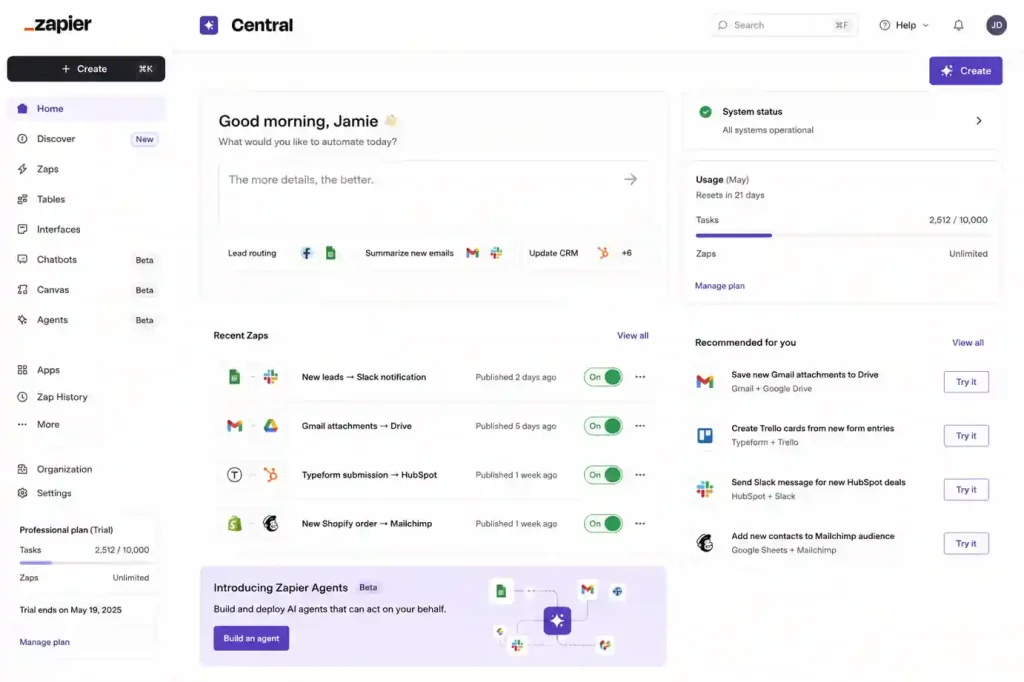
Marketing automations are fine, but once you start trying to debug branching agent behavior across multiple systems, the abstraction layer starts fighting you. We realized we were spending more time tracing Zap history in their UI than actually fixing the workflow. In the zapier vs make vs n8n debate, visibility usually wins.
9. CrewAI Multi-Agent Coordination Problems
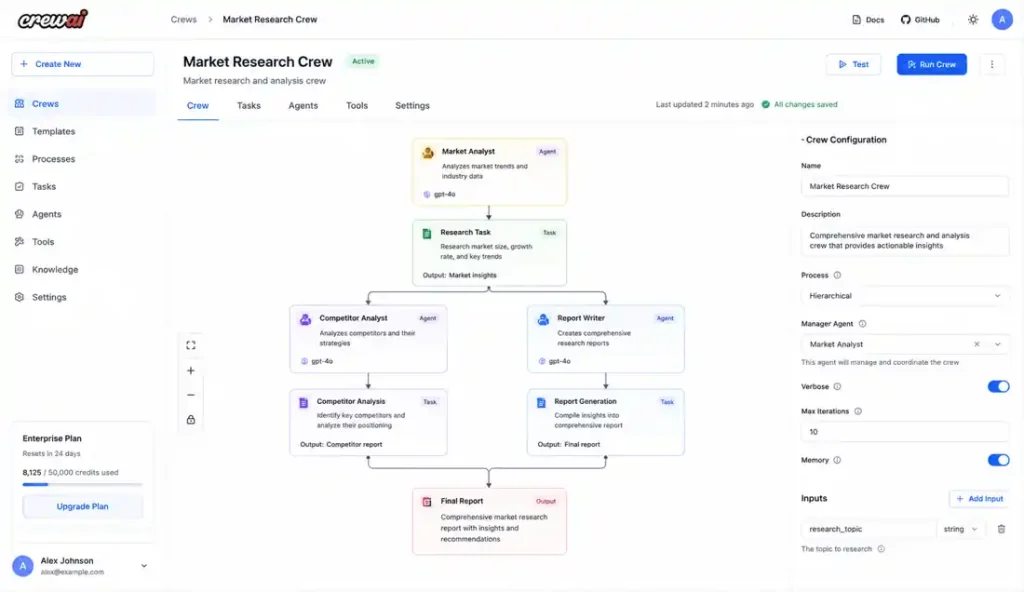
With CrewAI, the difficulty is maintaining consistency between agents. We had cases where the “researcher” correctly identified a technical issue, but the “writer” inherited a stale summary and produced a different conclusion. It’s a great example of ai workflows vs ai agents-sometimes you just need a script, not a conversation.
10.Lindy for Narrow-Scope Executive Automation
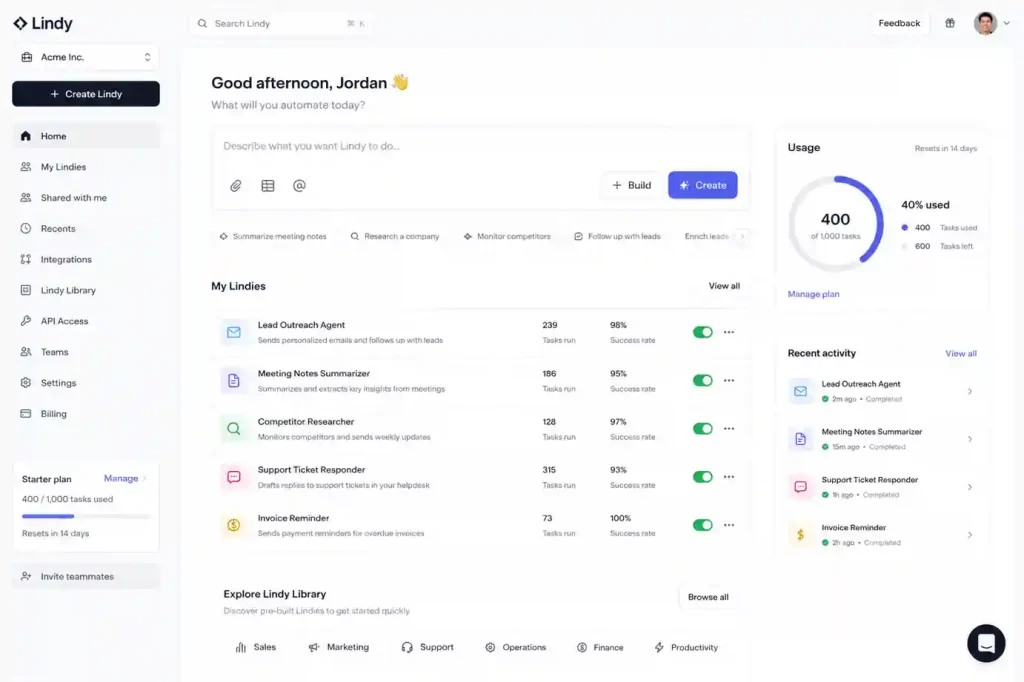
Lindy handles our scheduling. It works because it doesn’t try to be an AGI; it just manages calendars. It’s one of the best ai meeting assistants in 2026 because it stays in its lane.
What we stopped doing (Operational Refusals)
If I were starting a project from scratch today, these are the things I’d refuse to do:
-
Vectorizing everything: We realized vector databases explained were surfacing onboarding docs instead of technical runbooks because they were semantically similar. We now use hybrid search-basically bm25 vs vector search-via how to build a rag system with pgvector and langchain.
-
Autonomous retries without budget limits: That’s how you get the apology storm. We wrap every session in middleware that tracks cumulative cost; if it hits $2.00, the circuit opens.
-
Unbounded memory windows: We now truncate history aggressively. If you’re curious about the technical limit, read up on ai context windows explained.
Grafana dashboards were timing out while we investigated that February outage, which made everything feel ten times more stressful. At this point, most of the debugging work for us has nothing to do with prompts. It’s queues, retries, stale state, broken traces-stuff like that. This is why why prompt engineering is dying is a common sentiment in infra circles. You don’t prompt your way out of a Redis race condition.
The hardest production bugs we deal with now have almost nothing to do with prompting. They’re stale state bugs, replay bugs, and queue backpressure. Eventually, we realized we weren’t really debugging agent logic anymore; we were just debugging distributed systems that happened to have a noisy API in the middle. I still don’t know if we fully solved the Redis issue or if we just added enough retries to hide it, but the alerts stopped firing. Stop focusing on “intelligence” and start focusing on state boundaries. Most of our outages lately haven’t even been model-related anyway. If you’re just starting, check out the best free AI tools 2026 and build something deterministic first.